What Can You Share?
| Resource | What’s shared |
|---|---|
| Agents | The agent’s configuration, instructions, tools, and knowledge — collaborators can use or help refine it |
| Projects | The project’s documents, databases, conversations, and settings |
| Workflows | The workflow’s steps, configuration, and templates |
| Artifacts | A generated file, chart, diagram, or dashboard — shared live, and optionally via a public link |
How Sharing Works
Every shared resource has a simple permission model:| Role | What they can do |
|---|---|
| Owner | Full control — edit, share, delete |
| Editor | Can modify the resource and its contents |
| Viewer | Can use the resource but not modify it |
Sharing with Users vs. Teams
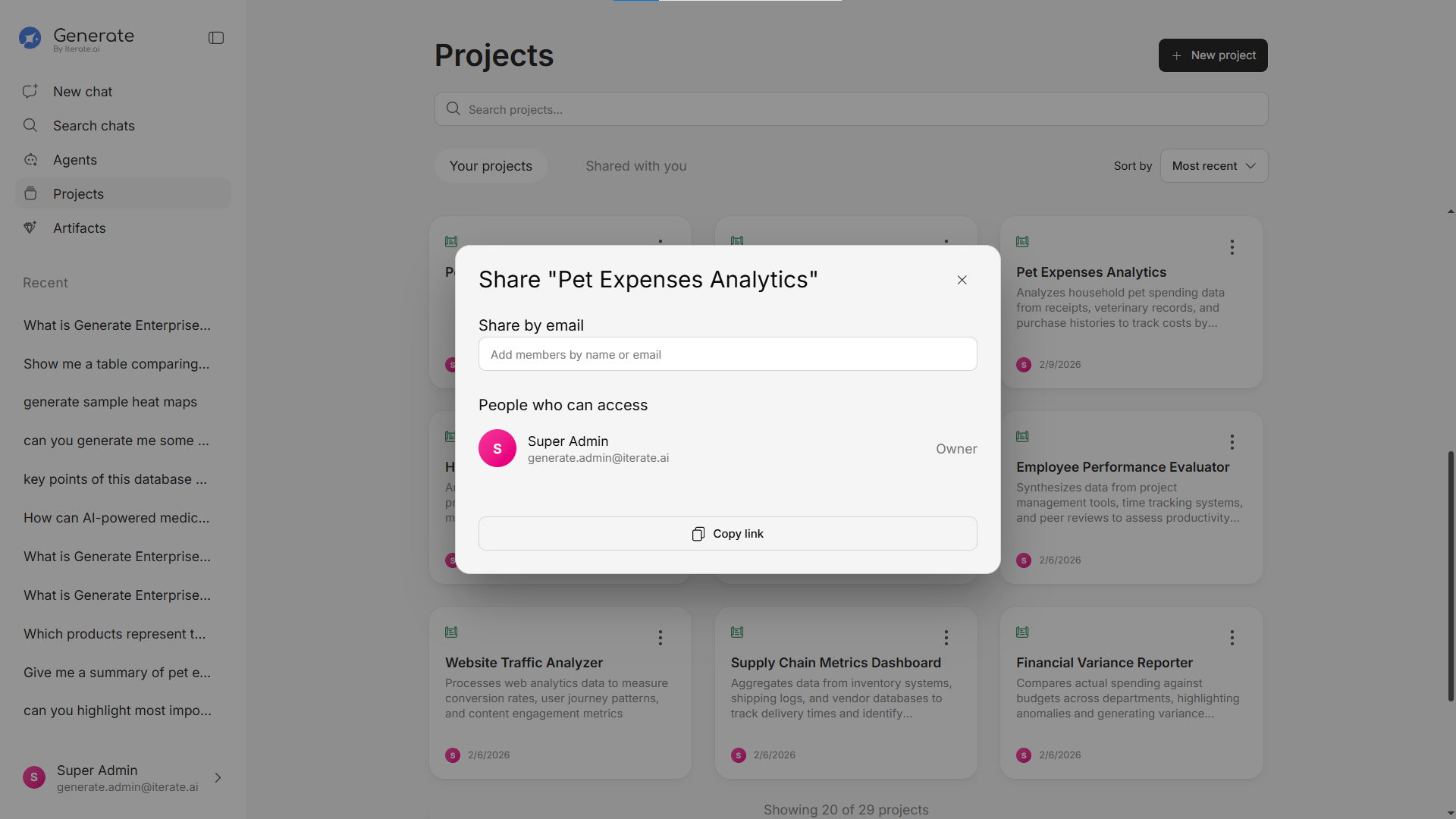
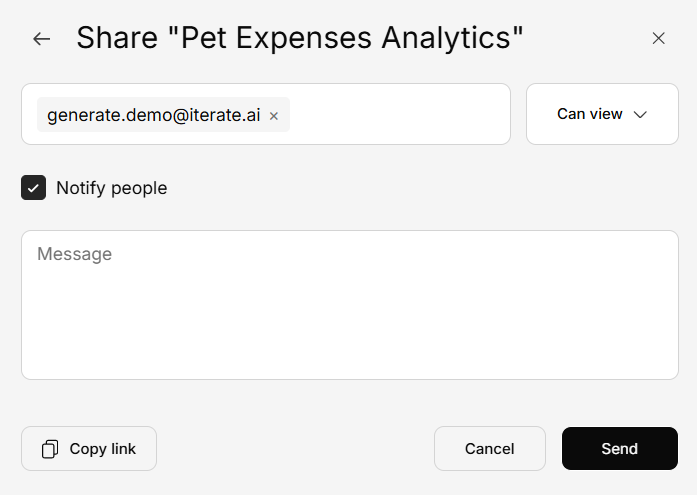
You can share with:- Individual users — Share with specific people by name or email
- Teams — Share with an entire team at once, so all current and future members have access
Finding Shared Resources
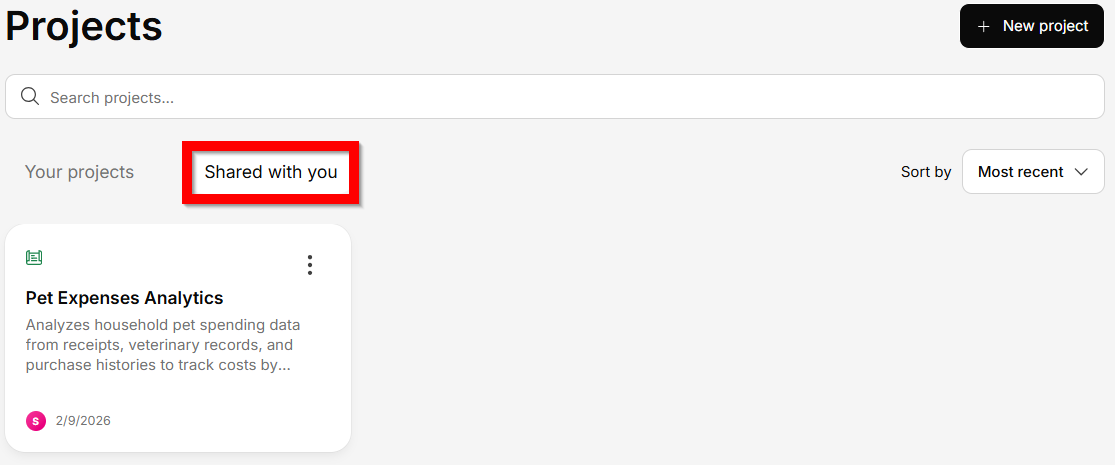
Every section that supports sharing has two tabs:- Your [Resources] — Resources you created
- Shared with You — Resources others have shared with you
Leaving a Shared Resource
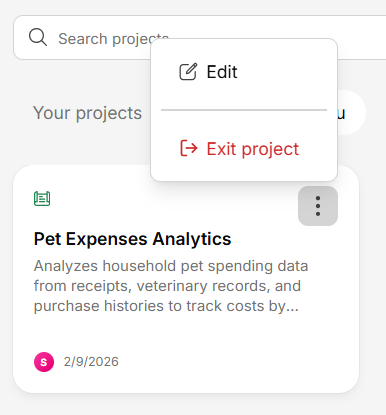
If you no longer need access to something shared with you, click Exit to remove yourself. This doesn’t affect other collaborators.