

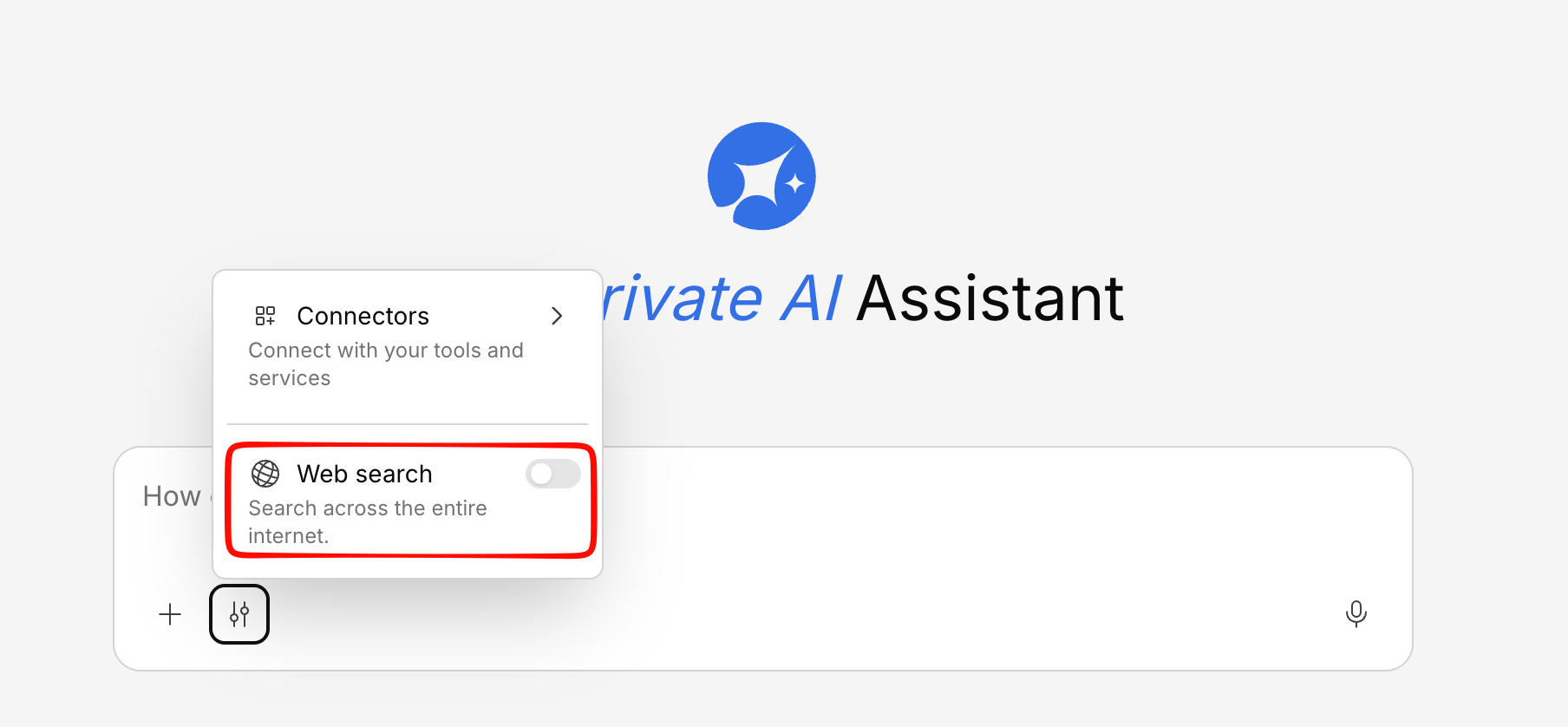
Enabling Web Search
In the chat input area, toggle the Web Search option before sending your message. When enabled, Generate will:- Search your internal knowledge base as usual
- Also search the web for relevant, current information
- Combine both sources into a comprehensive answer
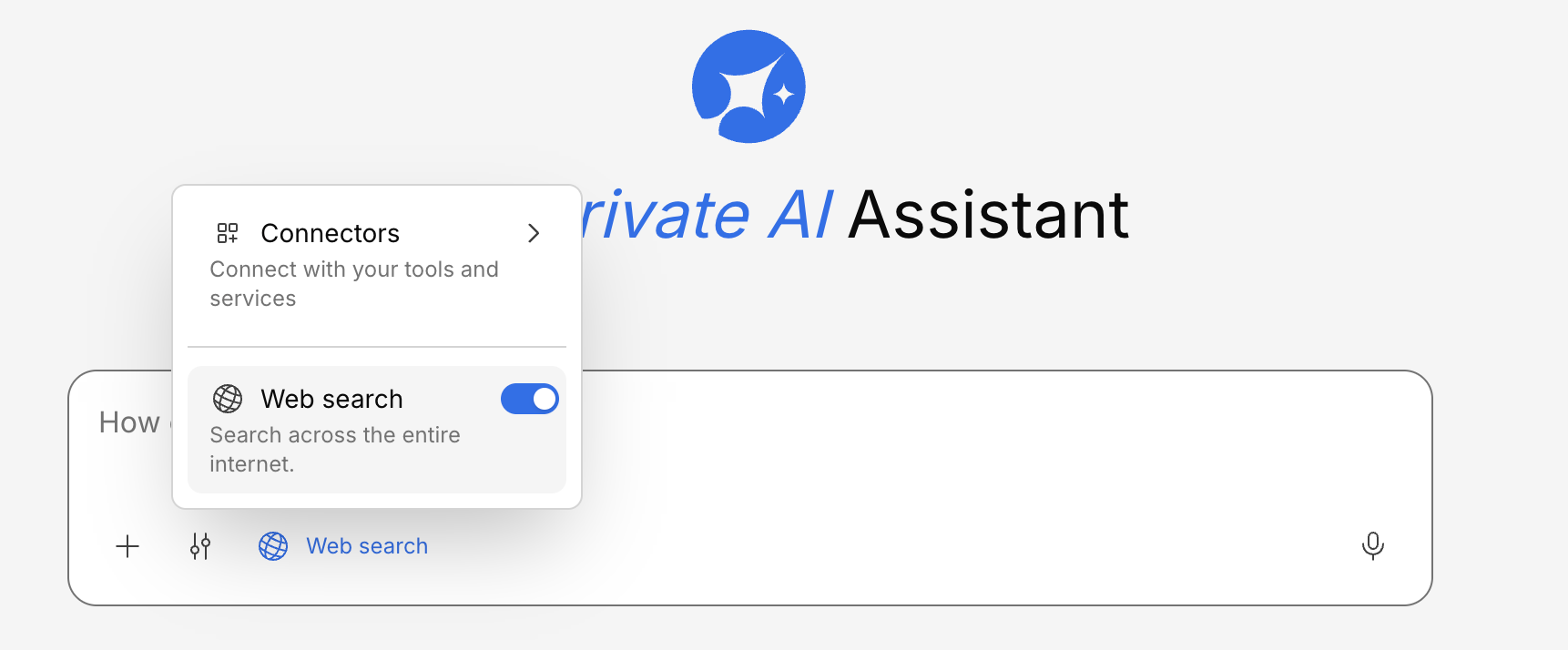
When to Use Web Search
Current events
Get the latest news, market data, or industry trends that wouldn’t be in your internal documents.
Research
Combine your company’s data with public research, benchmarks, or competitor information.
Fact-checking
Cross-reference internal information against public sources for accuracy.
Filling gaps
When your knowledge base doesn’t cover a topic, web search can fill in the blanks.
How Results are Displayed
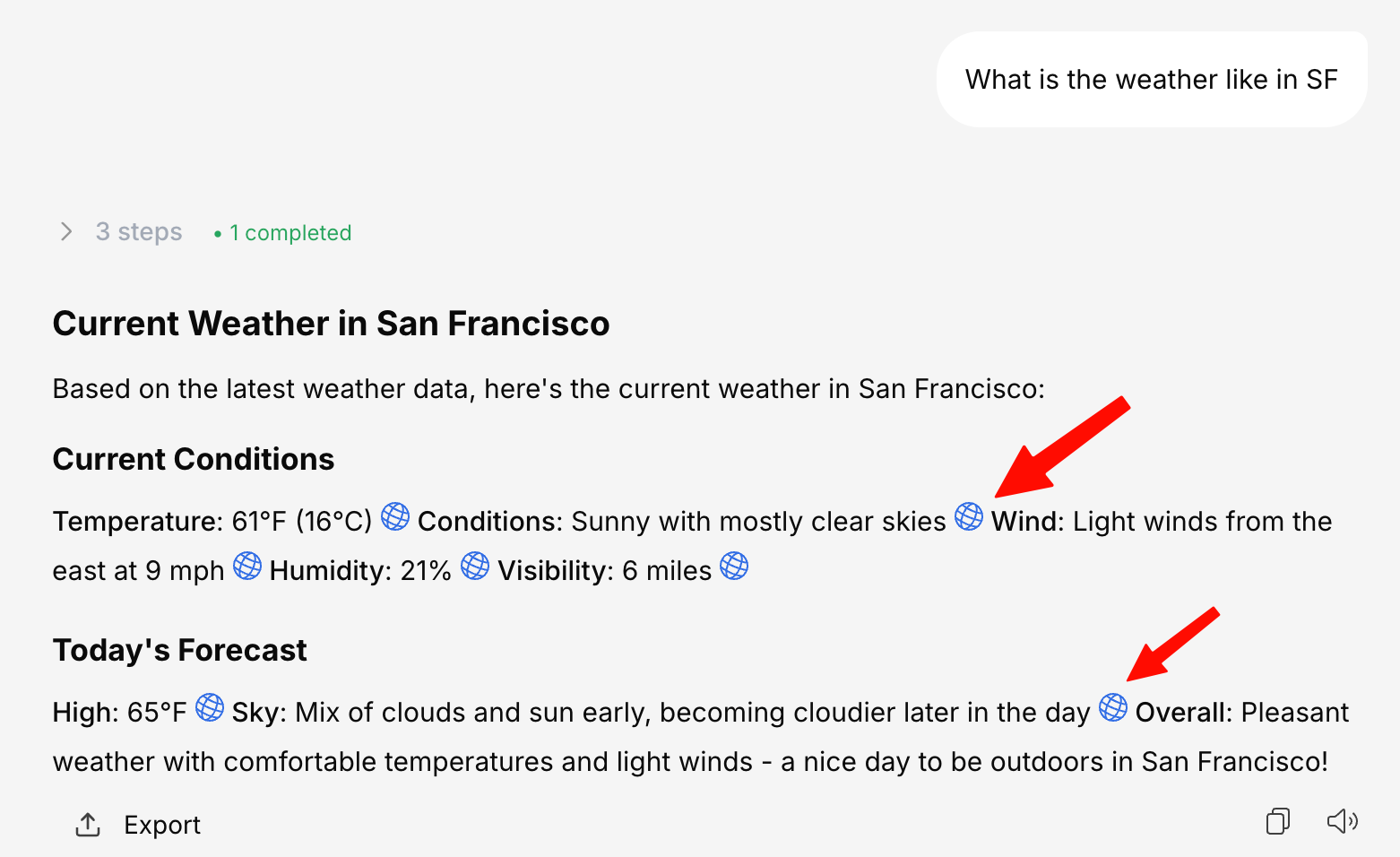
When web search is used, the response will clearly indicate which information came from:- Your knowledge base — Internal documents and data
- Web sources — External websites and public information
Web search availability depends on your organization’s configuration. If you don’t see the web search option, contact your administrator.