

How Citations Work
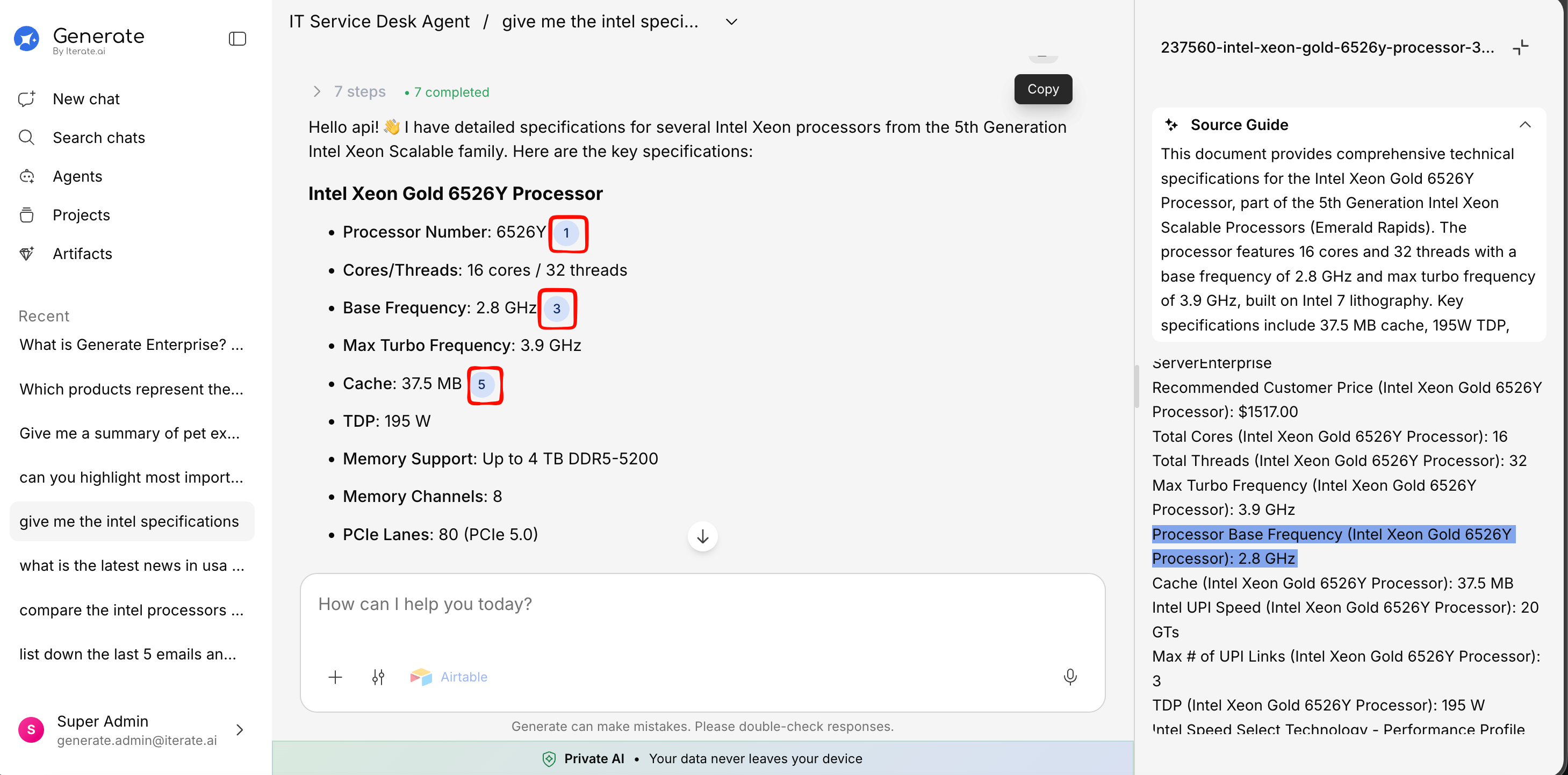
Citations appear as small numbered markers (e.g., [1], [2], [3]) within the AI’s response text. Each number corresponds to a specific section of a source document.Web-search results are cited the same way — as compact, numbered reference chips inline in the
response rather than raw links.
Hovering Over a Citation
Hover over any citation number to see a popup preview of the source content — the relevant passage from the original document.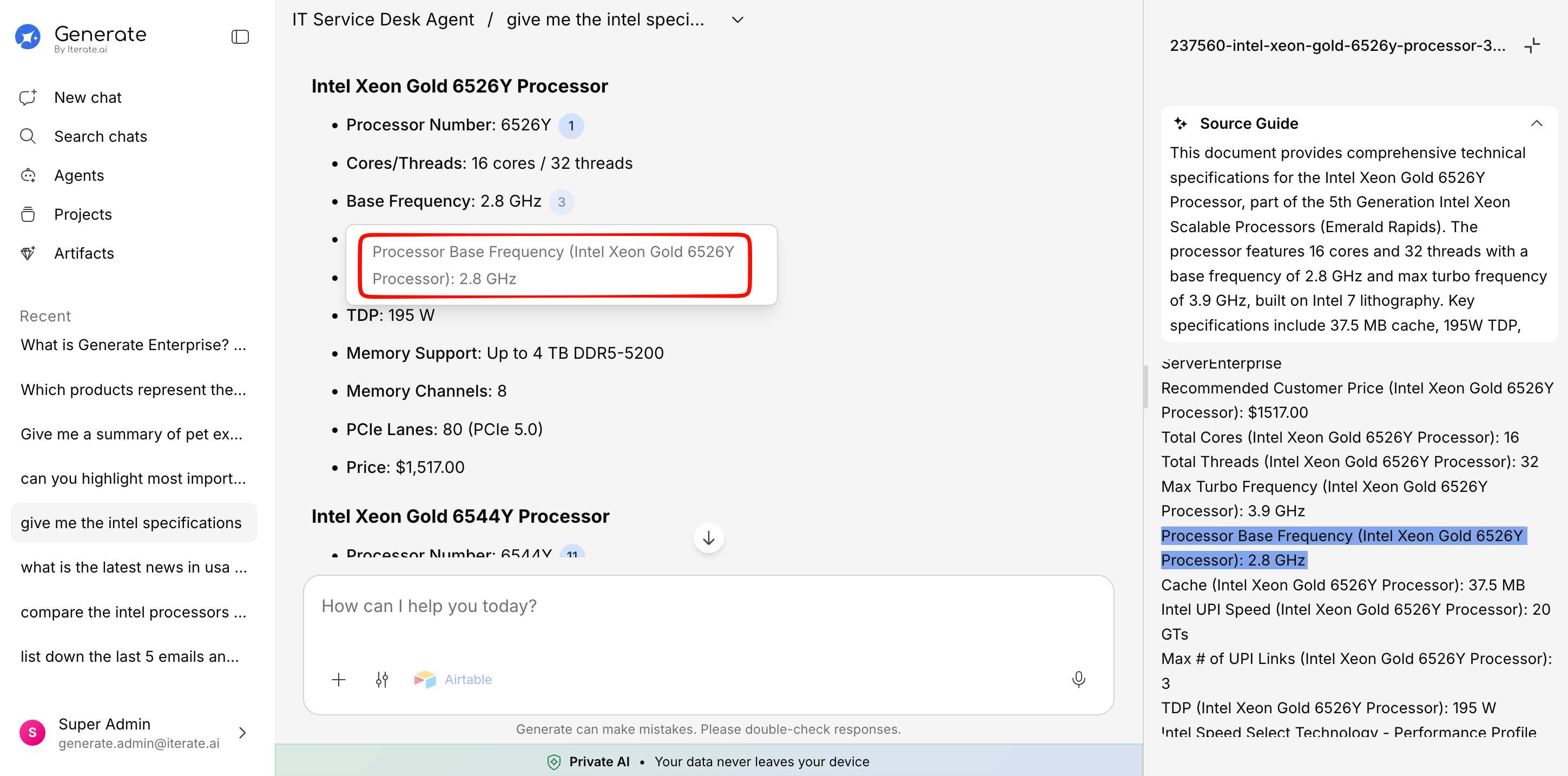
Clicking a Citation
Click on a citation to open the full source document in the Knowledge Base panel on the right. The relevant section will be highlighted so you can see exactly where the information came from.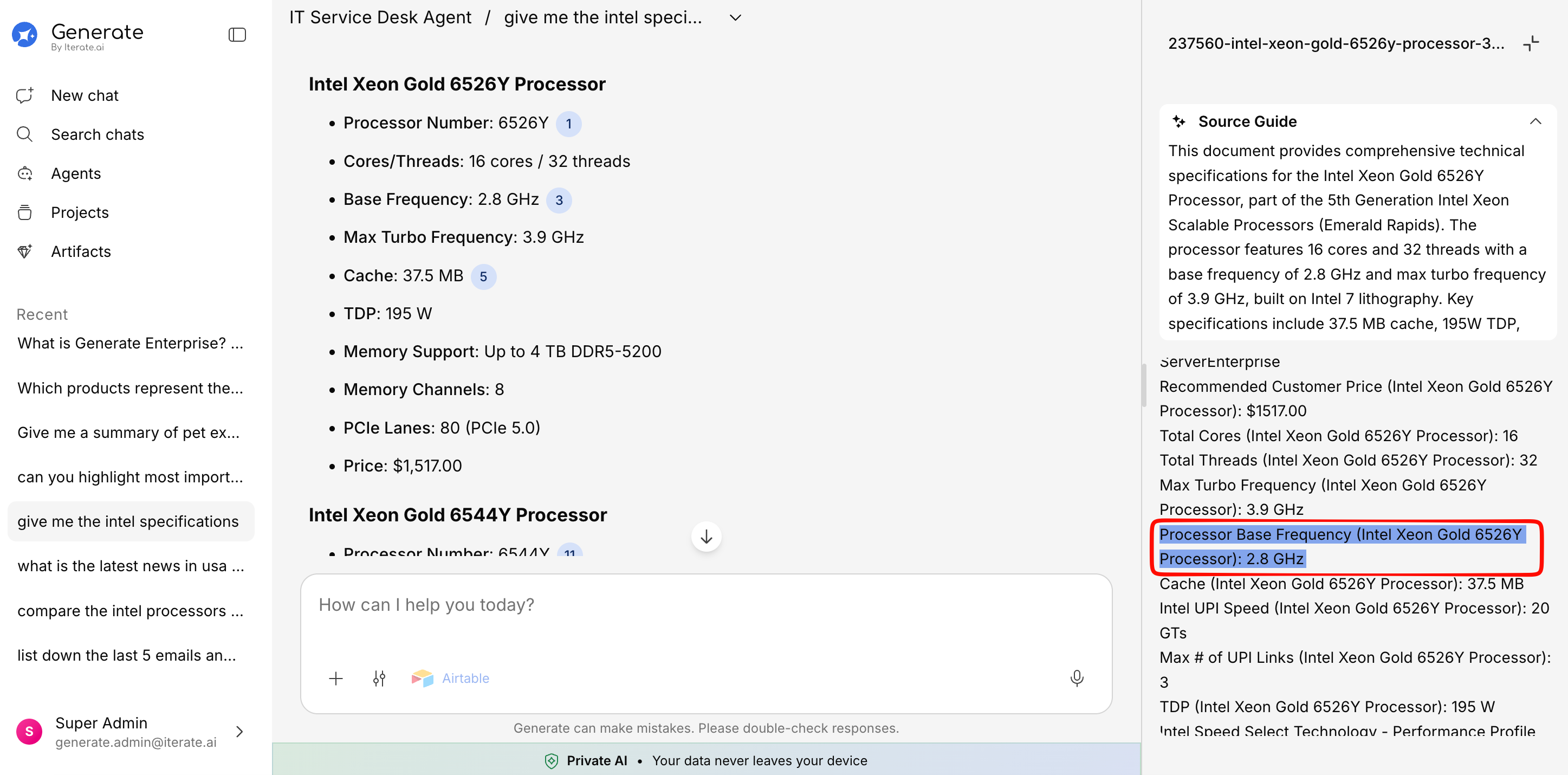
Collapsible Citations
When a response references many sources, citations are automatically grouped and collapsed to keep the response clean and readable. Click Show more to expand and see all citations.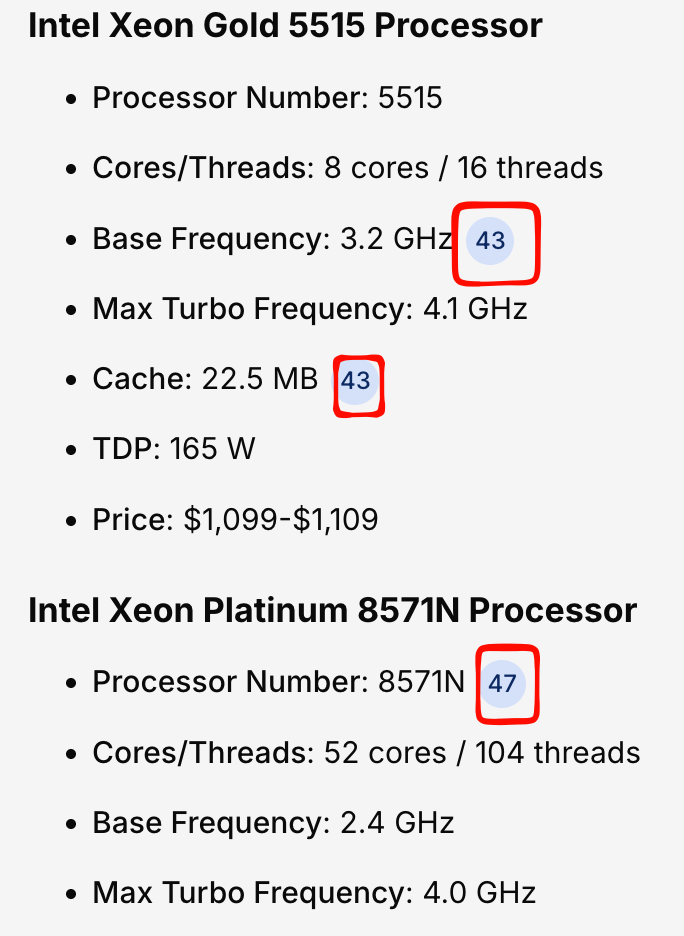
Source Panel
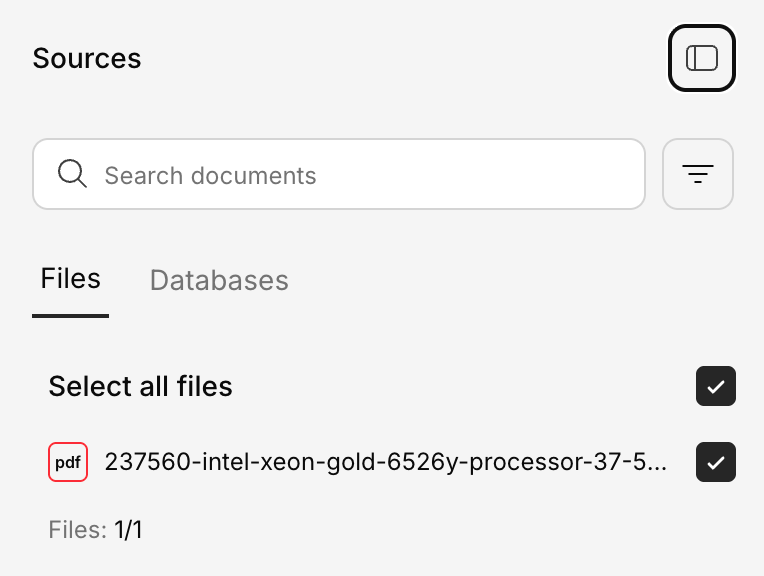
The Knowledge Base panel on the right shows all documents that contributed to the current response:- Document name — Which file the information came from
- Relevance indicator — How closely the source matched your question
- Content preview — The specific passage that was referenced
- Click to expand — Open the full document view
Database Citations
When the AI queries a connected database, table row citations appear differently — showing key-value pairs from the relevant database rows.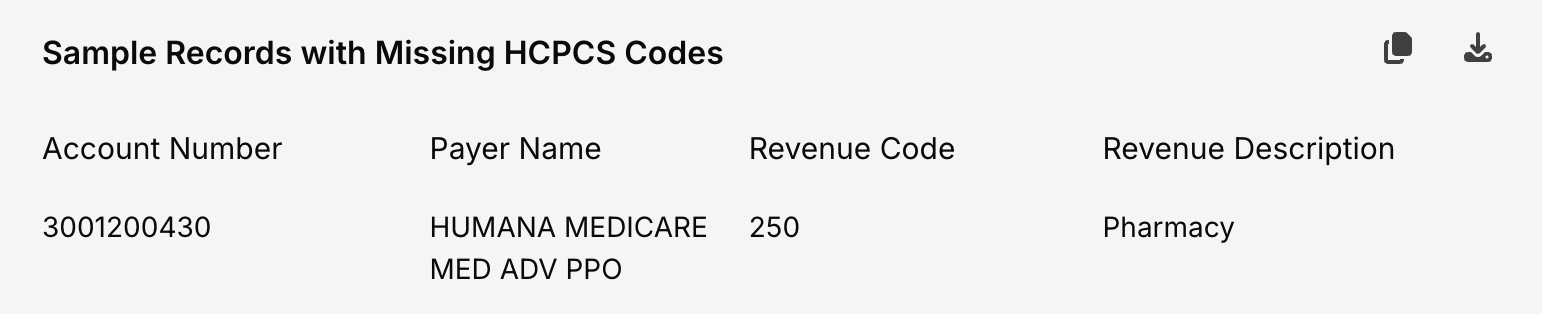
Why Citations Matter
Verify accuracy
Check the original source to confirm the AI’s answer is correct and complete.
Explore deeper
Use citations as a starting point to read the full document for more context.
Build trust
Know exactly where information comes from — no black box.
Share with confidence
When sharing answers with colleagues, you can point to the original sources.