Conversations are at the heart of Generate. Every time you ask a question, Generate draws on your organization’s knowledge base to deliver an accurate, contextual answer.
Starting a New Conversation
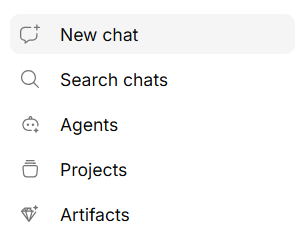
Click New Chat in the sidebar to begin a fresh conversation. You can ask anything — from quick factual questions to complex requests that require pulling information from multiple documents.
How Conversations Work
When you send a message:
- Generate searches your knowledge base for relevant information
- The most relevant content is gathered as context
- Your question and the context are sent to the AI model
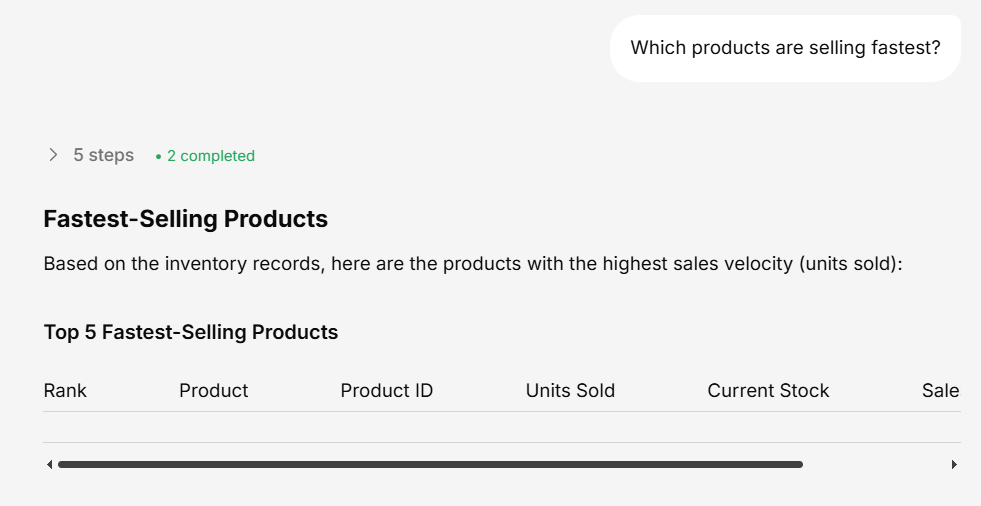
- The AI generates a response, streamed to you in real-time
You’ll see the response appear word-by-word as it’s generated — no waiting for the full answer.
Continuing a Conversation
Every conversation maintains full context. You can:
- Ask follow-ups — “Can you go into more detail on point 3?”
- Refine your question — “Actually, I meant for Q4, not Q3”
- Change direction — “Now tell me about the marketing budget instead”
The AI remembers everything discussed in the current conversation, so you don’t need to repeat yourself.
Renaming a Conversation
By default, conversations are auto-titled based on your first message. To rename:
- Click the conversation title at the top of the chat
- Type a new name
- Press Enter to save
Viewing Sources
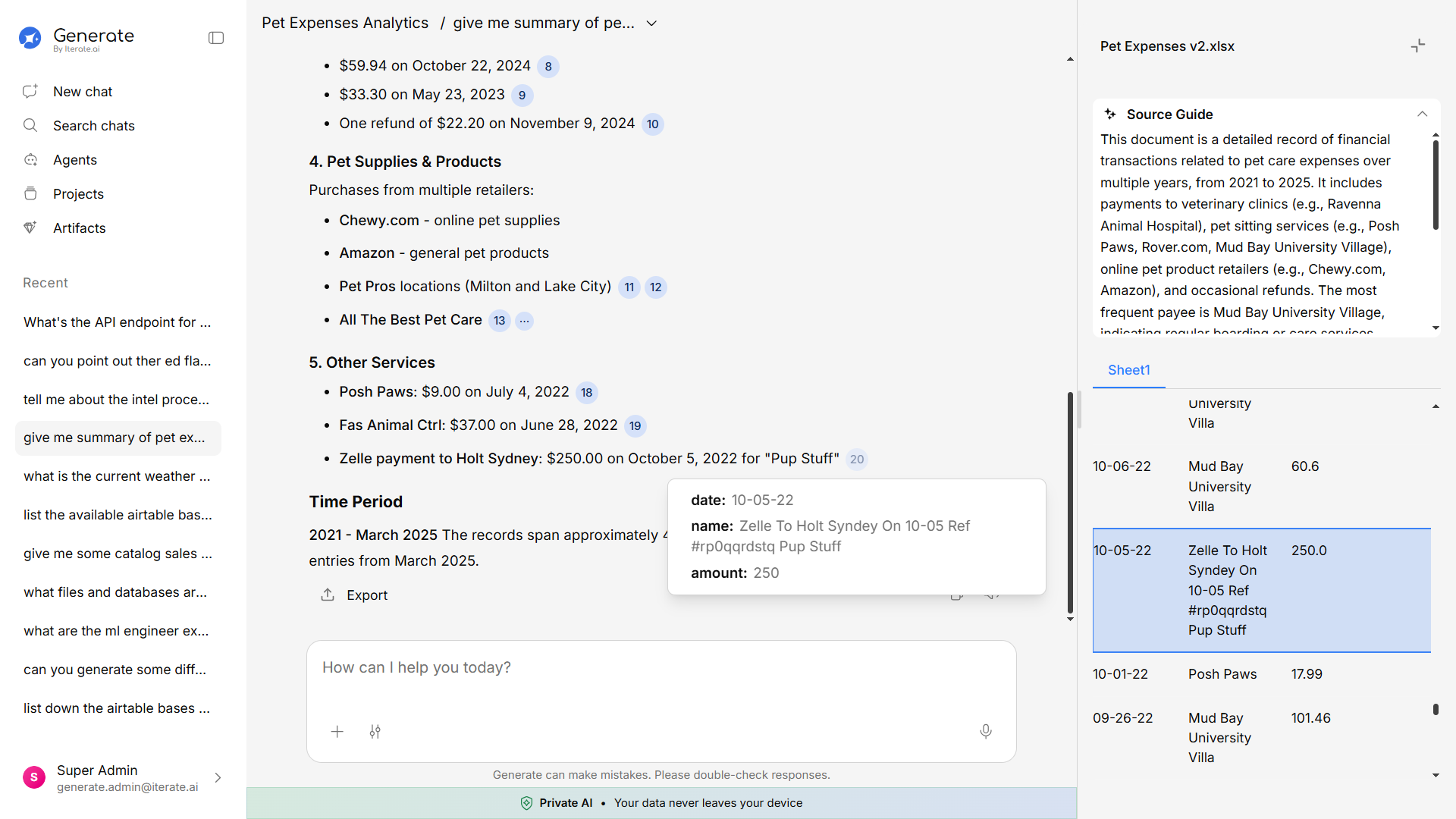
After each response, you can see which documents were used to generate the answer. Click on a source to view the original content in the Knowledge Base panel.
This lets you verify the answer and explore the original material for more detail.
Deleting a Conversation
To delete a conversation you no longer need:
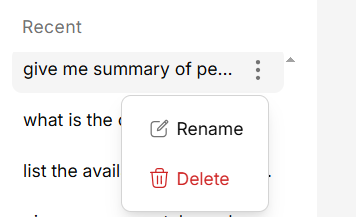
- Hover over the conversation in the sidebar
- Click the more options menu (three dots)
- Select Delete
Deleted conversations cannot be recovered. Make sure you no longer need the conversation before deleting it.