

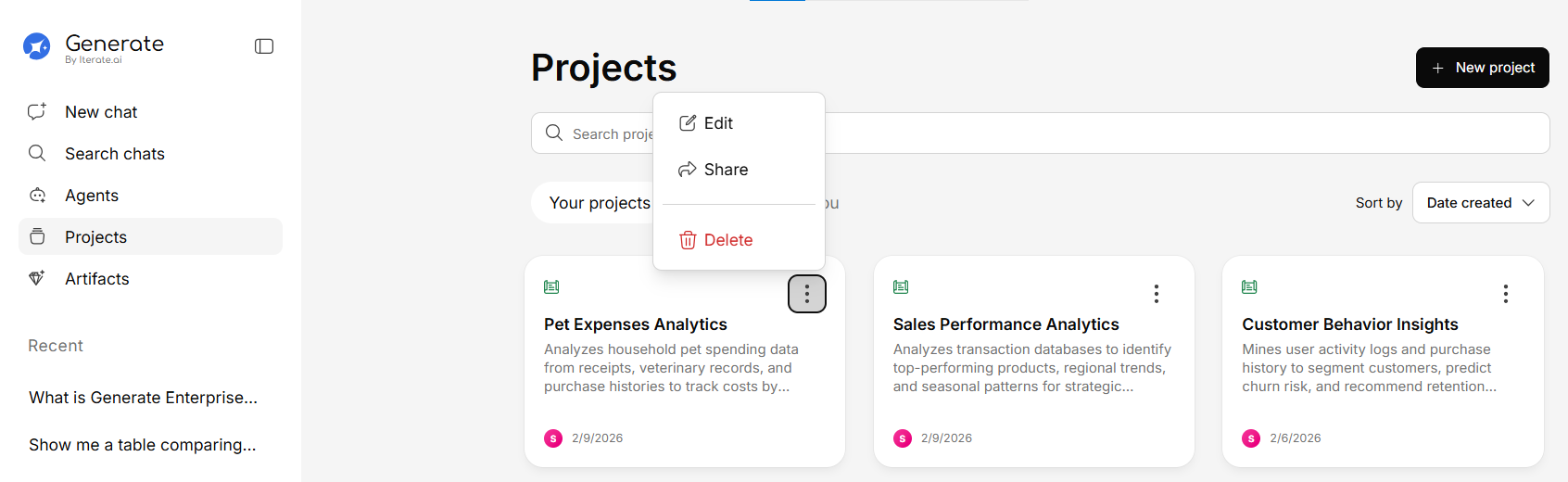
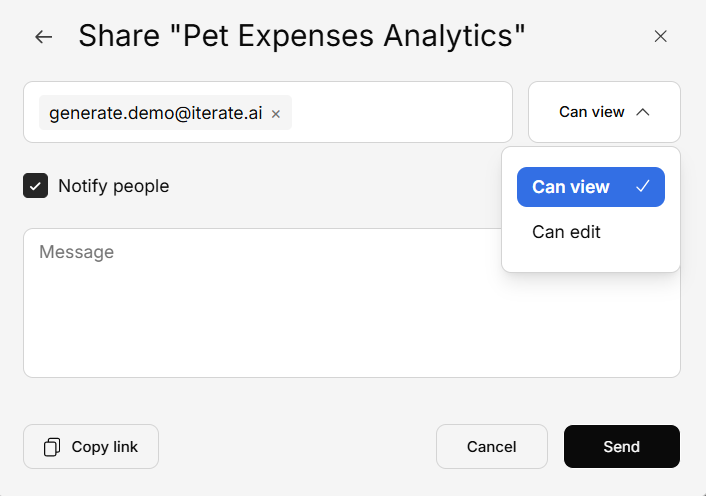
How to Share a Project
What Collaborators Can Access
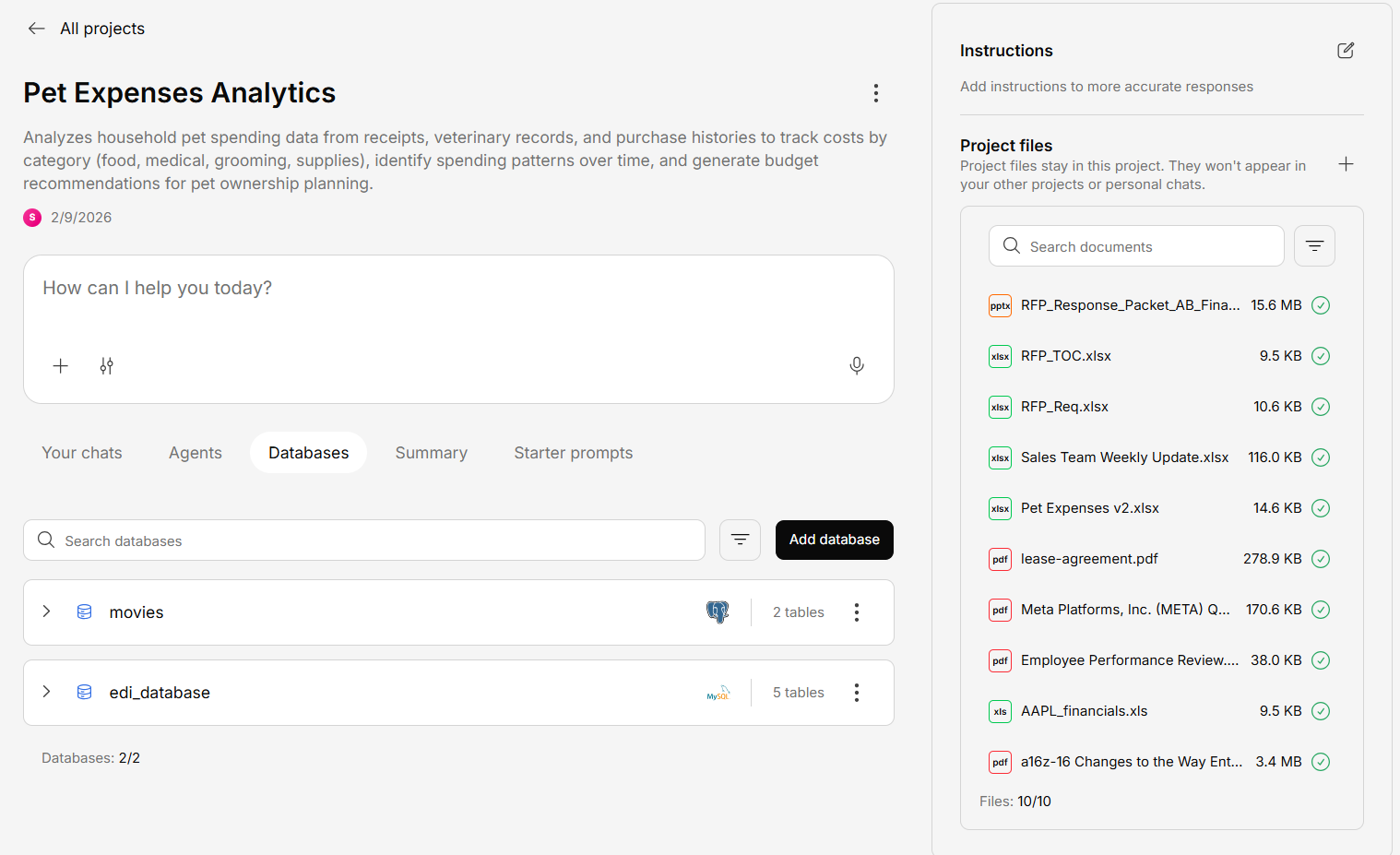
When you share a project, collaborators get access to:- Documents — All files uploaded to the project’s knowledge base
- Databases — All database connections within the project
- Conversations — The ability to start new conversations within the project
- Agents — Agents associated with the project
- Suggested questions — AI-generated questions based on project content
Managing Access
- Change roles — Adjust viewer/editor permissions
- Remove collaborators — Revoke access for specific users or teams
- Leave a project — Click Exit to remove yourself from a shared project