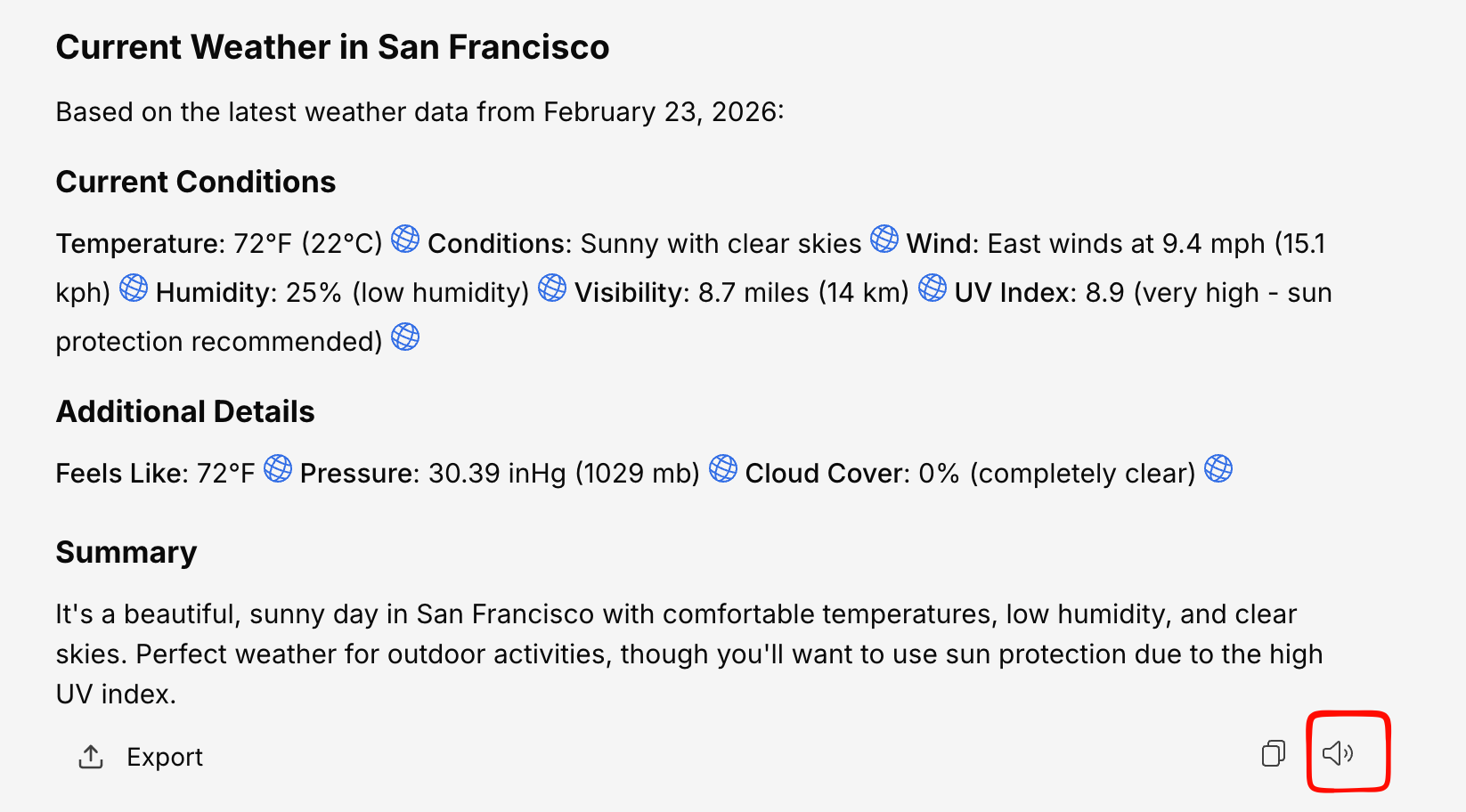
The Read Aloud feature converts AI responses to speech, so you can listen to answers instead of reading them. It’s great for multitasking, accessibility, or reviewing long responses.
Using Read Aloud
Hover over an AI response
The message action buttons appear.
Click the speaker icon
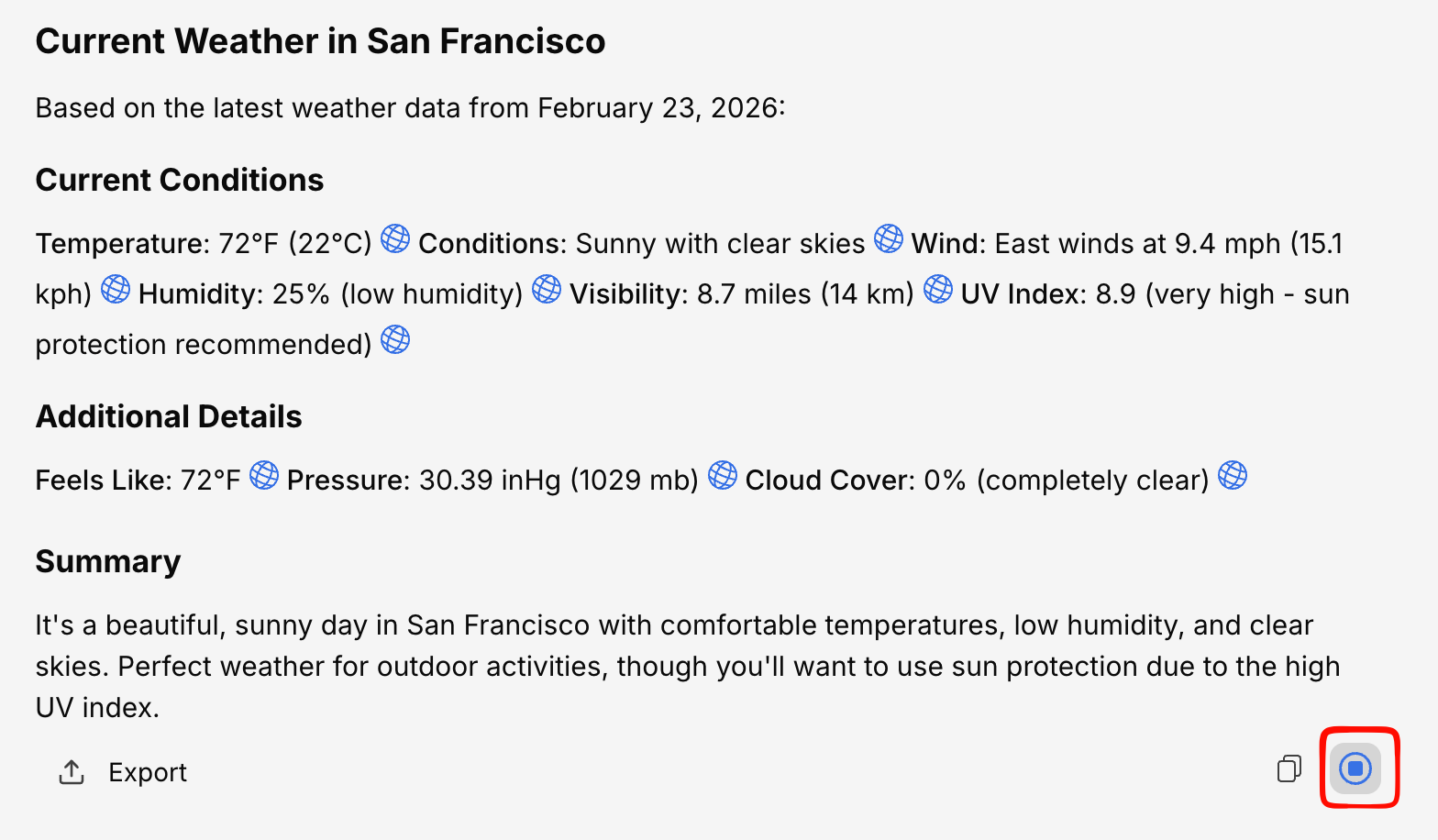
Text-to-speech begins immediately. The speaker icon changes to a stop button. Listen
The response is read out loud from beginning to end.
Stop anytime
Click the stop button to pause the reading at any point.
Read Aloud availability depends on your organization’s feature configuration. If you don’t see the speaker icon, contact your administrator.