

Browse by category
Cloud Storage
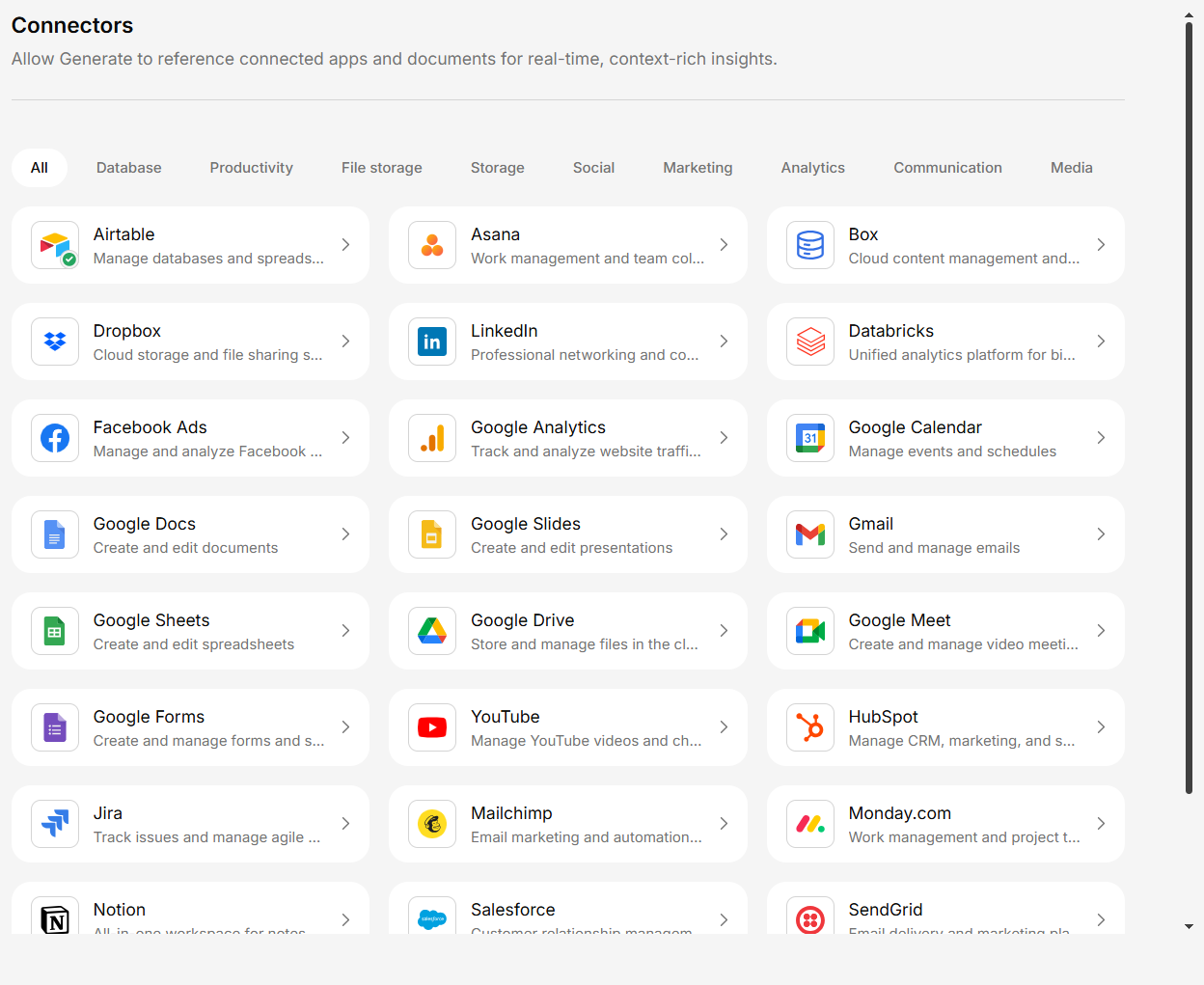
Google Drive, Dropbox, Box, OneDrive, Amazon S3, and more.
Communication
Gmail, Outlook, Slack, Microsoft Teams, and more.
Productivity
Notion, Confluence, SharePoint, Airtable, Asana, Monday.com.
Sales & CRM
Salesforce and HubSpot.
Developer Tools
GitHub, Jira, and more.
Data & Analytics
Databricks, Power BI, Tableau, and more.
IT & Operations
ServiceNow, Datadog, Splunk, and more.
Security & Identity
Okta, Microsoft Intune, and more.
Healthcare
Cerner / Oracle Health (SMART-on-FHIR).
Legal
PACER and more.
Finance
NetSuite, AWS Cost Explorer, and more.
Human Resources
Workday.
Customer Support
Zendesk.
Marketing
Mailchimp, SendGrid, Facebook Ads, and more.
Social Media
LinkedIn and more.
Databases
MySQL, PostgreSQL, BigQuery, Snowflake, and more.
New connectors are added regularly. If you don’t see a tool you need, contact your administrator or
our support team.
How Integrations Work
Connect the service
Authenticate with the third-party service using OAuth or credentials. This is a one-time setup.
Next Steps
Set up your first connector
Follow our step-by-step guide to connect your first integration.