

Viewing Your Documents
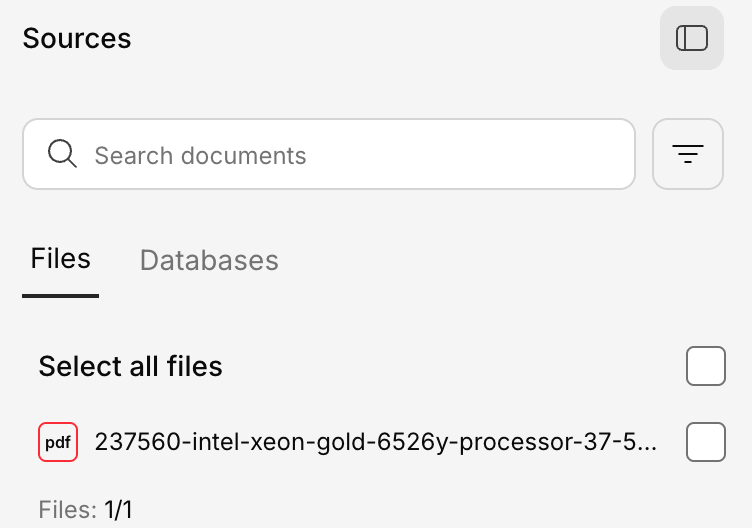
Open the Knowledge Base panel to see all uploaded documents. Each document shows:- File name and type
- Processing status (processing, ready, or error)
- Size
Document Details
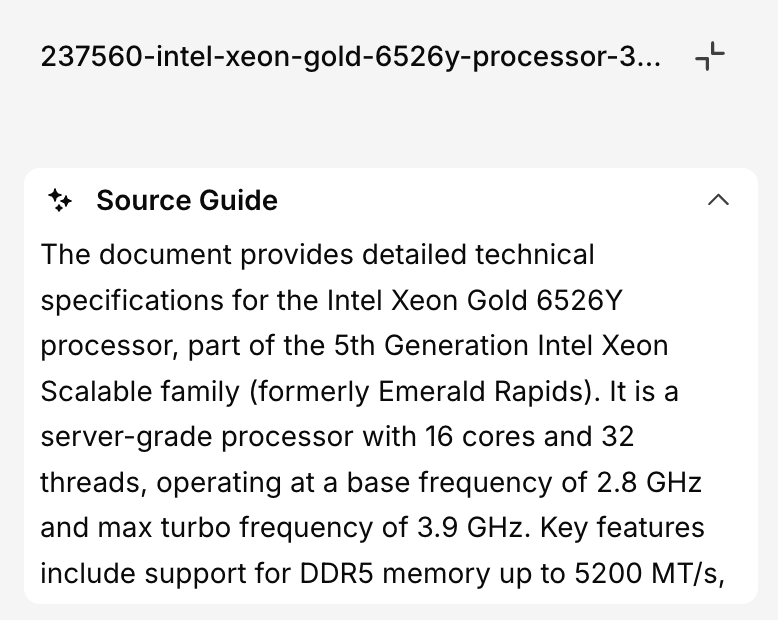
Click on any document to view its details:- Preview — See the extracted content
Downloading the Original File
If a document was uploaded with “Preserve original file” turned on, its options menu includes a “Download” action that returns the exact original bytes you uploaded — not the processed version Generate indexes. If the original wasn’t preserved, Download is disabled with a tooltip explaining why.Re-uploading a file with the same name doesn’t overwrite the original — Generate saves it as a copy
(for example, “Report copy.pdf”) so nothing is lost.
Replacing a Document
If a document has been updated (e.g., a new version of a policy):- Upload the new version of the document
- Delete the old version
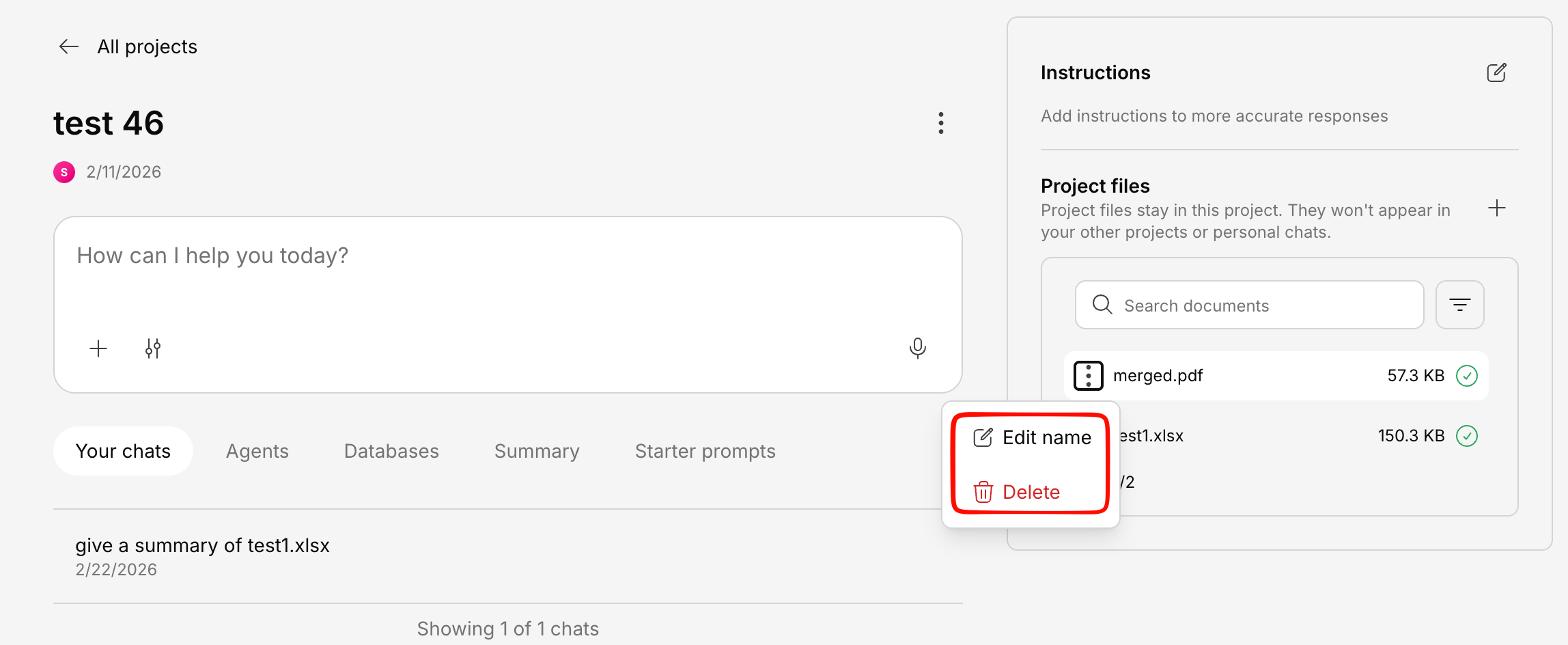
Deleting a Document
Best Practices
Regular cleanup
Periodically review your Knowledge Base and remove outdated documents to keep answers accurate.
Version control
When updating documents, upload the new version first, verify it’s processed, then delete the old one.
Clear naming
Use descriptive, consistent file names so your team can easily identify documents.
Use projects
Organize documents into projects to keep different teams or topics separated.