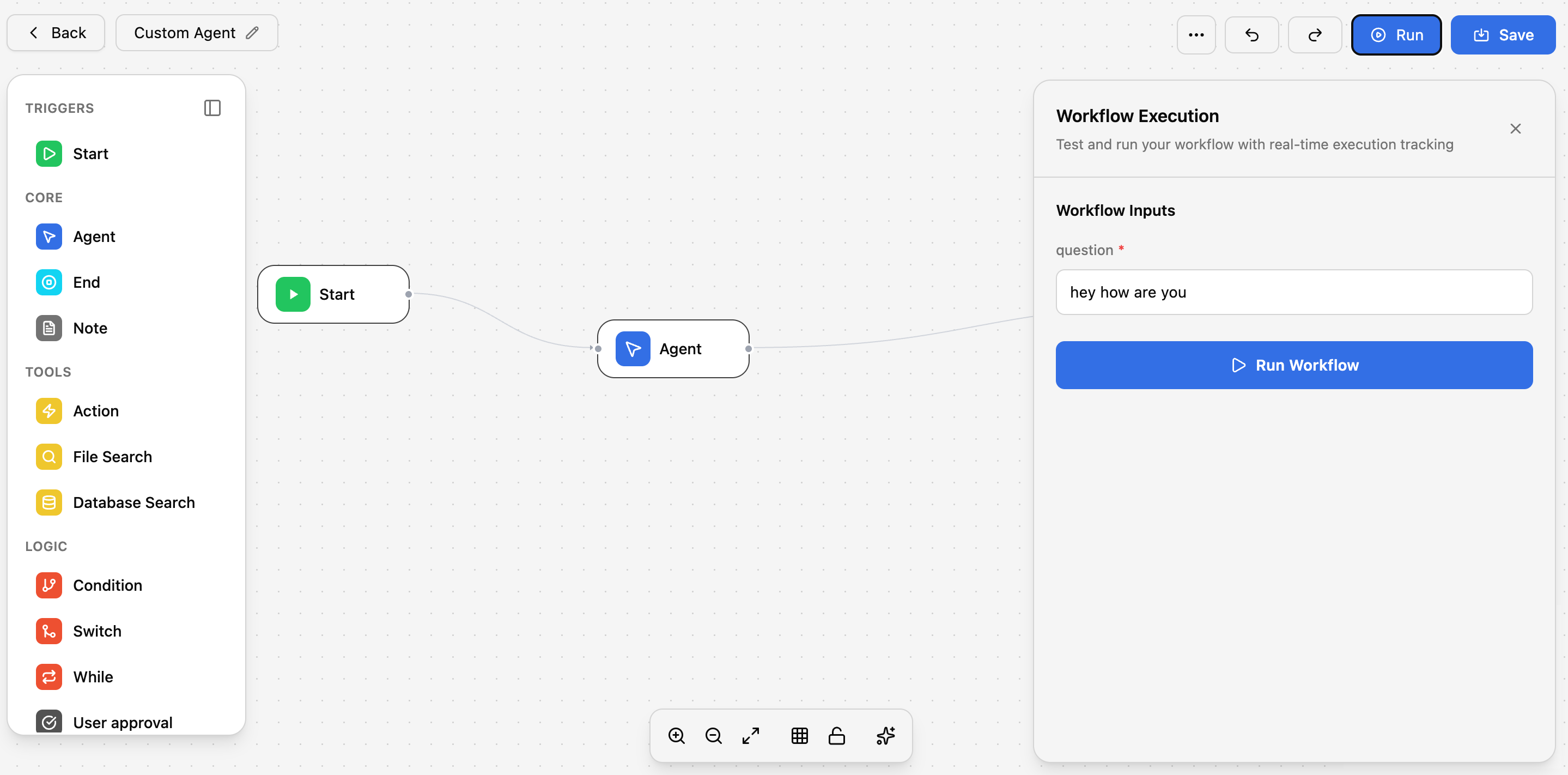
Once you’ve created agents, you’ll want to keep them organized and up to date. Here’s how to manage your agents.
Viewing Your Agents
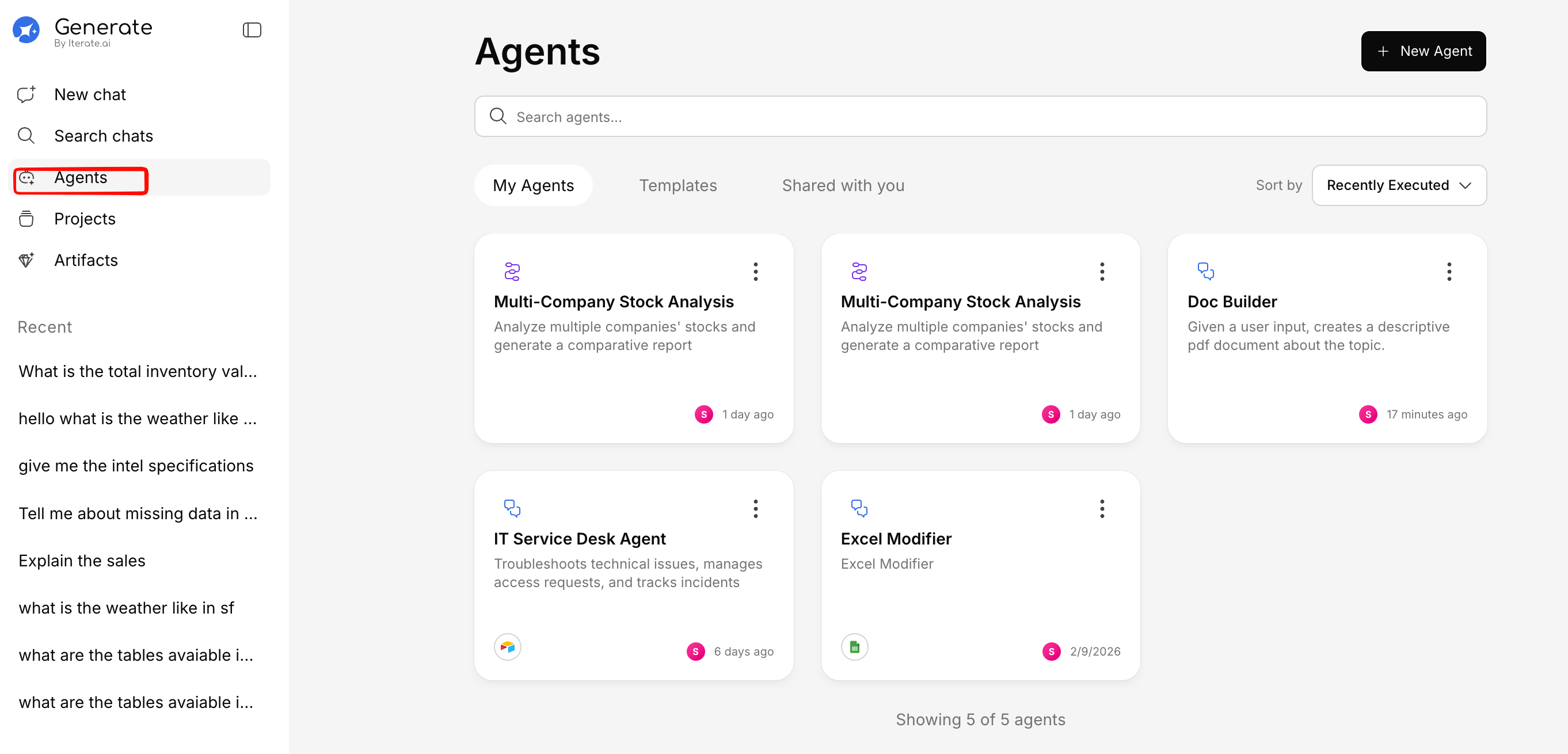
Click Agents in the sidebar to see all available agents. Each agent card shows:
- Name and description
- Status — Active or draft
- Last updated — When the agent was last modified
Editing an Agent
Open the agent
Click on the agent you want to edit from the agents list. Make your changes
Update the name, instructions, tools, or any other settings.
Save
Click Save to apply your changes. The agent will immediately use the updated configuration.
Deleting an Agent
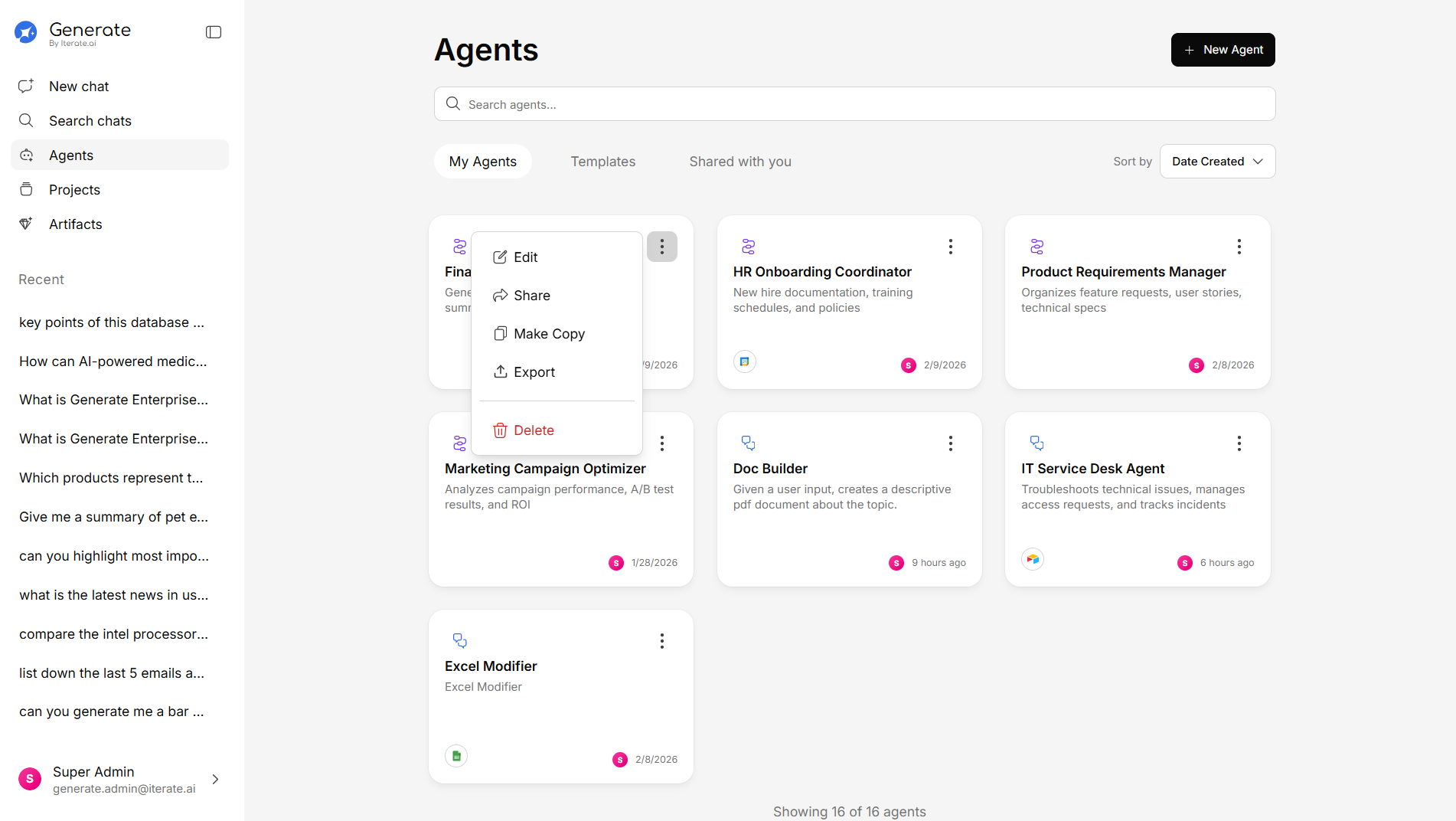
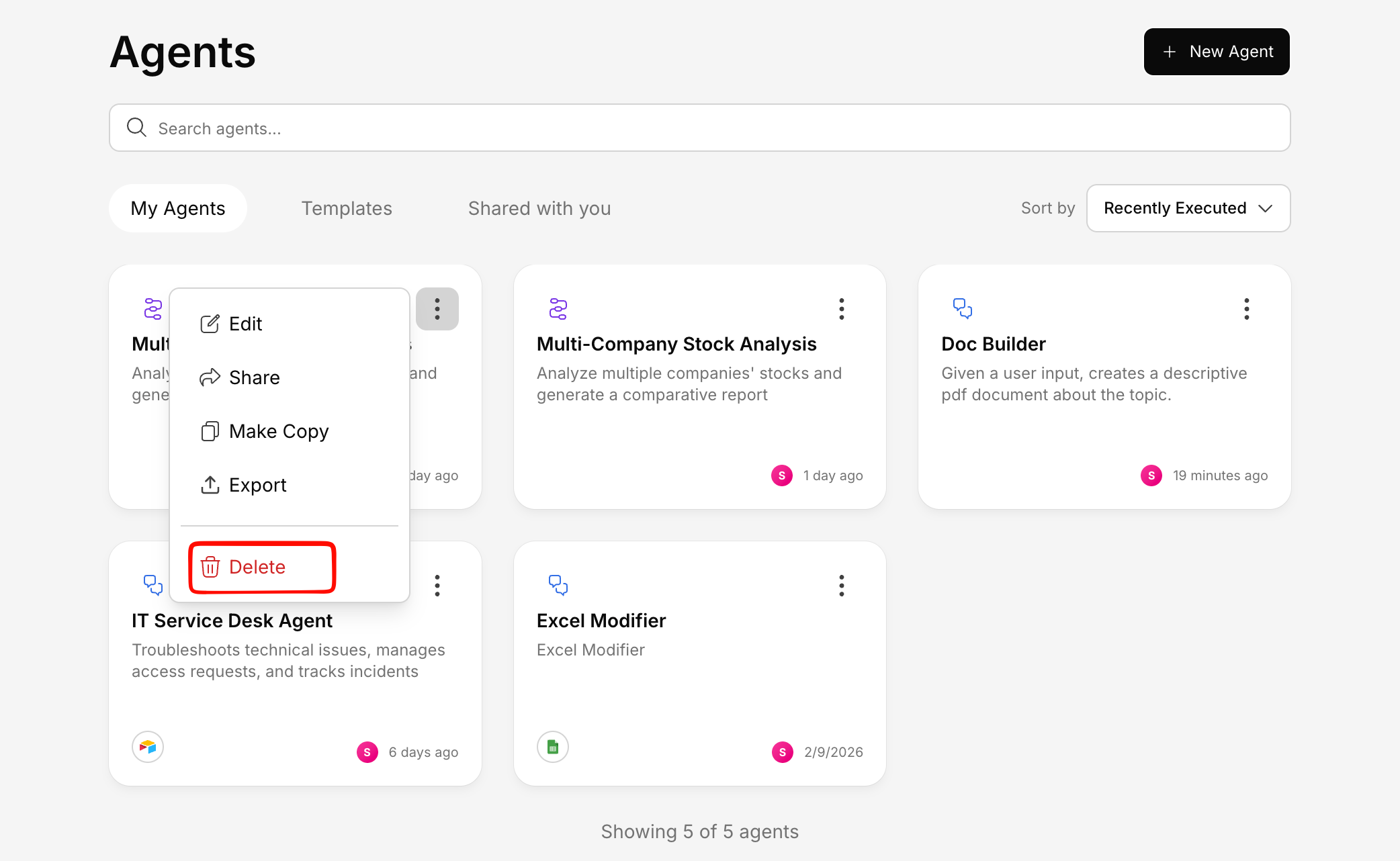
- Click the more options menu (three dots) on the agent card
- Select Delete
- Confirm the deletion
Deleting an agent is permanent. Past conversations with the agent will remain, but the agent will no longer be available for new conversations.
Starting a Conversation with an Agent
To chat with an agent:
-
Go to the Agents section
-
Click on the agent you want to use
-
Click Start Conversation (or similar action button)
a. For quick start:
b. For workflow builder:
-
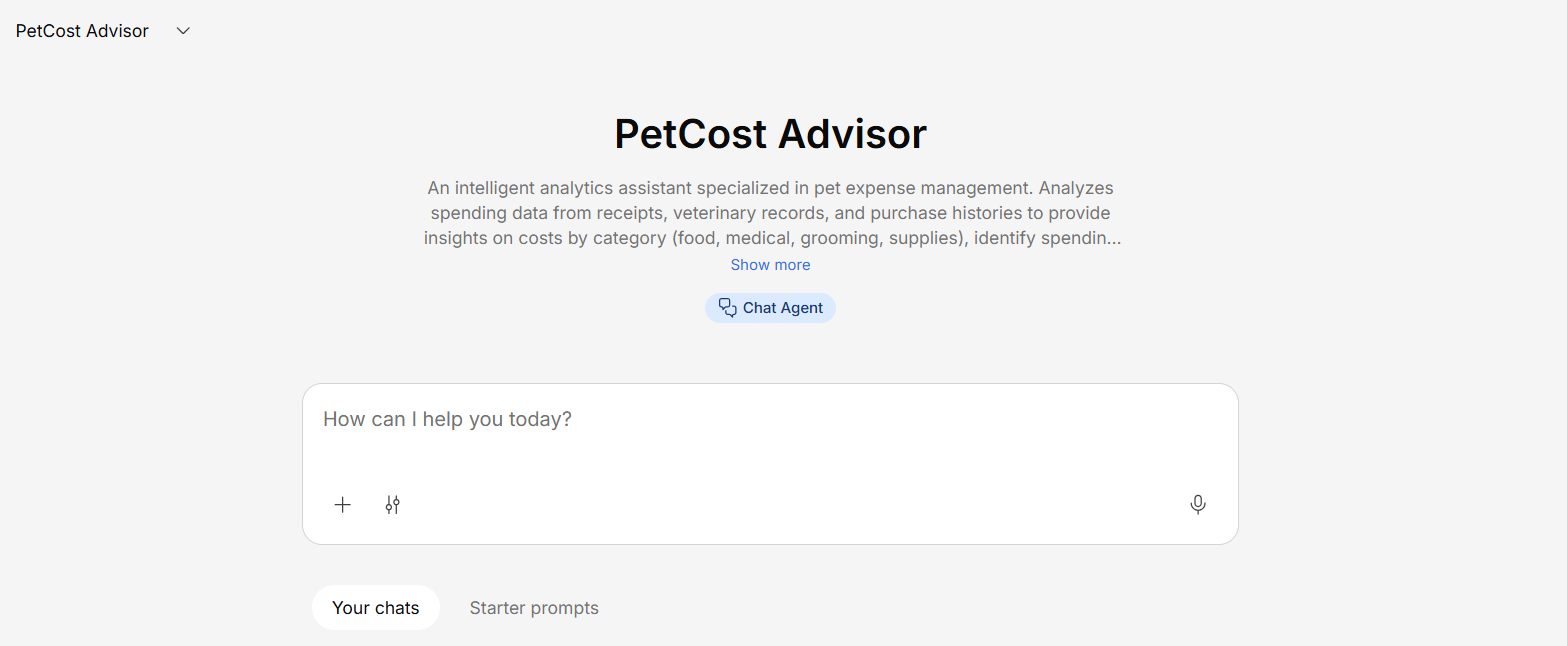
Chat with the agent just like a regular conversation.
The agent will follow its configured instructions and use only the tools and knowledge you’ve given it access to.
Next Steps