

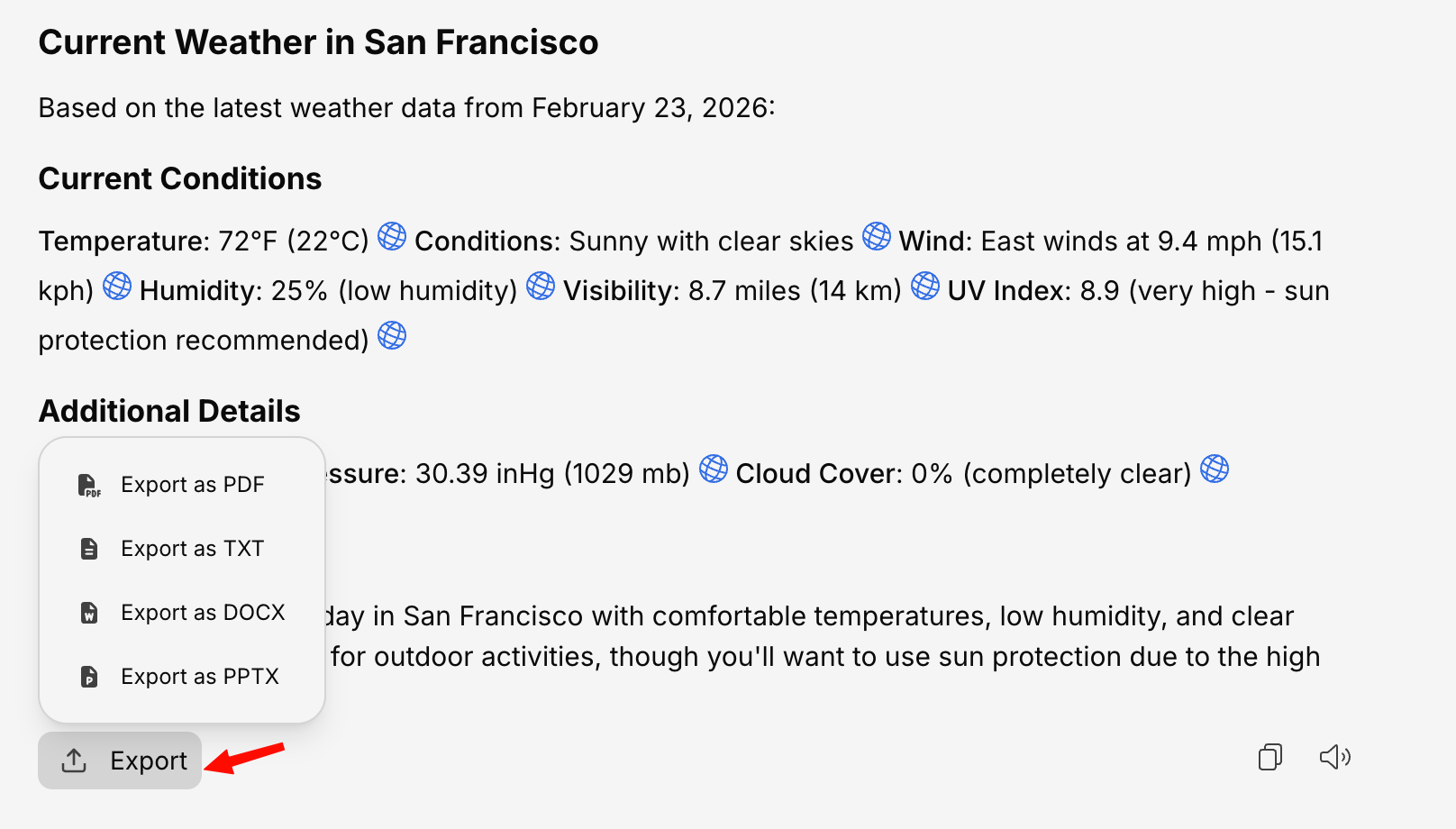
How to Export a Conversation
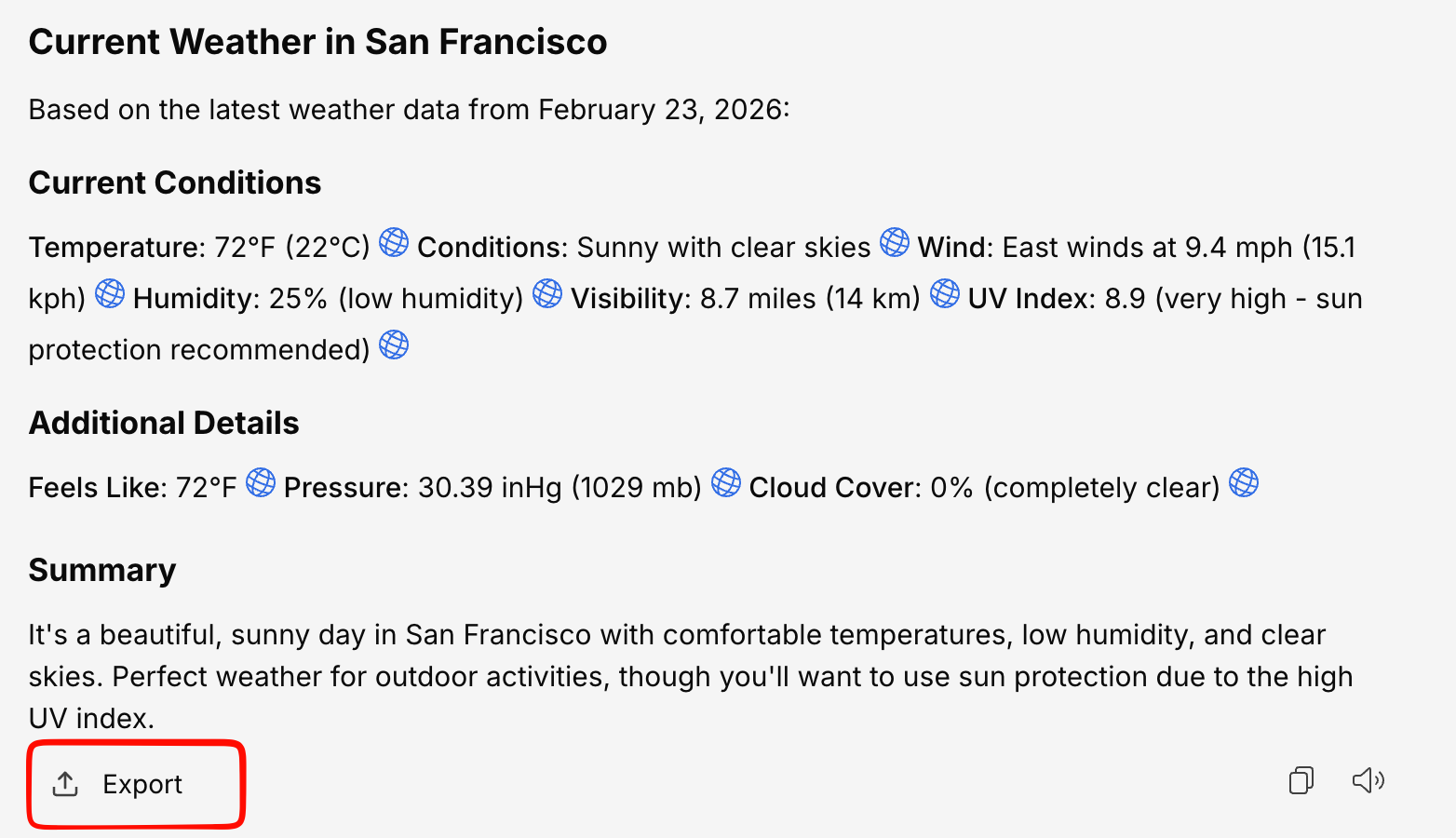
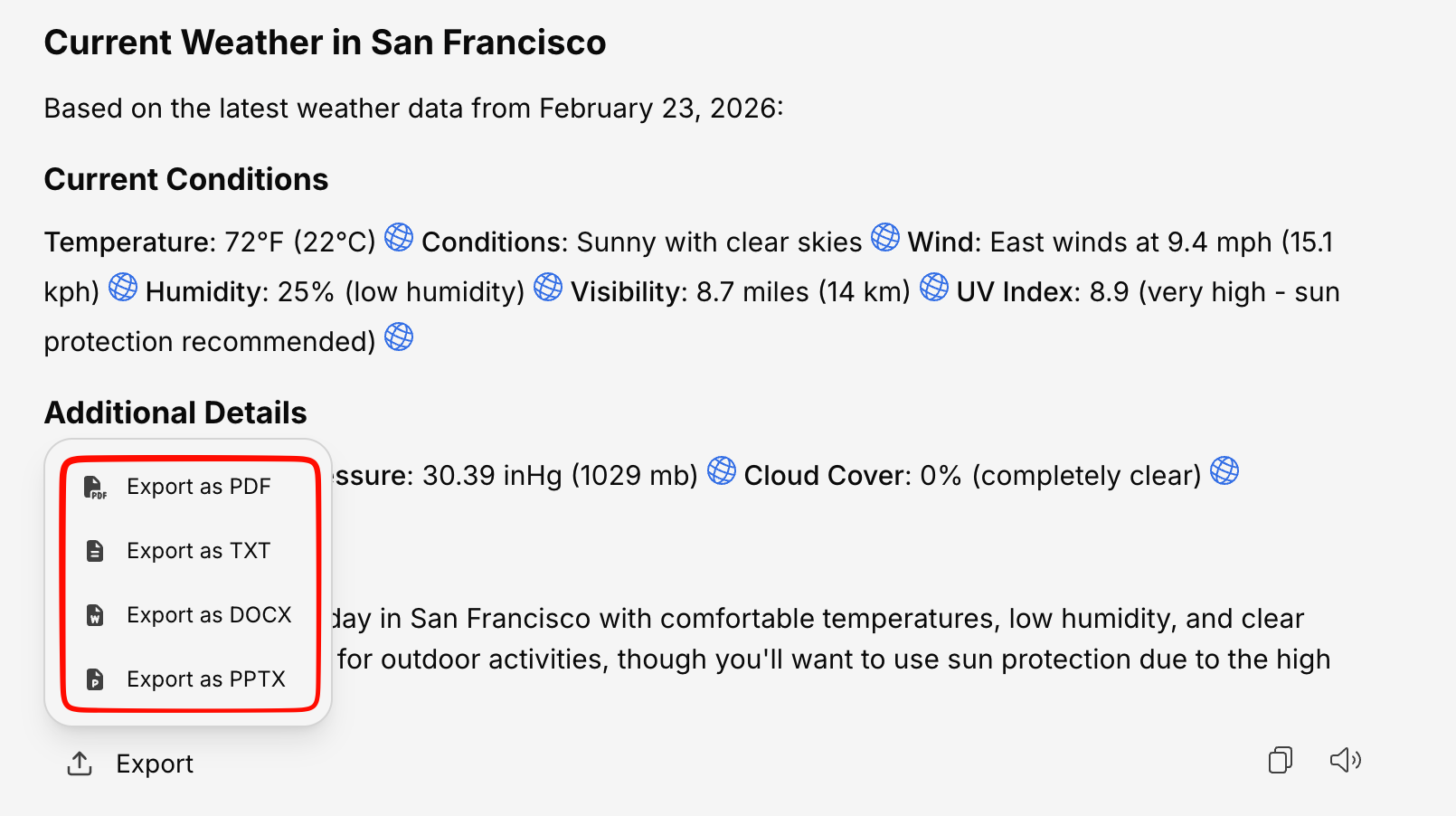

Available Formats
| Format | Extension | Best for |
|---|---|---|
.pdf | Sharing, archiving, printing — preserves formatting | |
| Word | .docx | Editing, collaborating, adding to existing documents |
| PowerPoint | .pptx | Presentations, summarizing conversations into slides |
| Plain Text | .txt | Simple text, pasting into other tools |
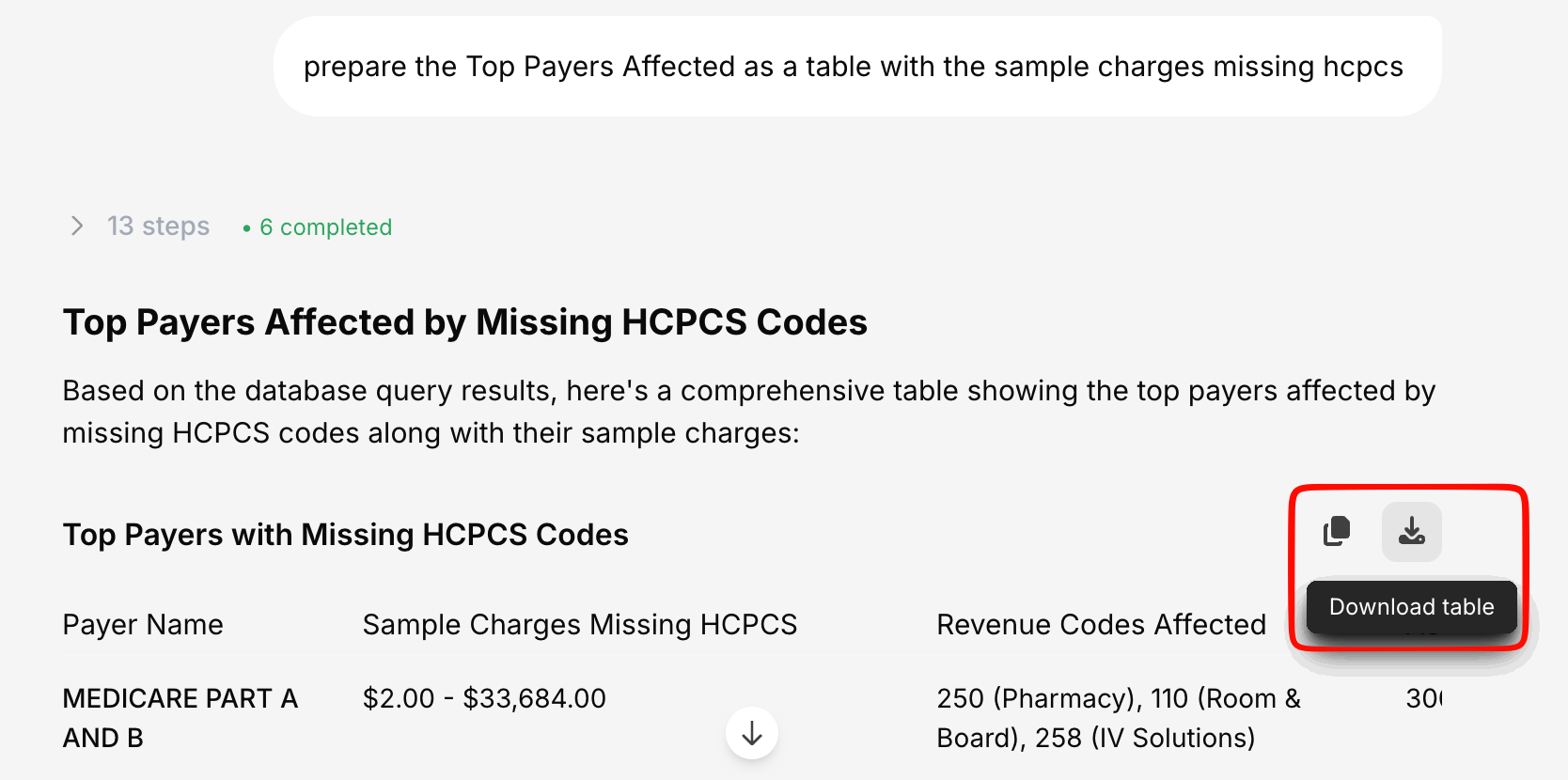
Exporting Tables
When a conversation contains tables (e.g., data from a database query or a structured response), you can export individual tables separately:- CSV — Comma-separated values for spreadsheet tools
- Excel —
.xlsxformat for Microsoft Excel or Google Sheets
What Gets Exported
The export includes:- All messages (yours and the AI’s)
- Text formatting (headings, bold, lists, etc.)
- Tables and data
- Code blocks (in supported formats)
Visualizations and interactive charts may appear as static images or be omitted depending on the export format.