What is the Knowledge Base?
Think of it as your team’s shared brain. When you upload a document to the Knowledge Base, Generate doesn’t just store it — it reads and understands the content so it can find the right information when you ask a question. Unlike a simple file search, the Knowledge Base uses semantic search. This means it understands the meaning behind your question, not just the keywords. Ask “What’s our policy on remote work?” and it will find relevant content even if the document uses the phrase “work from home” instead.How It Powers Your Conversations
Generate searches the Knowledge Base
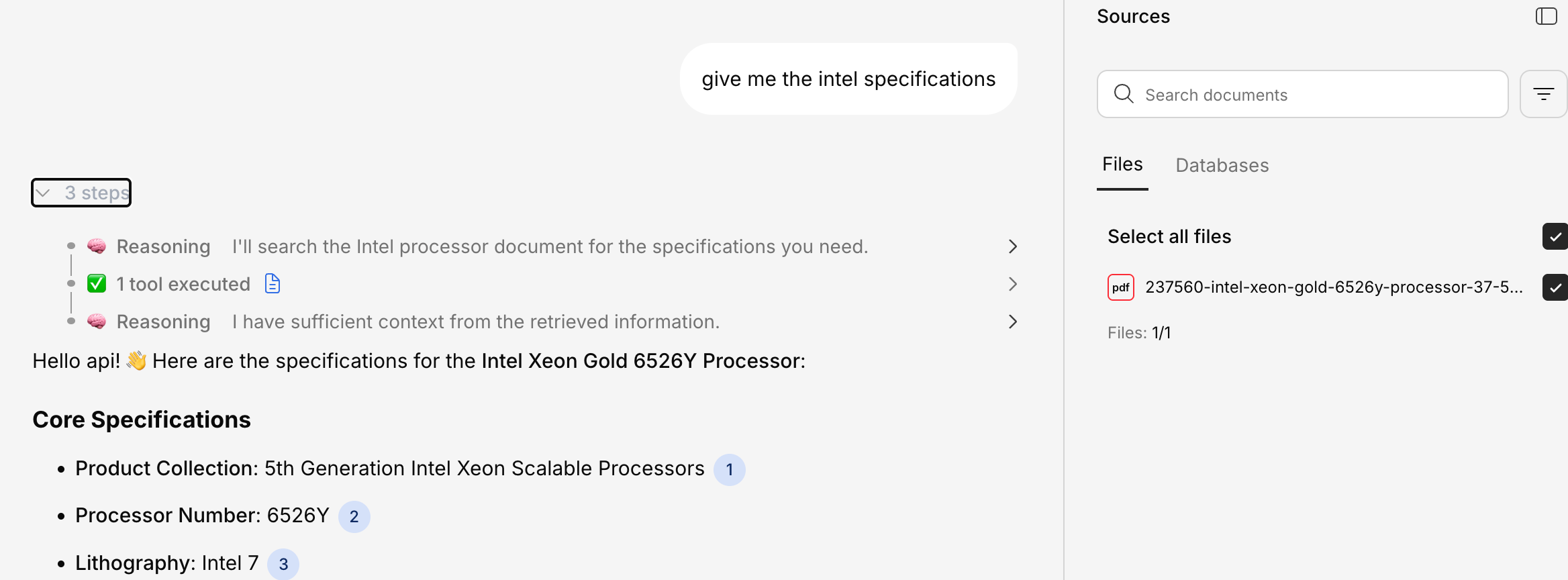
The platform finds the most relevant sections across all your uploaded documents.
The Knowledge Base Panel
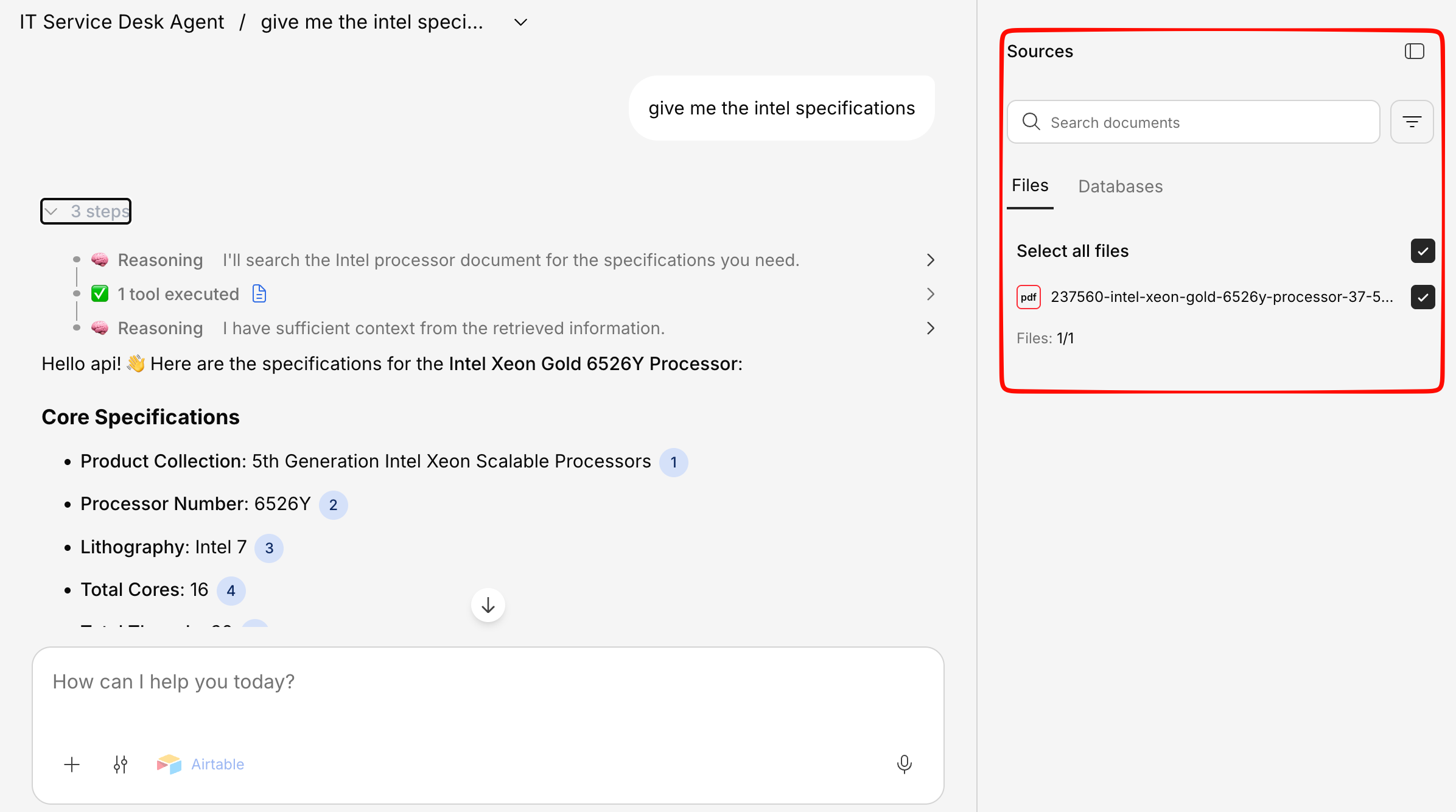
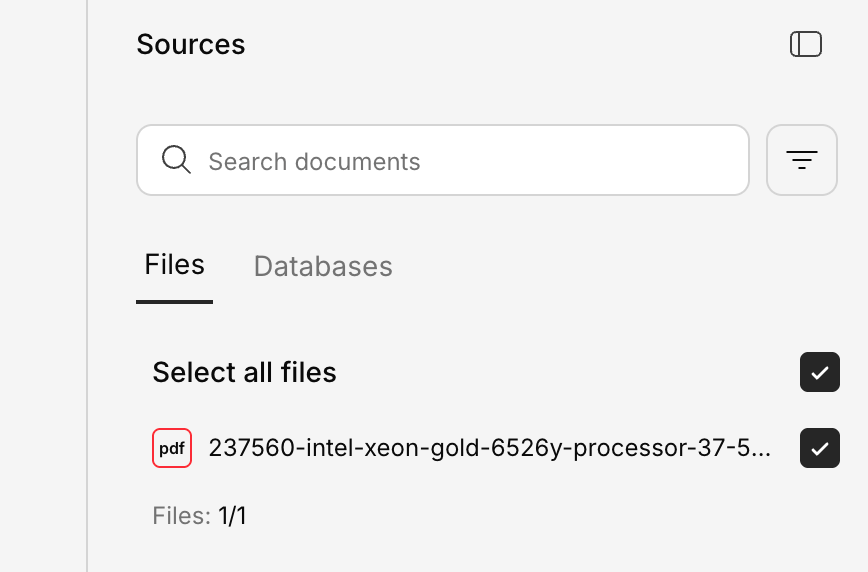
When you’re in a chat, you can open the Knowledge Base panel on the right side of the screen. It shows:- Documents used — Which files contributed to the current answer
- Relevance — How closely each source matched your question
- Document preview — A quick look at the source content