

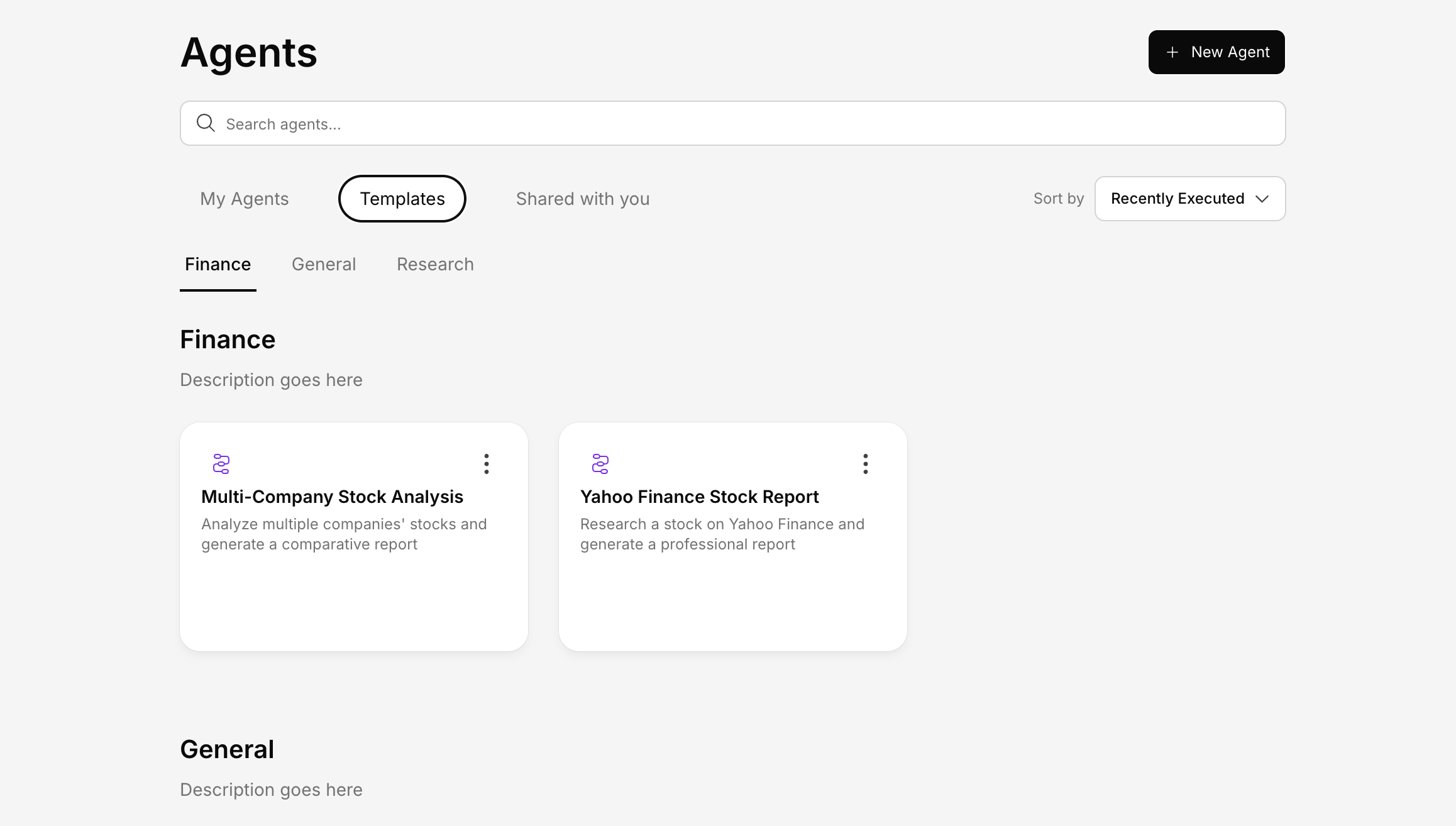
Browsing Templates
In the Agents section, click the Templates tab to browse available templates.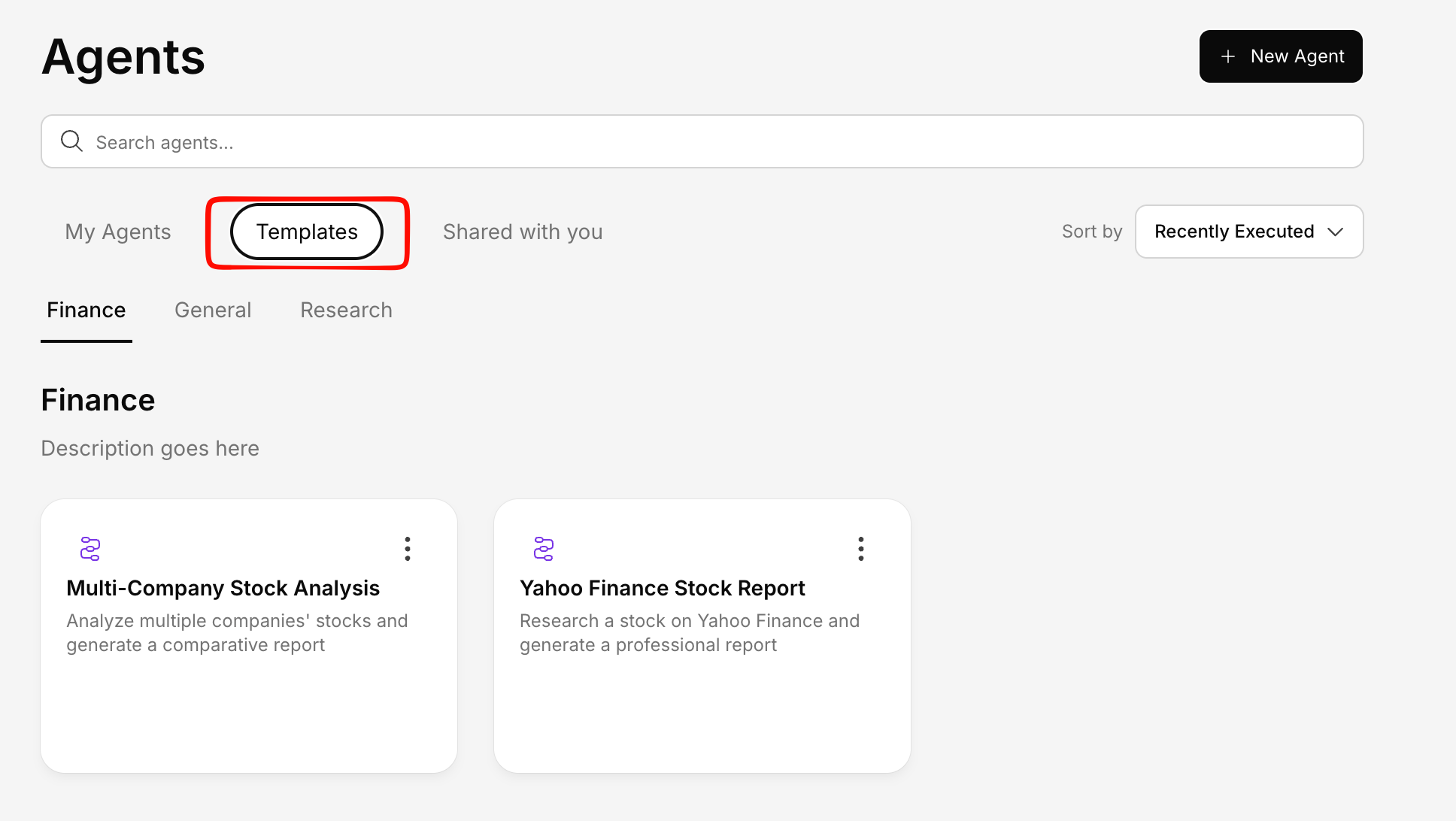
Categories
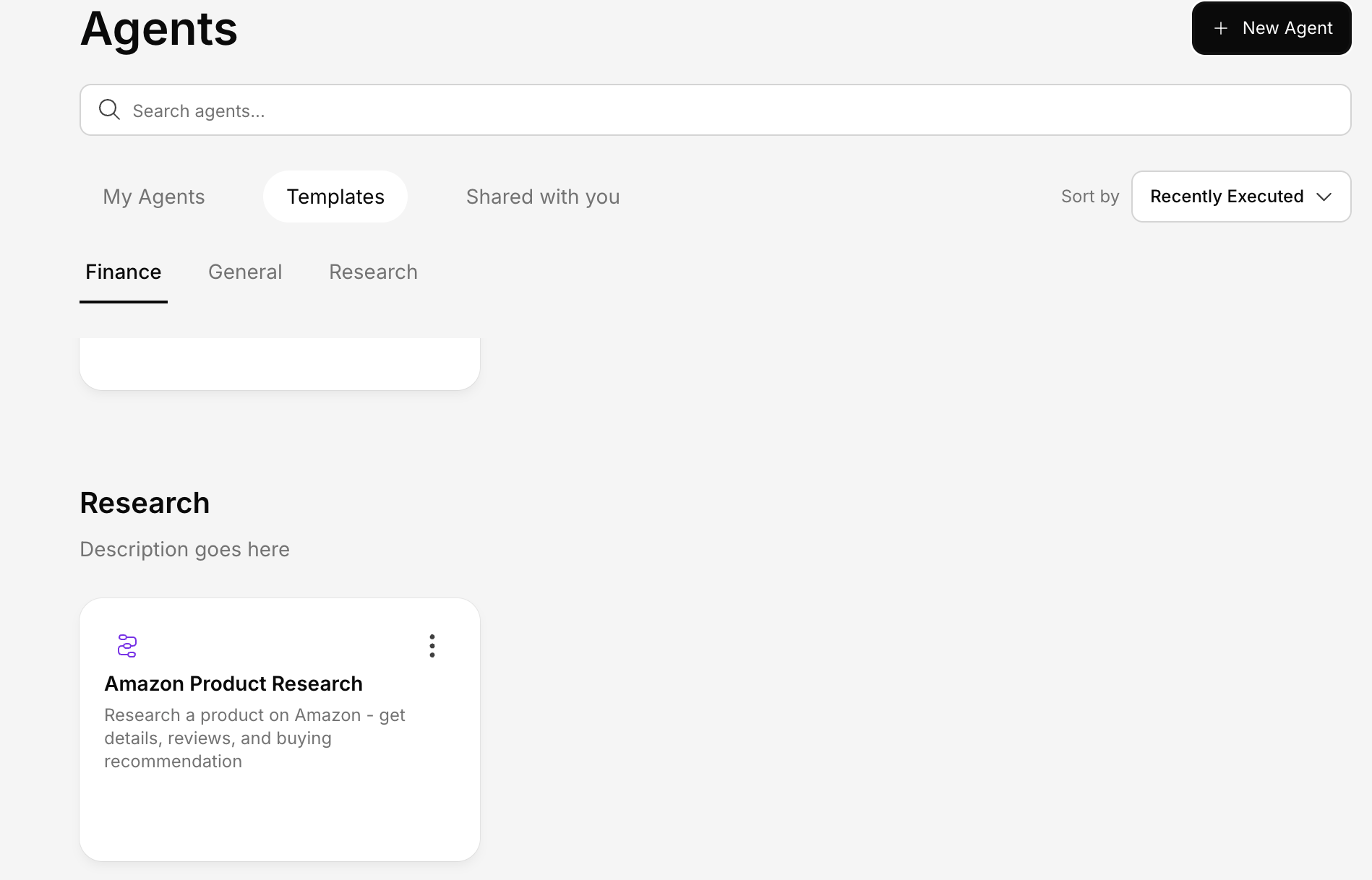
Templates are organized by category so you can find what you need quickly: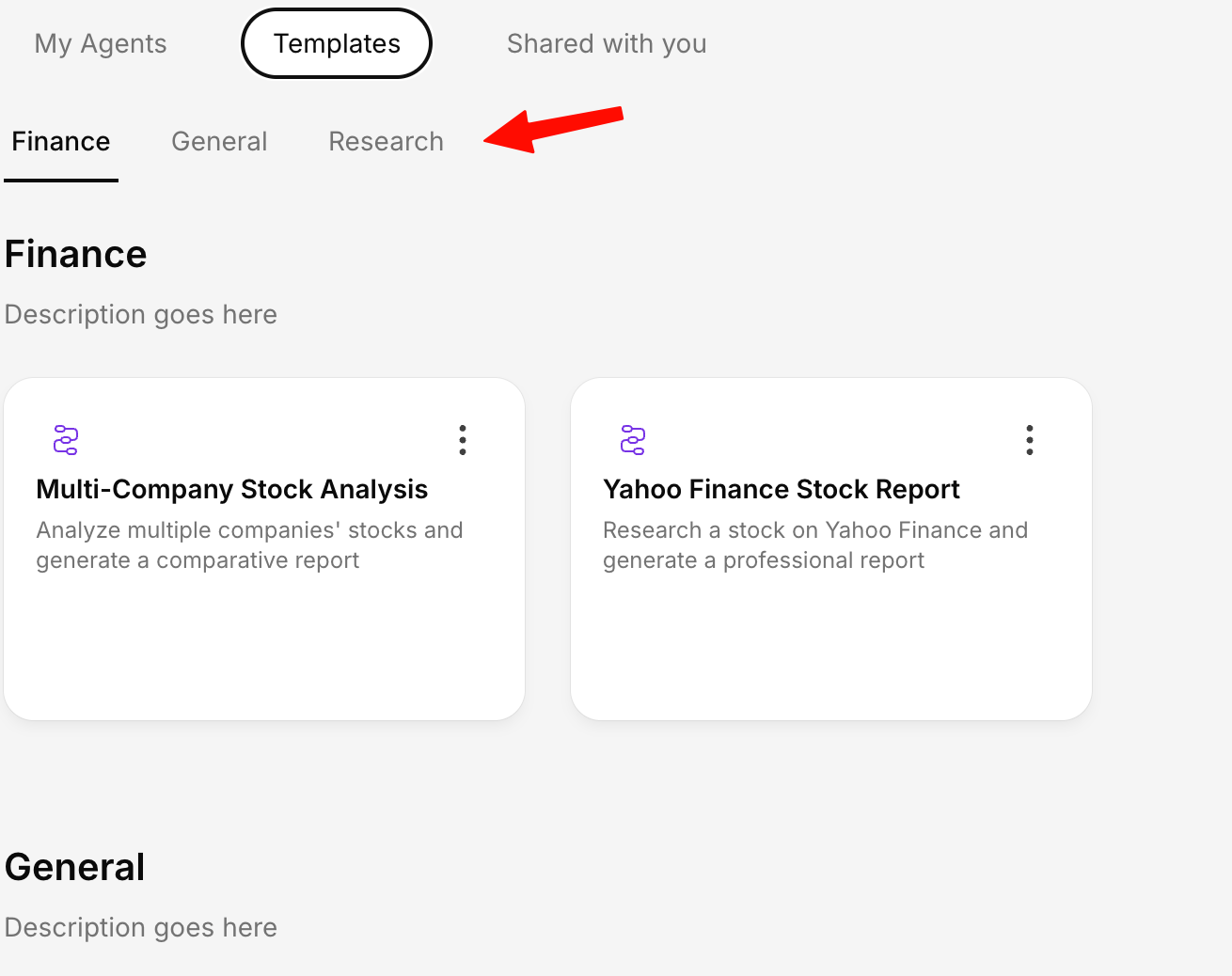
Searching
Use the search bar to find templates by name or description.Using a Template
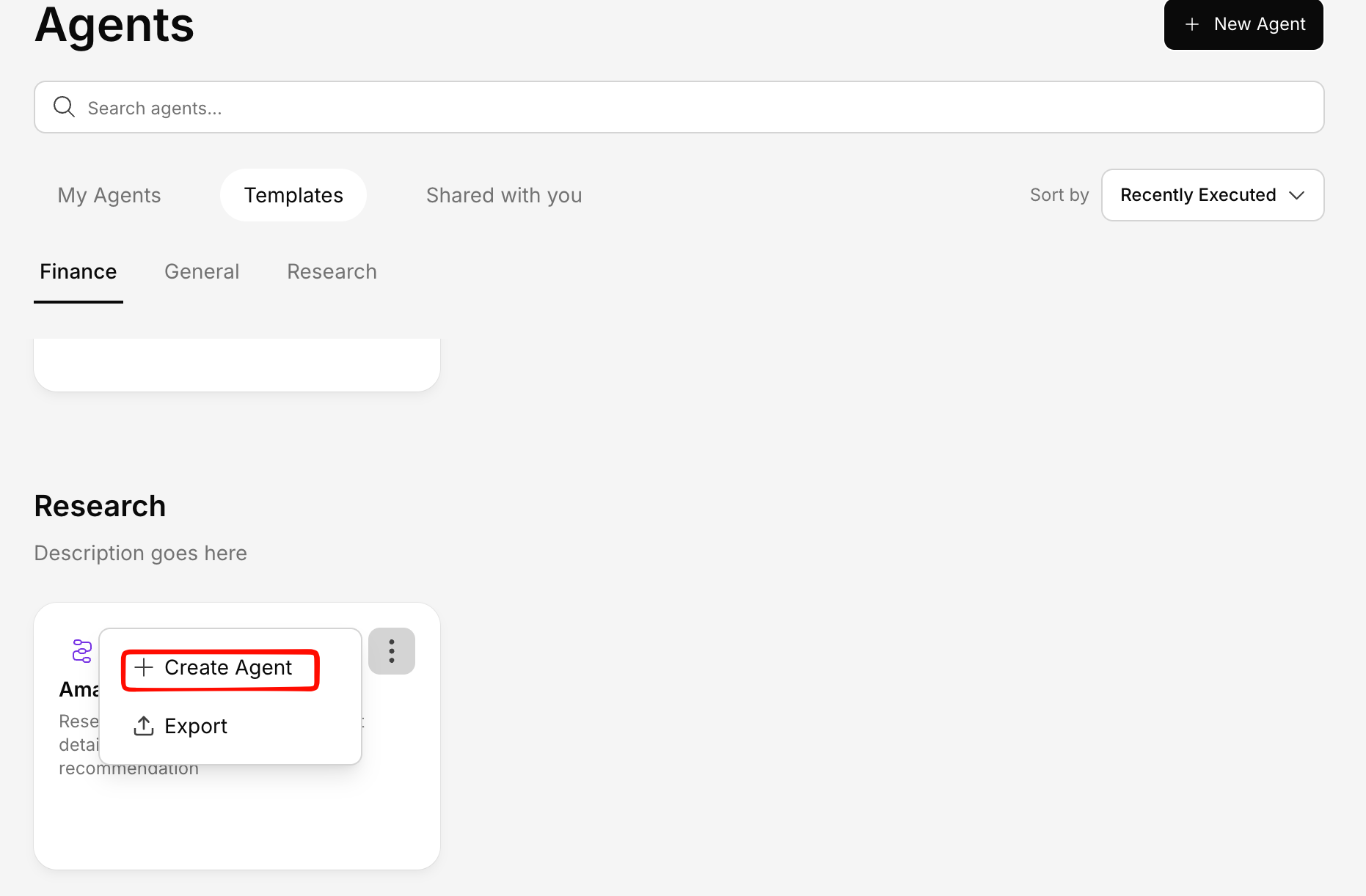
Customize (optional)
After selecting a template, you can:
- Edit any step — Change prompts, conditions, or actions
- Add new steps — Extend the workflow with additional operations
- Remove steps — Simplify the workflow by removing steps you don’t need
- Rearrange the flow — Reorder or rebranch the workflow logic
Template vs. Custom Agent
| Template | Custom Agent | |
|---|---|---|
| Speed | Ready in seconds | Requires setup |
| Customization | Adjust after creation | Full control from the start |
| Best for | Common use cases | Unique, specific needs |