

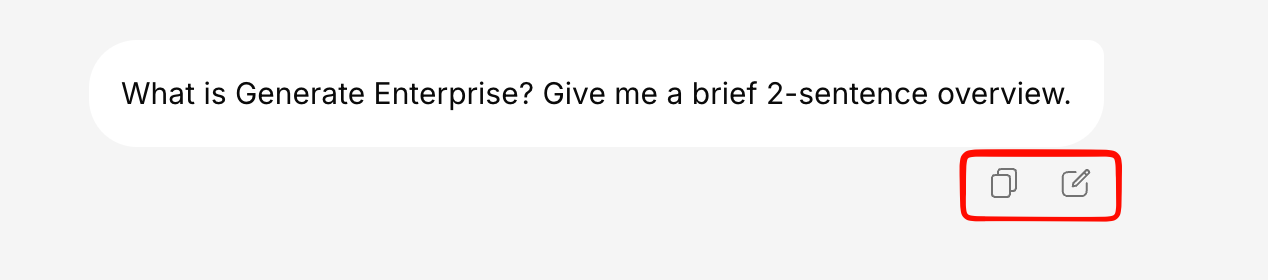
Actions on Your Messages
When you hover over a message you sent, you’ll see:Copy Message
Click the copy icon to copy your message text to the clipboard.
Edit & Resend
Made a mistake or want to rephrase? Click the edit icon to modify your message and resend it.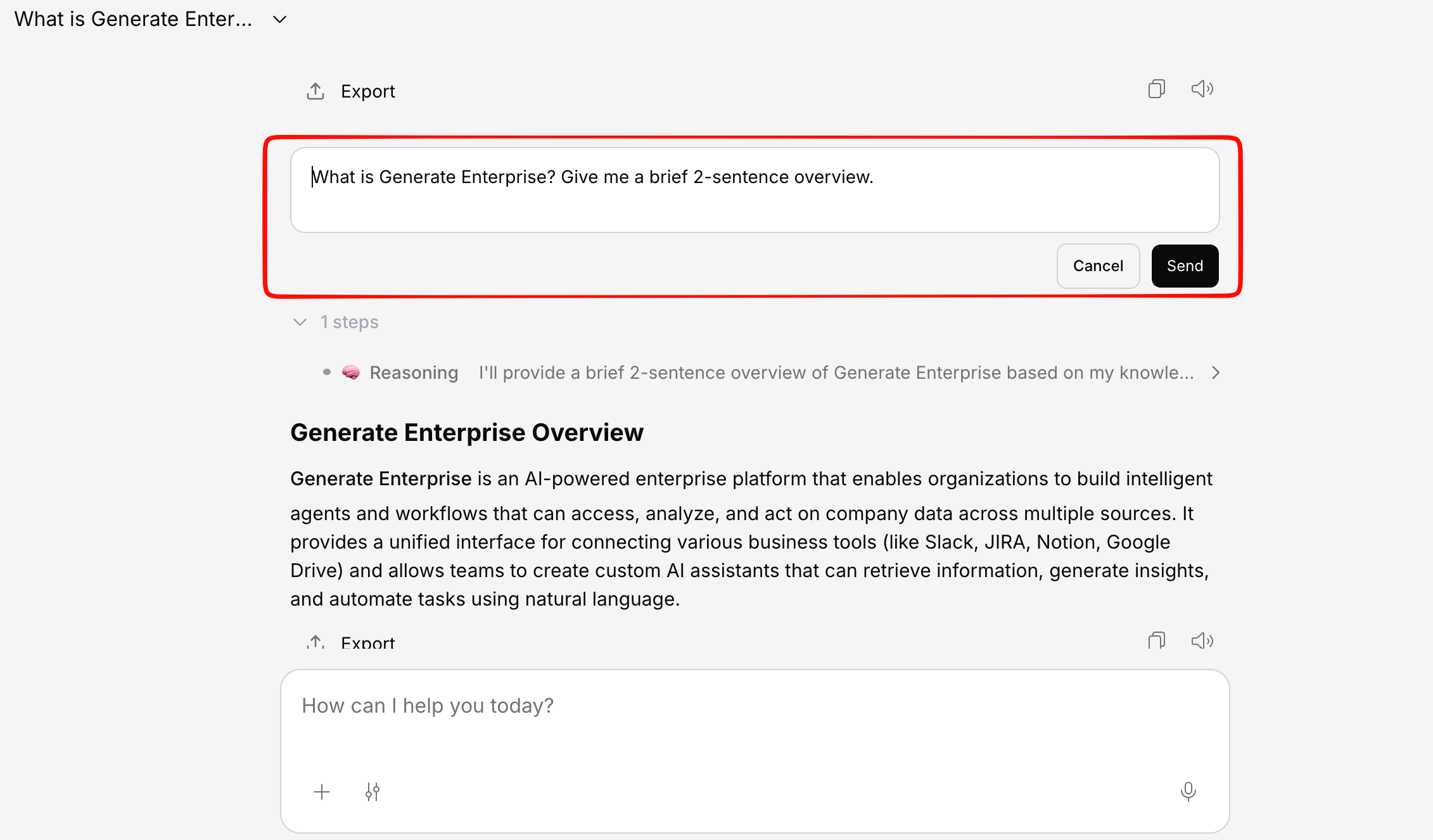
Modify your message
Edit the text however you’d like. You can also change the AI model before resending.
Expand Long Messages
If your message is long, it will be collapsed by default. Click Show more to expand it, or Show less to collapse it again.Actions on AI Responses
AI responses have a richer set of actions: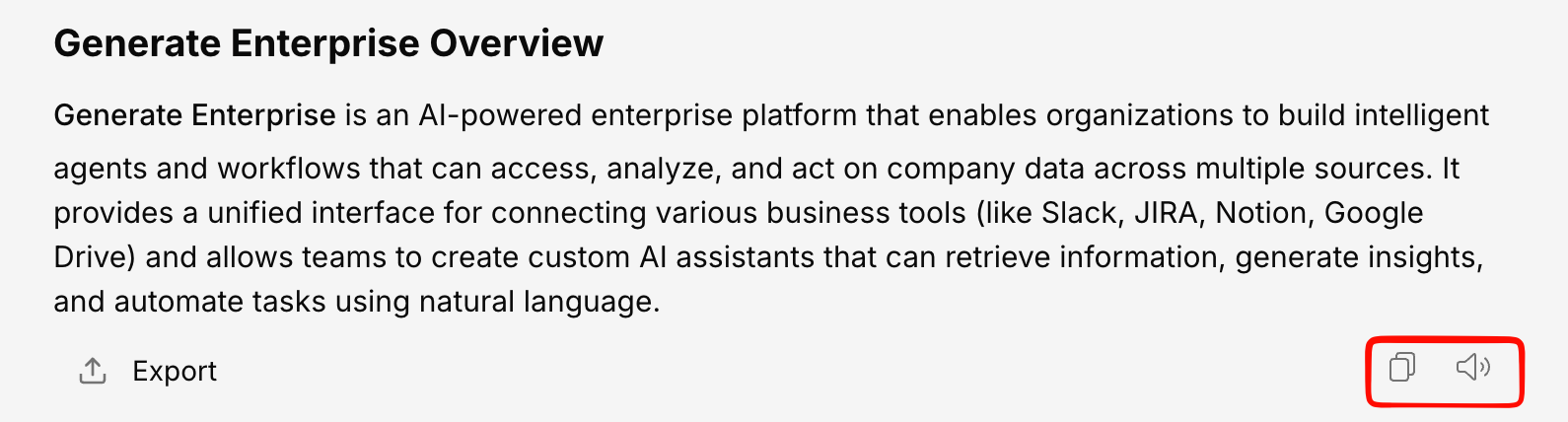
Copy Response
Click the copy icon to copy the full AI response to your clipboard. The copy preserves:- Text formatting (bold, italic, headings)
- Tables with structure intact
- Code blocks
- Lists and bullet points
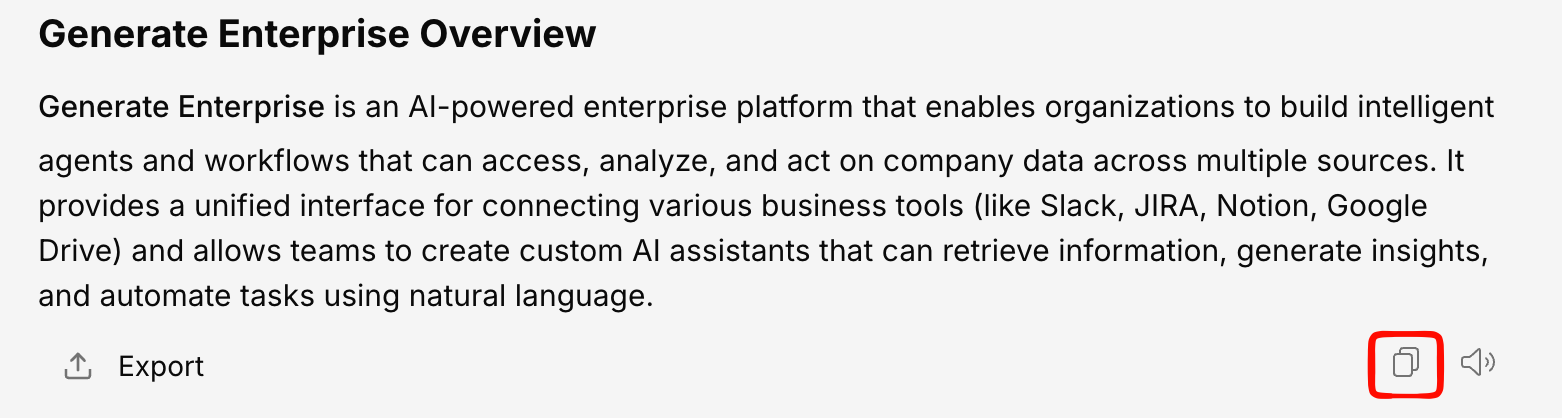
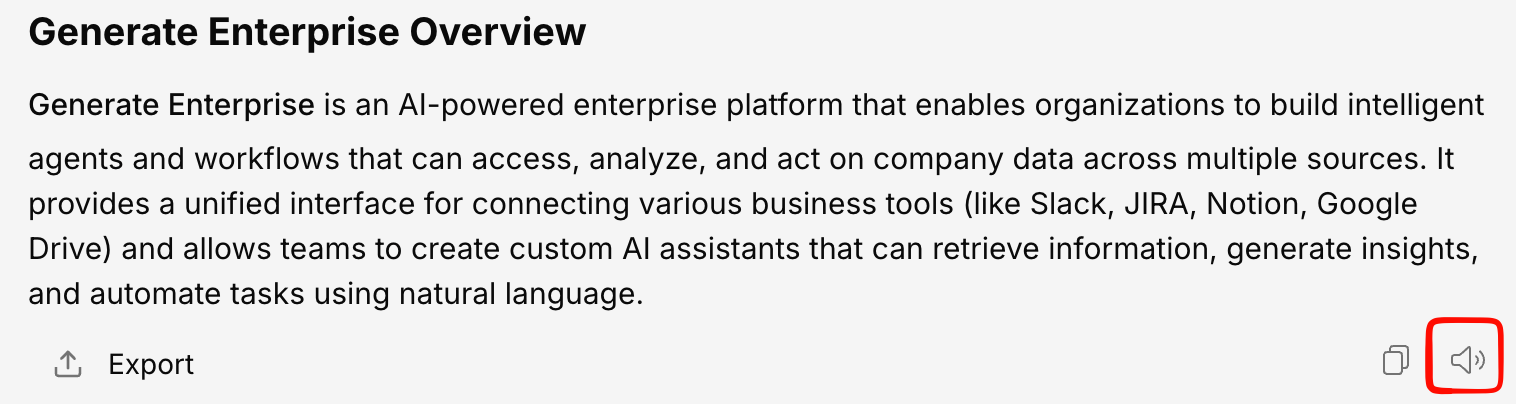
Read Aloud
Click the speaker icon to have the AI response read out loud using text-to-speech. While reading:- A stop button appears to pause the reading
- You can configure voice, speed, and pitch in the read-aloud controls
Availability
Some message actions may be controlled by your organization’s administrator through feature flags. If you don’t see a specific action, contact your admin.| Action | Controlled by feature flag |
|---|---|
| Copy message | Yes (can be restricted for DLP) |
| Edit query | Yes |
| Like/Dislike | Yes |
| Read aloud | Yes |
| Save to note | Yes |
| Rewrite | Yes |
| Export | Yes |