How Streaming Works
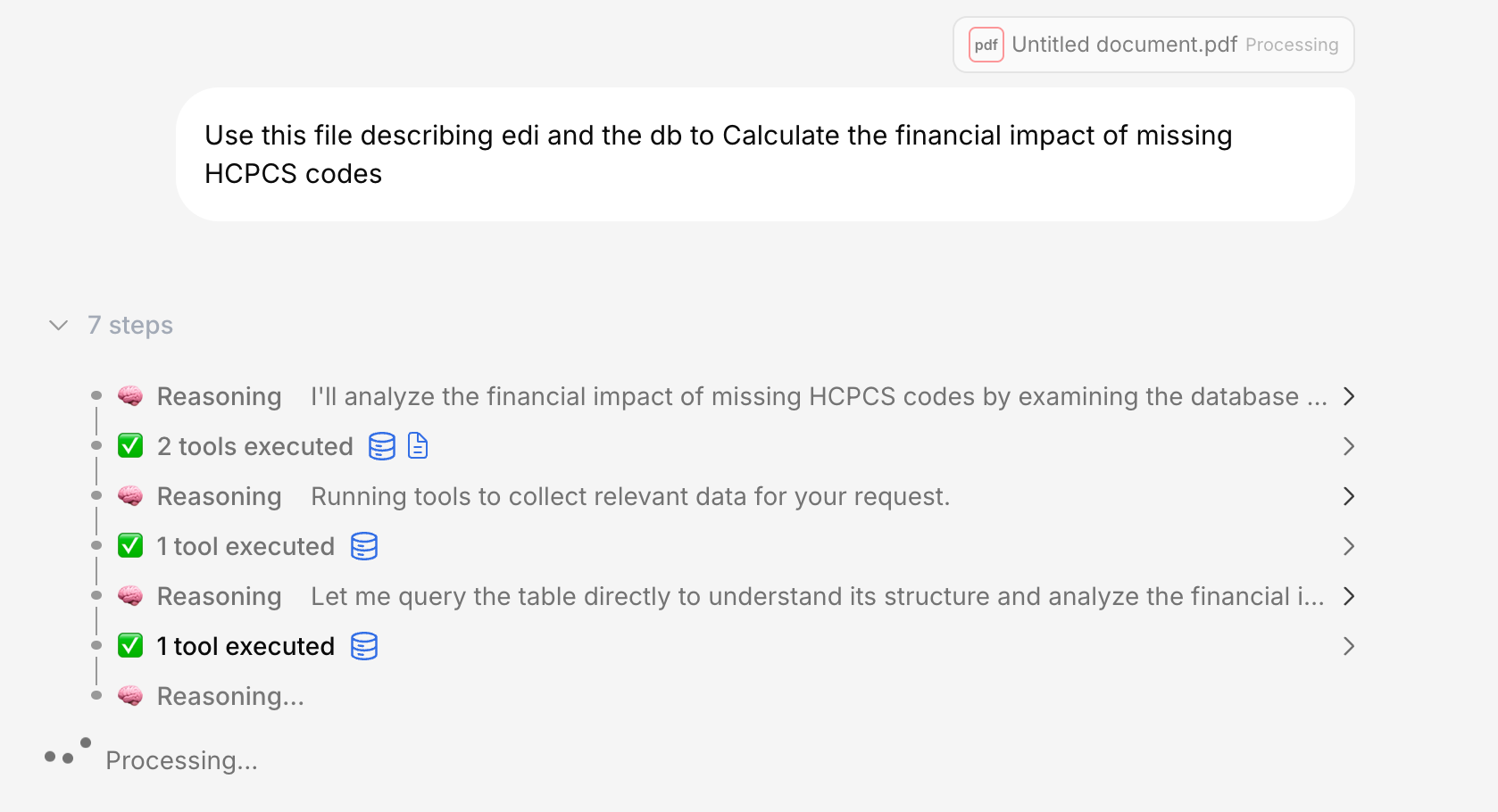
After you send a message, you’ll see several things happen in sequence: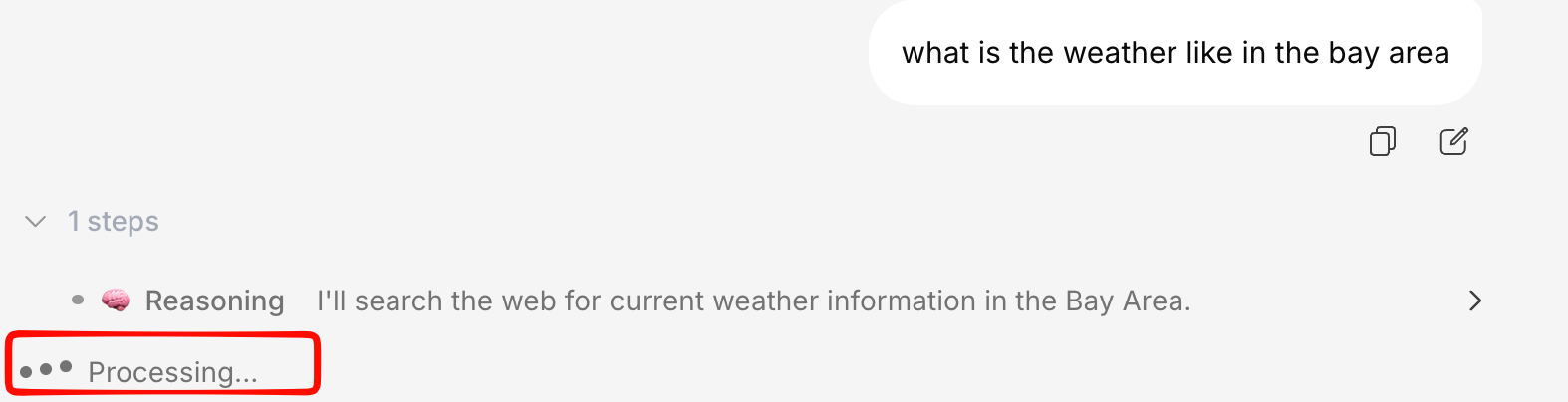
Tool execution (if needed)
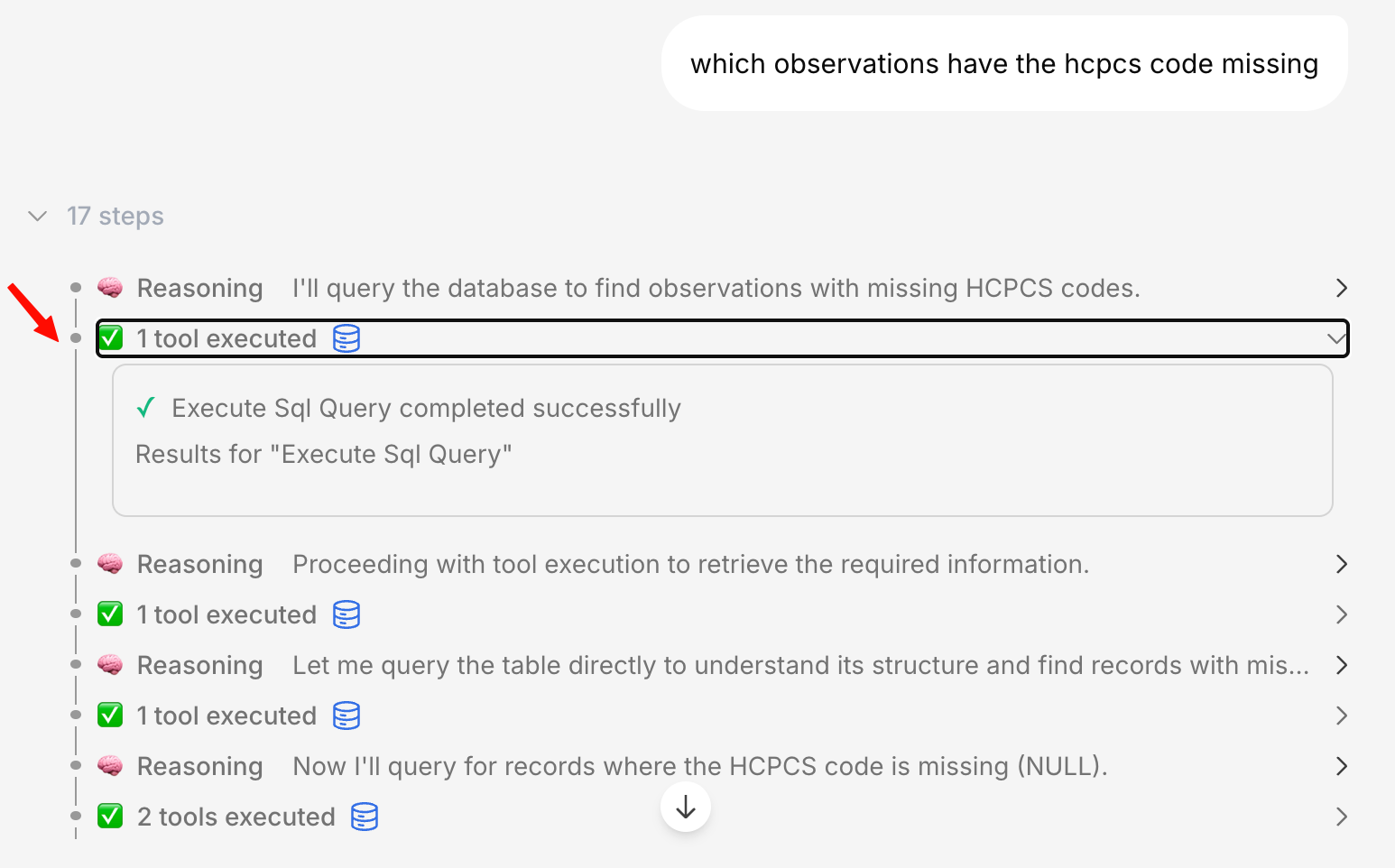
If the AI needs to search your knowledge base, query a database, or use a connector, you’ll see each step displayed in real-time.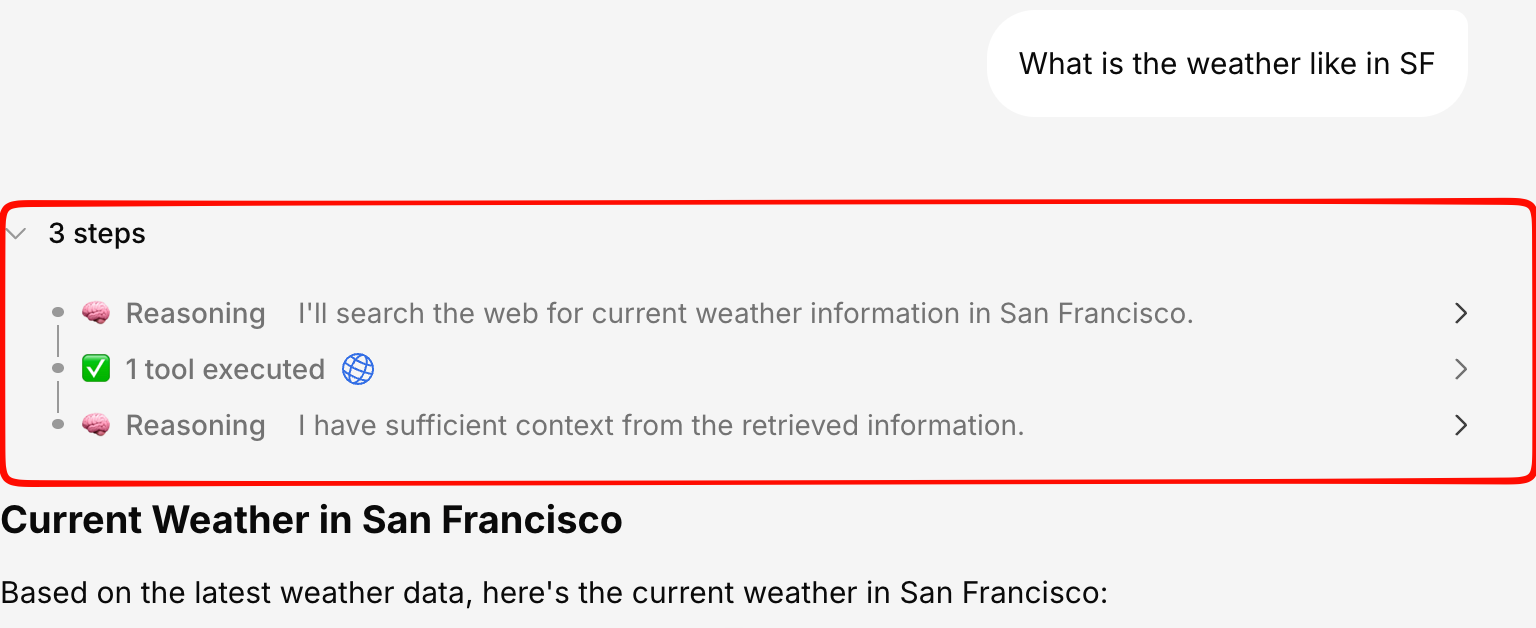
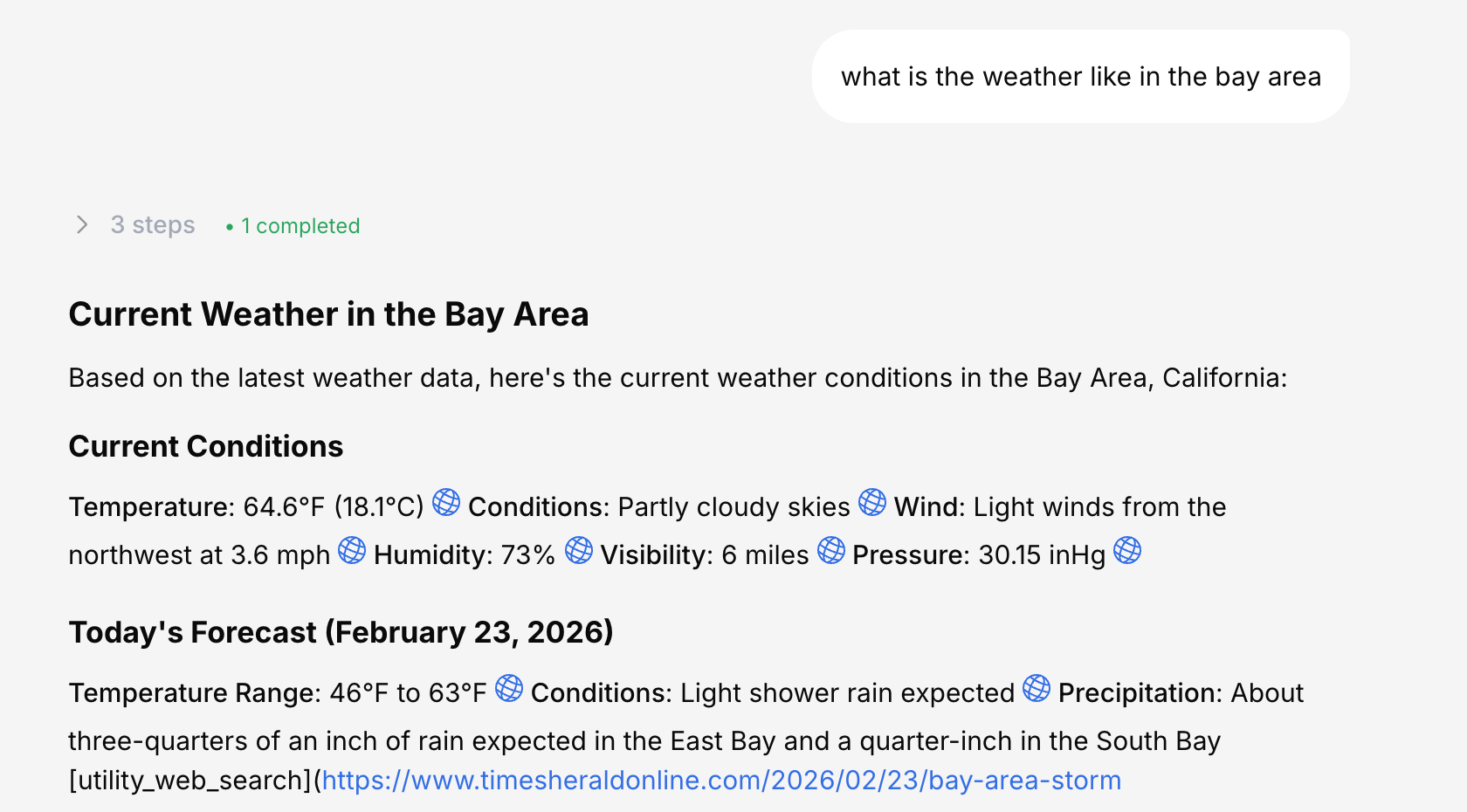
Response streams in
Text appears word by word with a typing cursor animation. You can start reading immediately without waiting for the full response.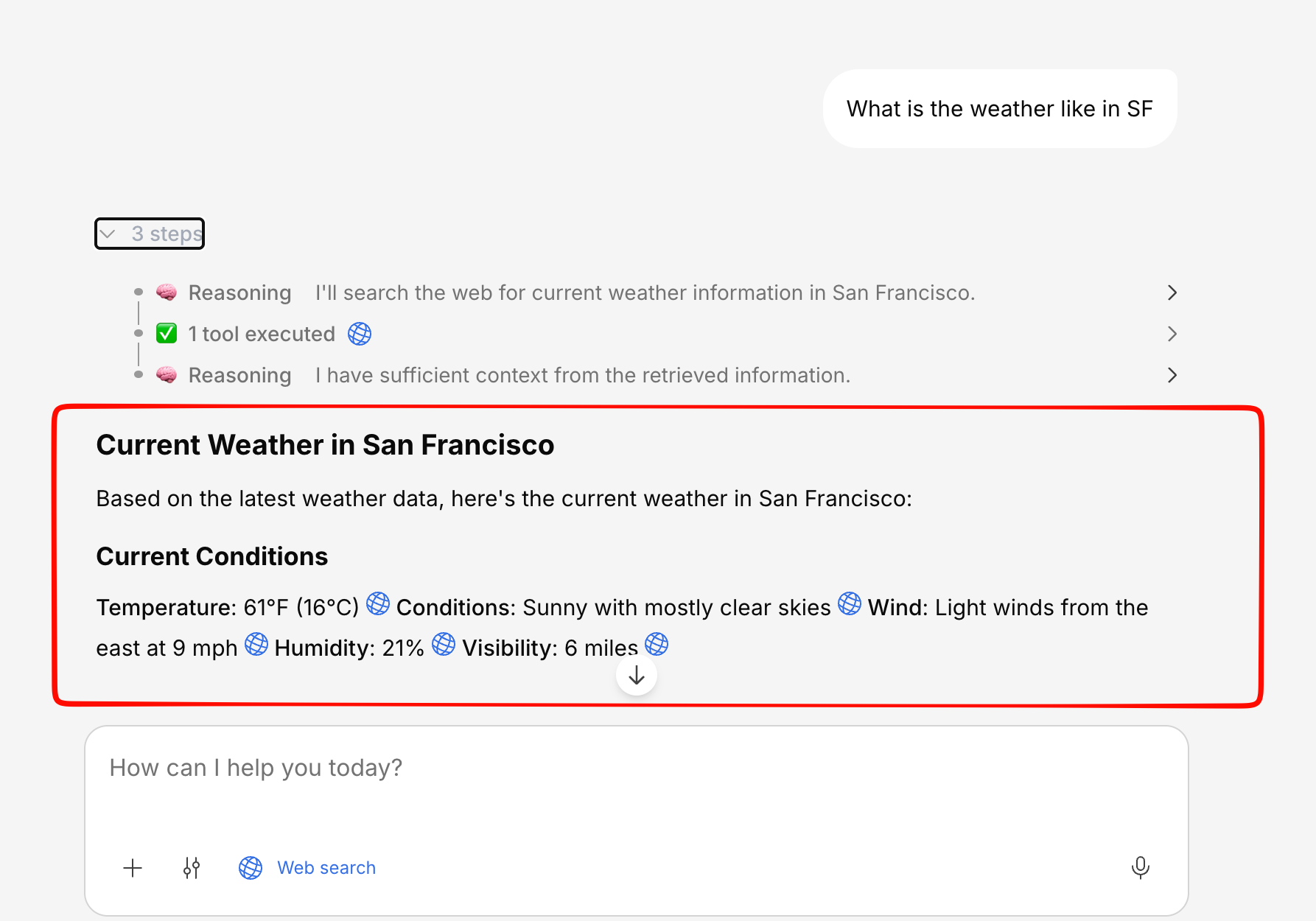
Tool Execution Timeline
When the AI uses tools to answer your question, you’ll see a visual timeline of each step:| Status | What it means |
|---|---|
| Searching | Querying your knowledge base for relevant documents |
| Analyzing | Processing and understanding the retrieved content |
| Executing Tool | Running a specific tool (web search, connector, database query) |
| Generating | Writing the response based on gathered context |

Stopping a Response
If you don’t need to wait for the full response, click the Stop button that appears during streaming.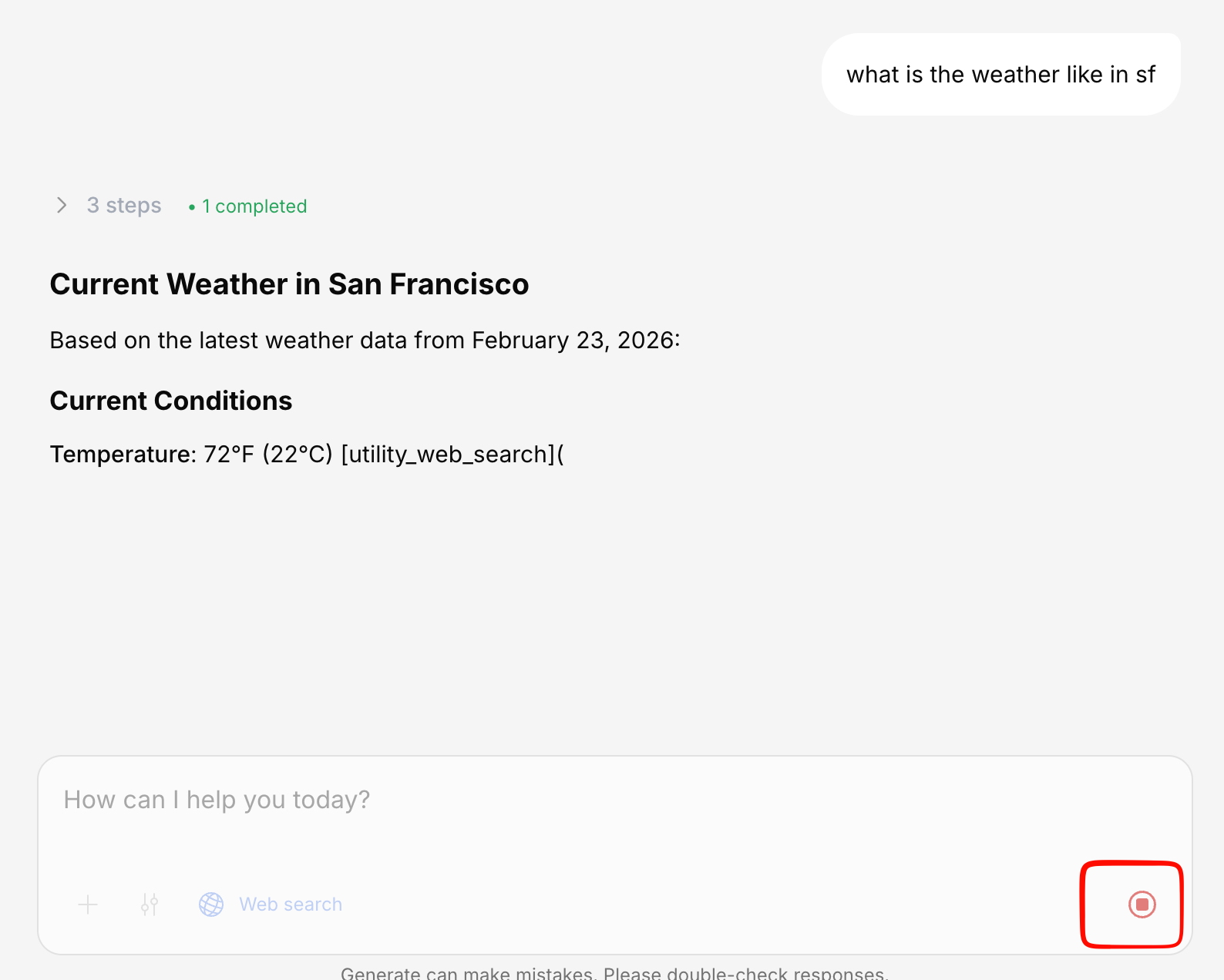
- Ask a follow-up question
- Rewrite the response
- Start a new topic
Resilient Streaming
If your network drops mid-response, Generate doesn’t lose your answer. When the connection comes back, the stream resumes from where it left off instead of starting over — so long responses survive a brief Wi-Fi blip or a tab switch.Navigation During Streaming
If you try to navigate away or close the tab while a response is being generated, you’ll see a confirmation dialog asking if you want to leave. If you confirm, the stream will stop automatically.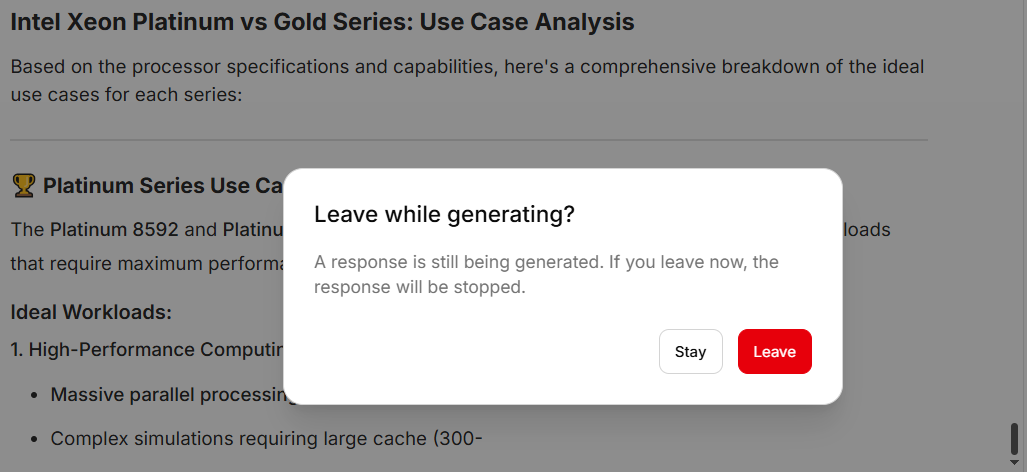
Real-Time File Processing
When you upload files, you’ll also see real-time progress:- Uploading — File is being transferred
- Processing — Document is being read and extracted
- Embedding — Content is being indexed for search
- Complete — File is ready to use