Exporting an Agent
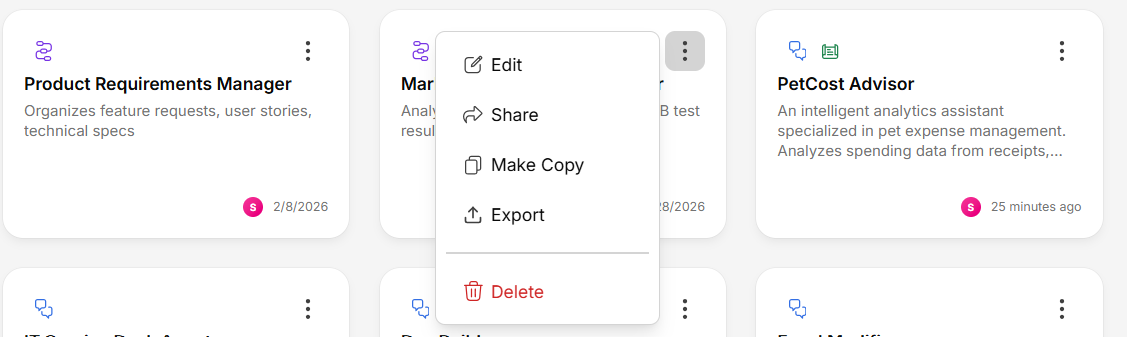
Open the agent's action menu
Click the more options menu (three dots) on the agent card or detail page.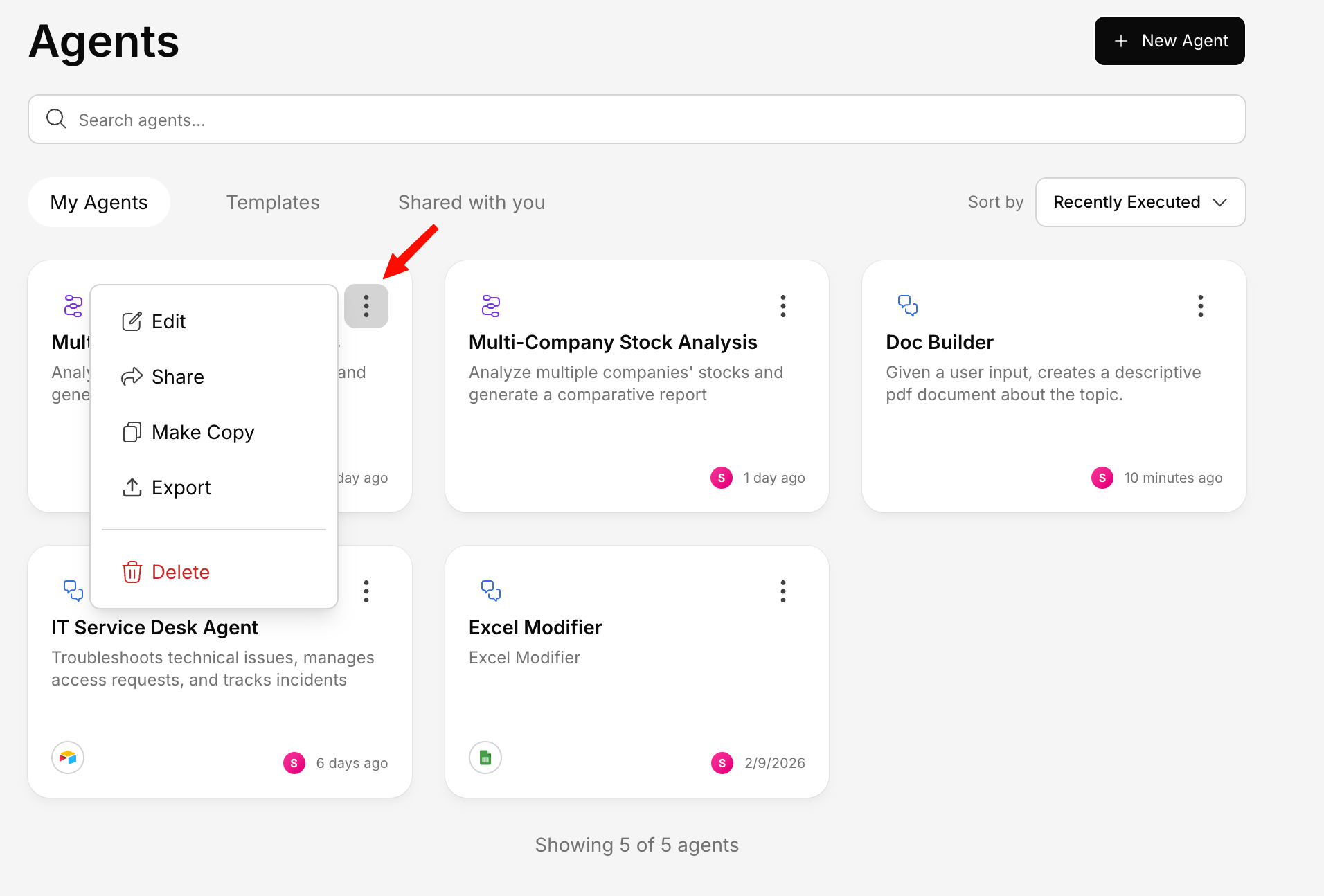
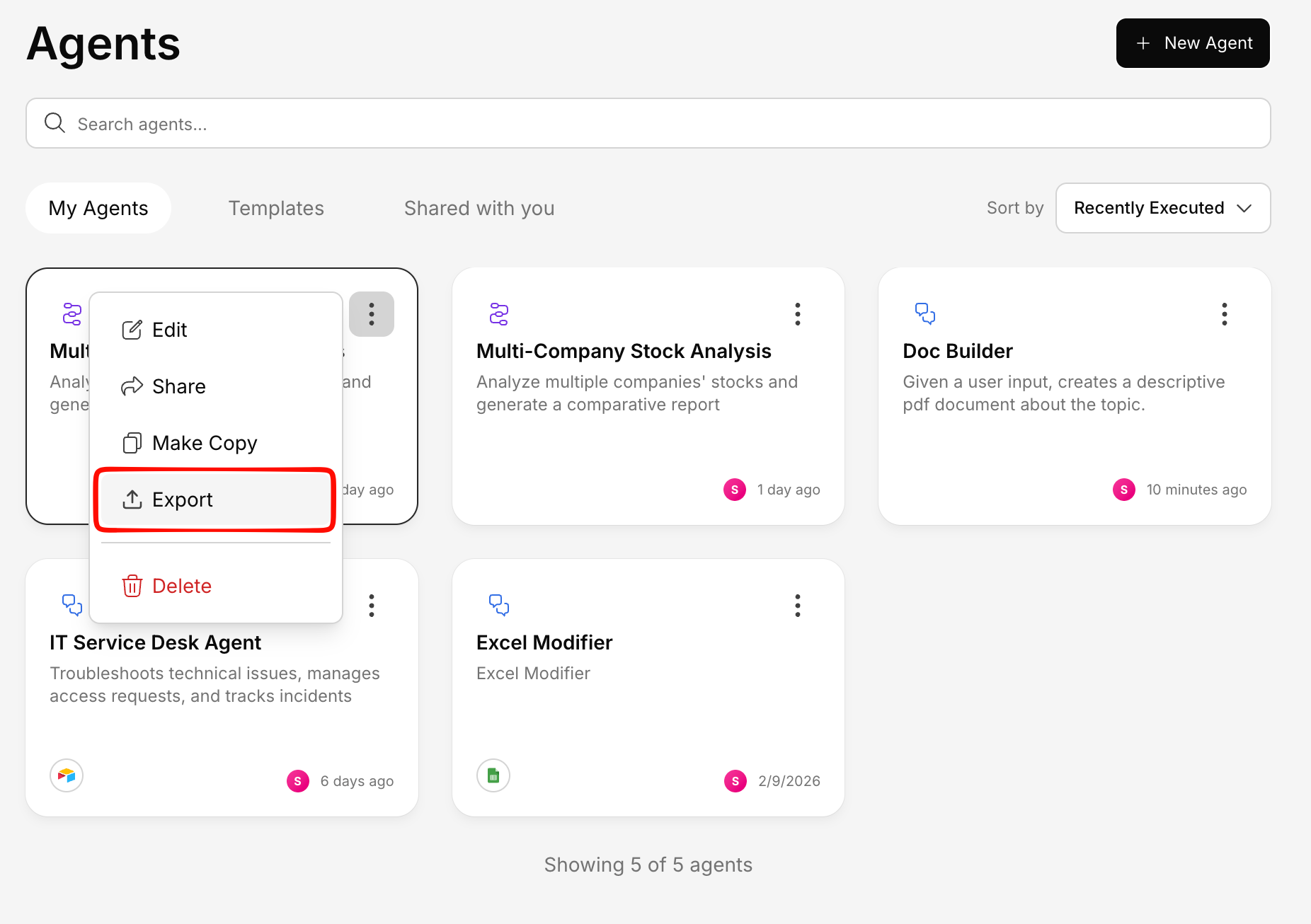
- Agent name and description
- System instructions
- Tool configuration
- Knowledge base references
- All settings
Importing an Agent
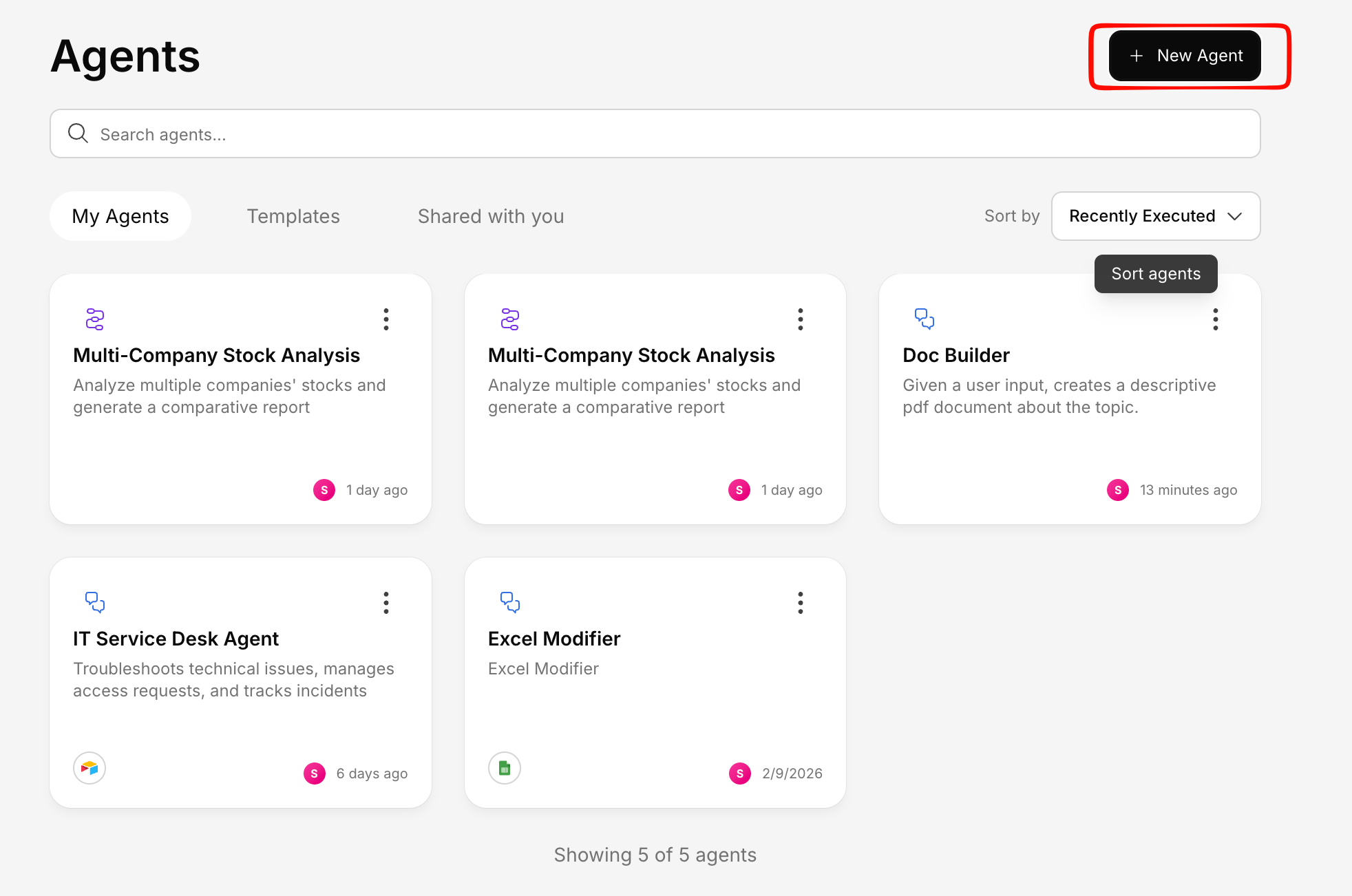
Select 'Import from JSON'
Choose the JSON file you previously exported (or received from someone else).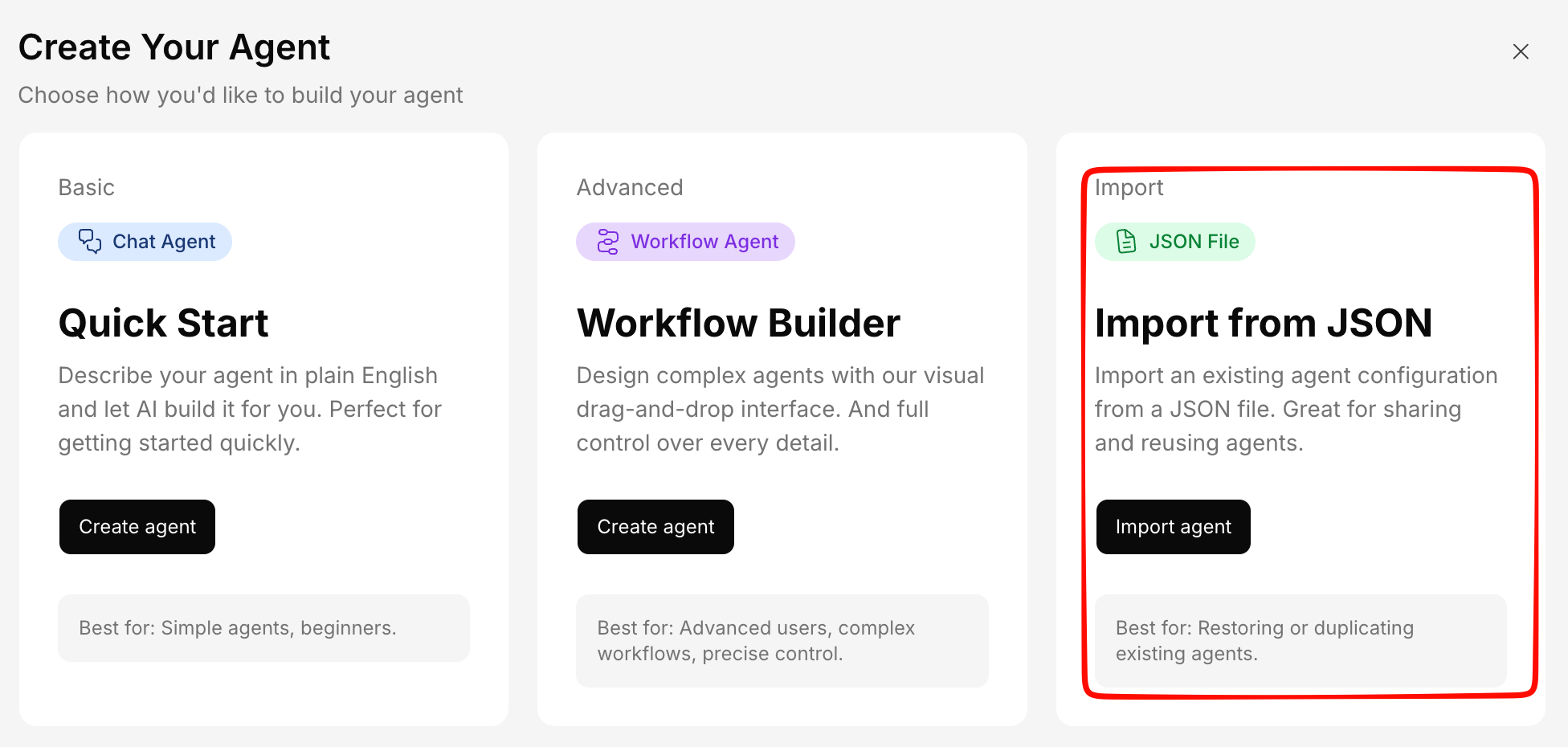
Duplicating an Agent
For a quick copy within the same instance, use the Make a Copy action instead of export/import. This creates an identical copy instantly.