

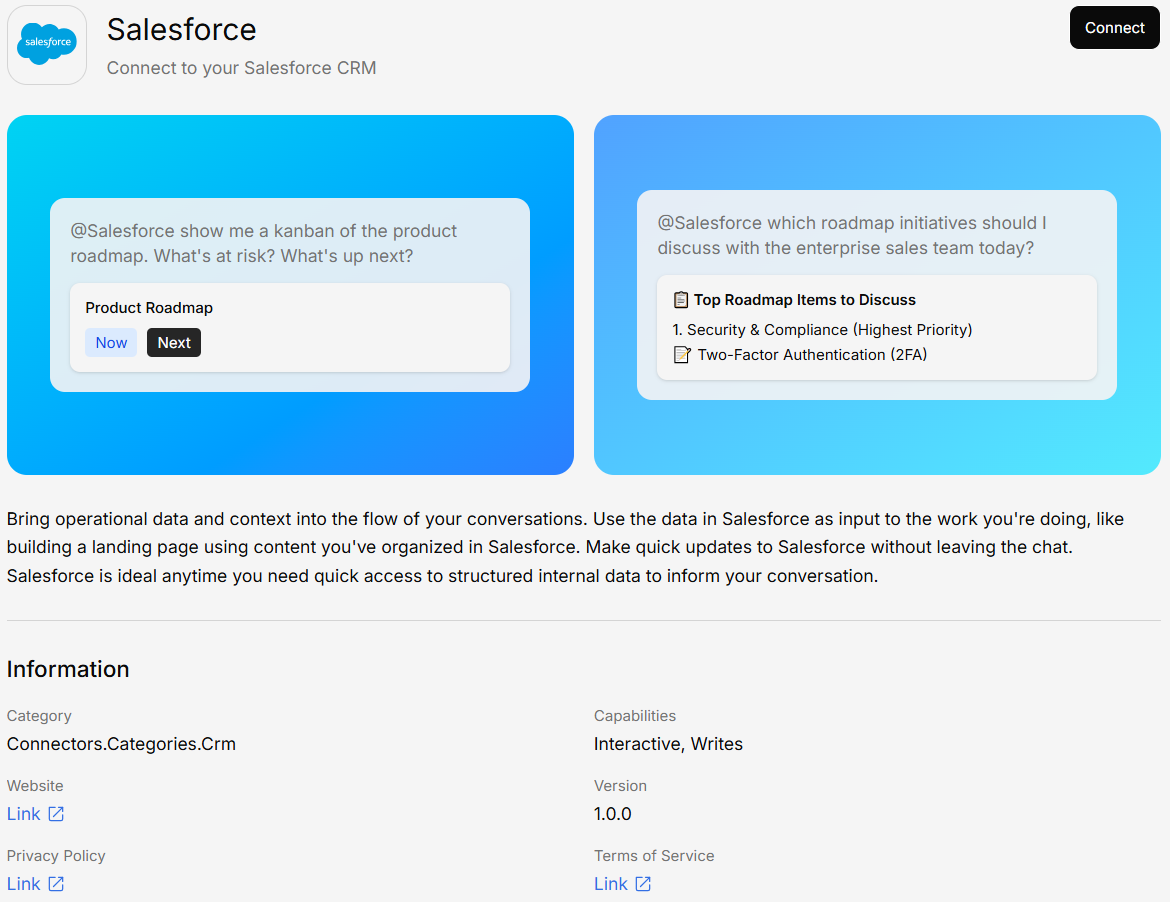
What You Can Do
- Query CRM data — Ask questions about accounts, contacts, leads, and opportunities
- Access reports — Pull insights from your Salesforce reports and dashboards
- Search records — Find specific records by name, status, or any field
- Combine with documents — Cross-reference CRM data with your uploaded documents
Connecting Salesforce
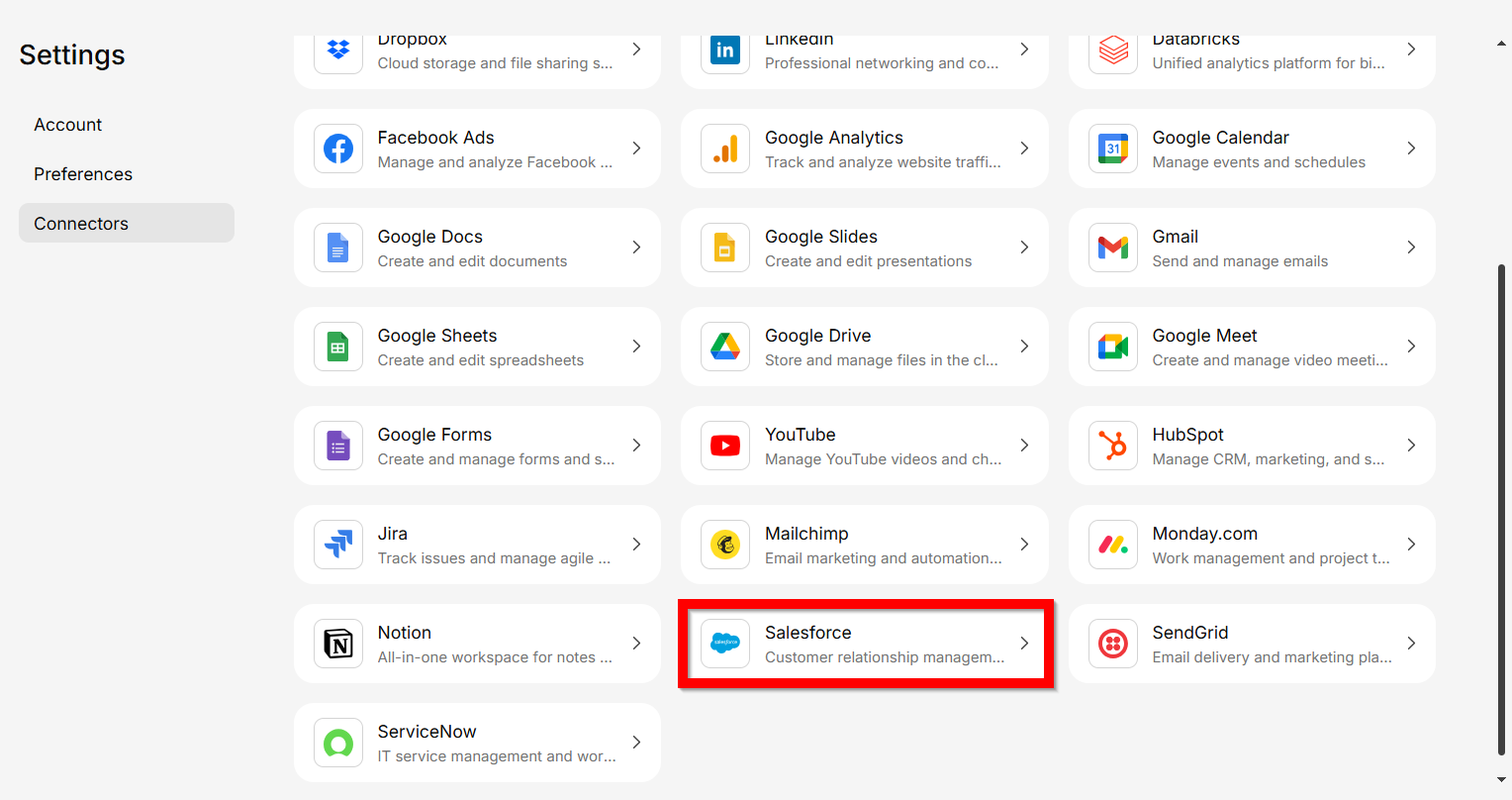
Sign in to Salesforce
You’ll be redirected to your Salesforce login page. Authenticate with your credentials.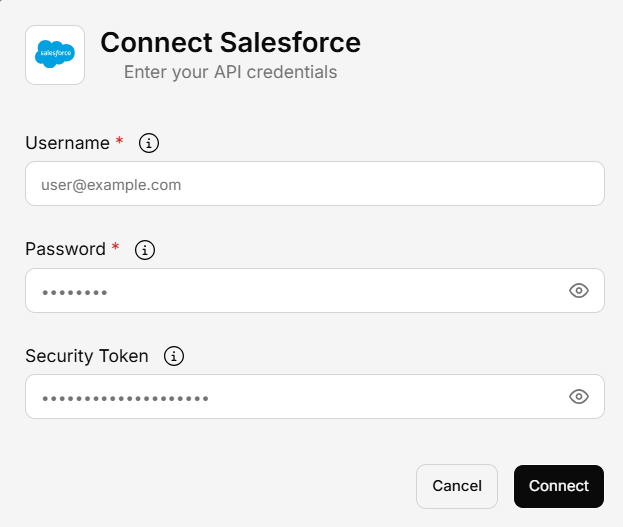
Example Questions
Once connected, you can ask things like:- “How many open opportunities do we have this quarter?”
- “Show me the contact details for Acme Corp”
- “What’s the pipeline value for the West region?”
- “Summarize recent activity on the Johnson account”