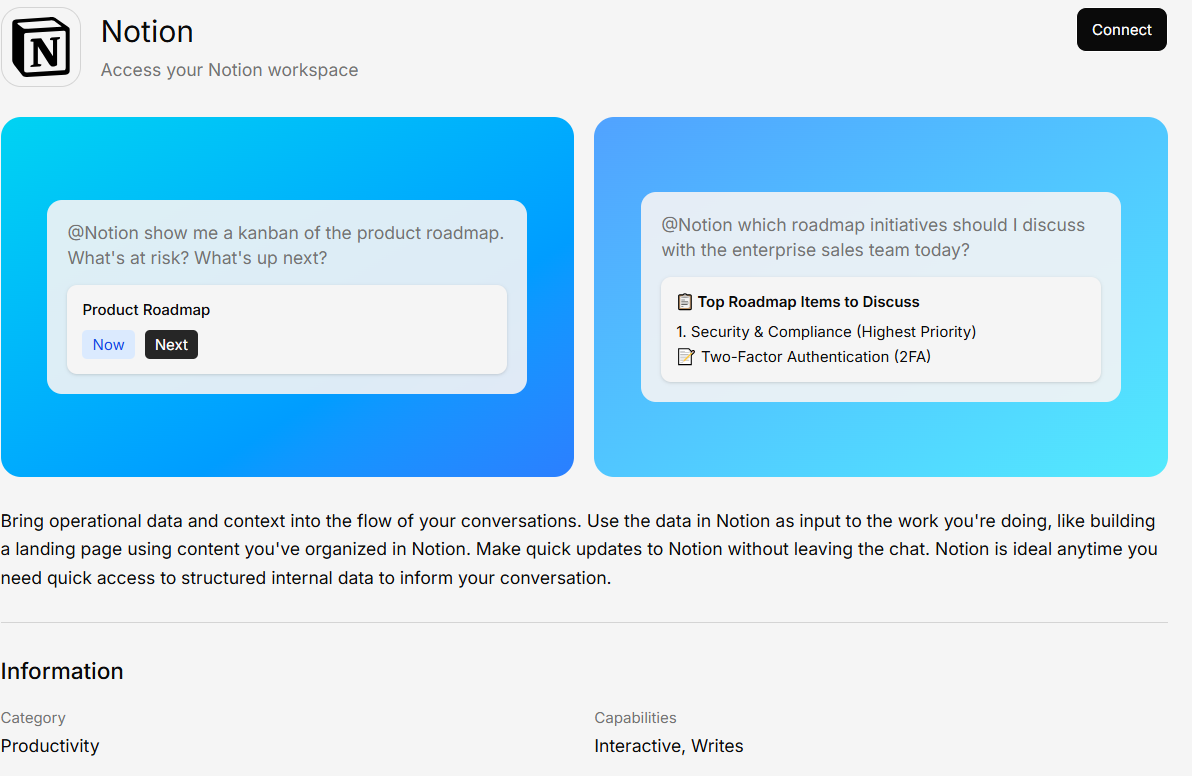
The Notion integration brings your Notion workspace into Generate. Access your team’s wikis, databases, and documentation through AI-powered conversations.
Notion connector

What You Can Do

  • Search your wiki — Ask questions about your Notion documentation
  • Access databases — Query structured data from Notion databases
  • Browse pages — Pull content from specific Notion pages

Connecting Notion

1

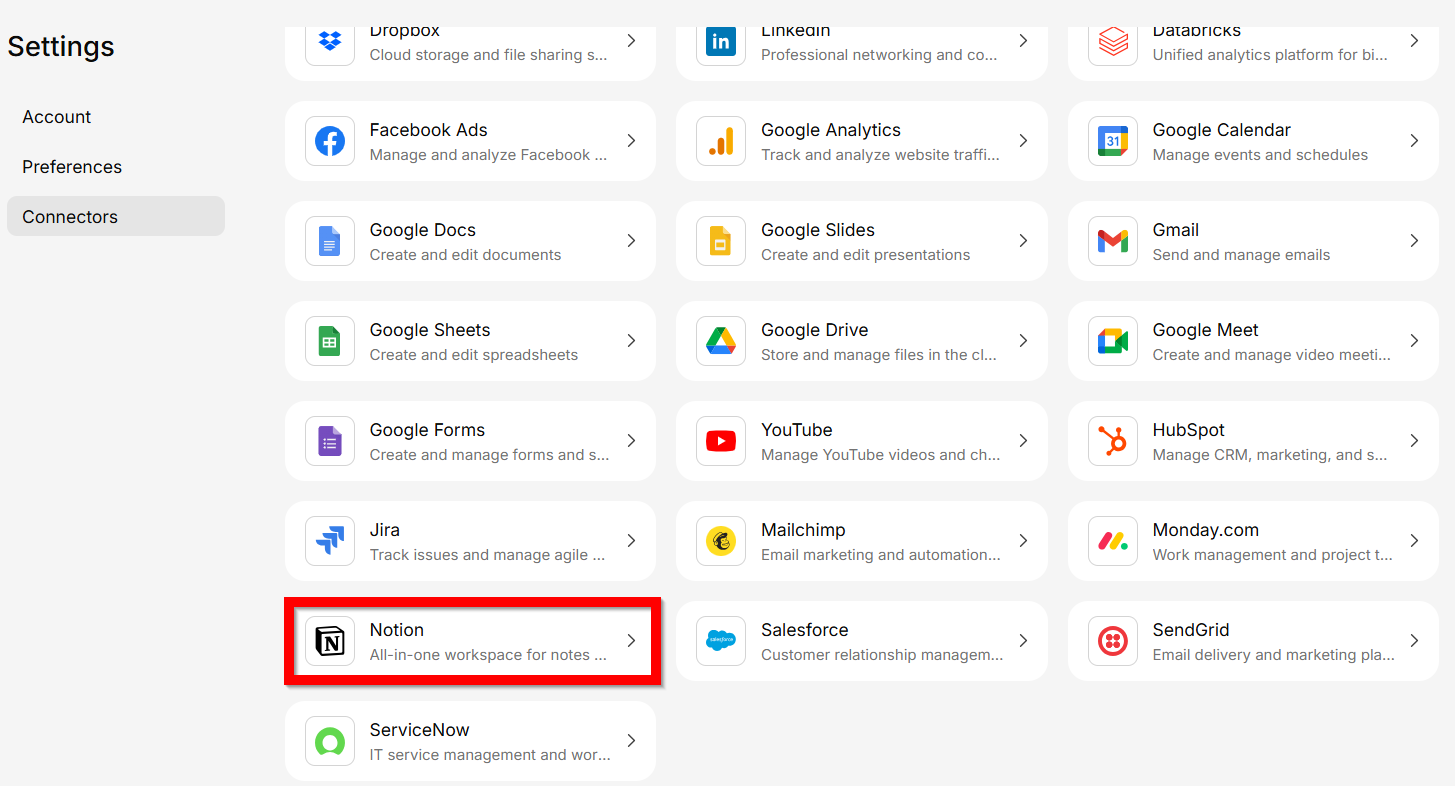
Open Connectors and select Notion

Selecting Notion connector
2

Authenticate with:

Sign in and authorize Generate to access your Notion content.
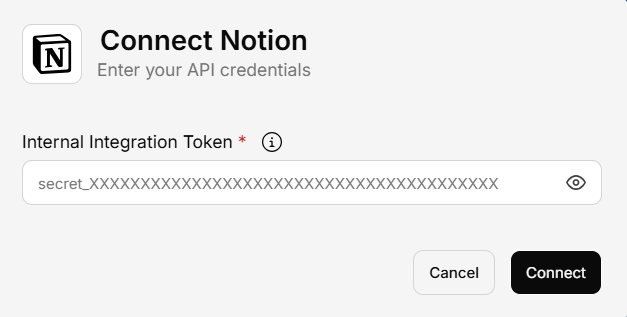
2.1 Notion API Key
notion authentication API
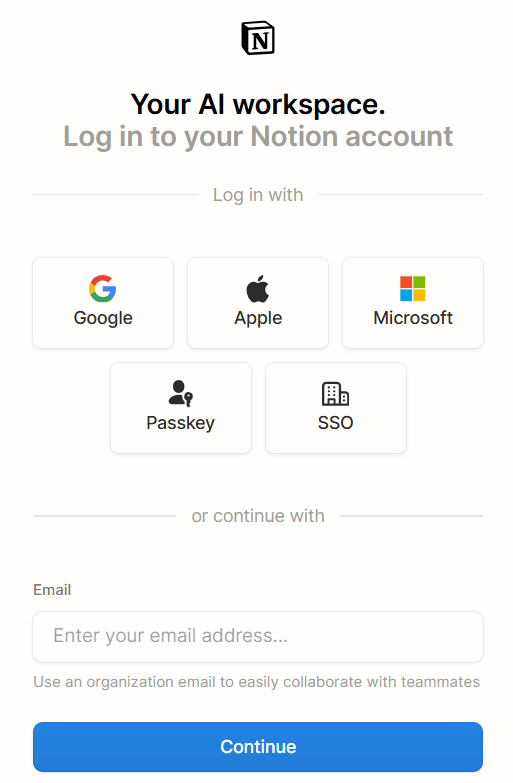
2.2 Notion Login
notion authentication Login
3

Save and sync

Your Notion content will be synced and available for AI-powered search.