Connection Details
| Field | Description | Example |
|---|
| Host | MariaDB server address | db.example.com |
| Port | MariaDB port (default 3306) | 3306 |
| Database | Database name | app_db |
| Username | MariaDB user | readonly_user |
| Password | User password | •••••••• |
Setting Up
Go to Connectors → Database
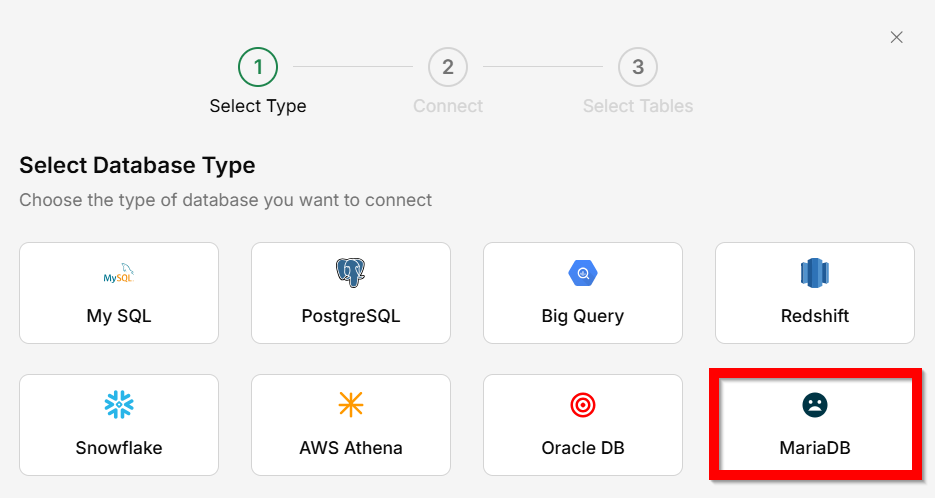
Select
MariaDB as the database type.
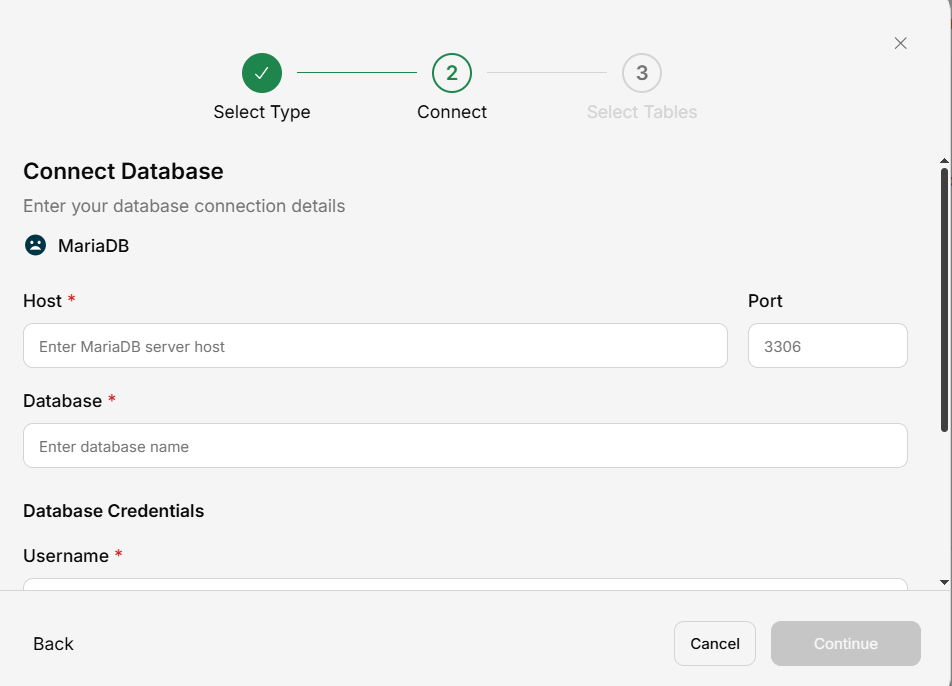
Enter connection details
Fill in the host, port, database name, username, password, and SSL CA certificate.
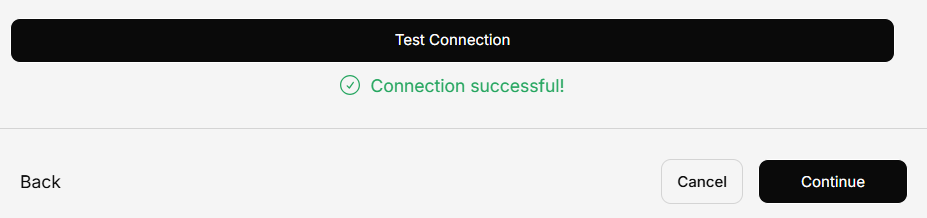
Save
Your MariaDB data is now queryable.
MariaDB configuration is nearly identical to MySQL. If you’ve connected MySQL before, you already know how this works.