

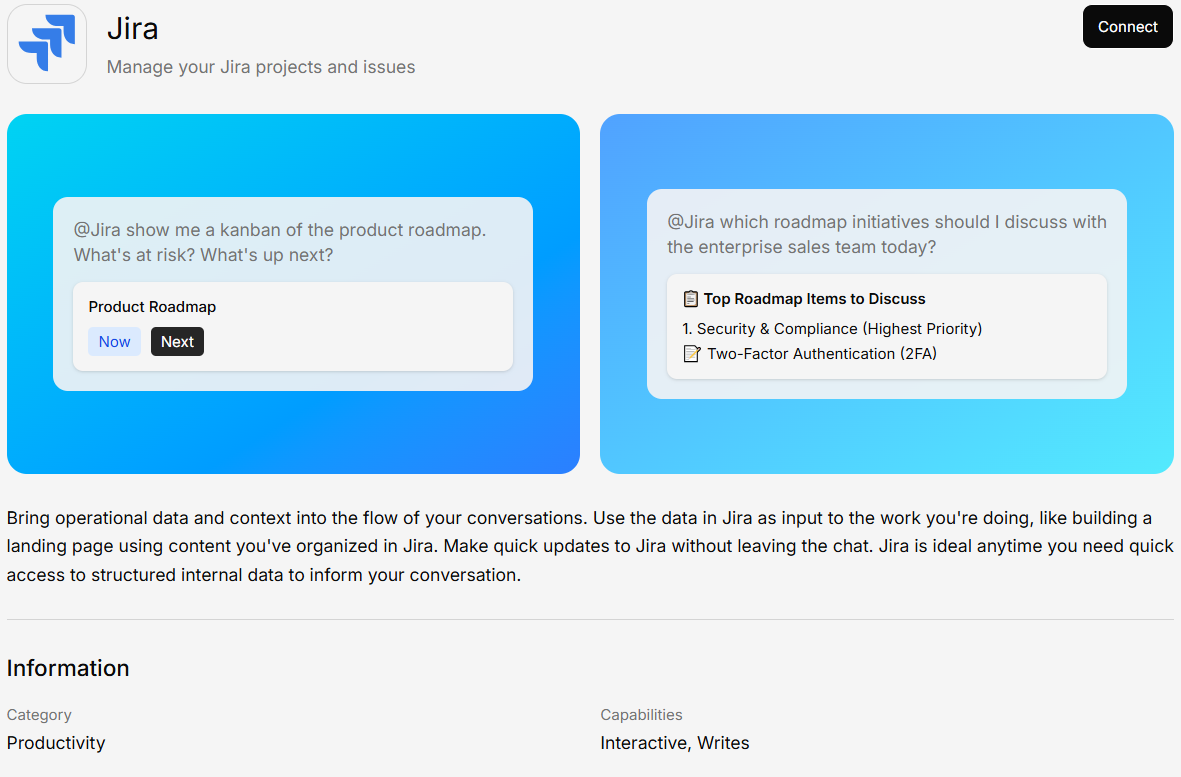
What You Can Do
- Query issues — Search and filter Jira issues using natural language
- Sprint overviews — Get summaries of sprint progress and blockers
- Project status — Ask about project health across boards
- Ticket details — Look up specific tickets and their history
Connecting Jira
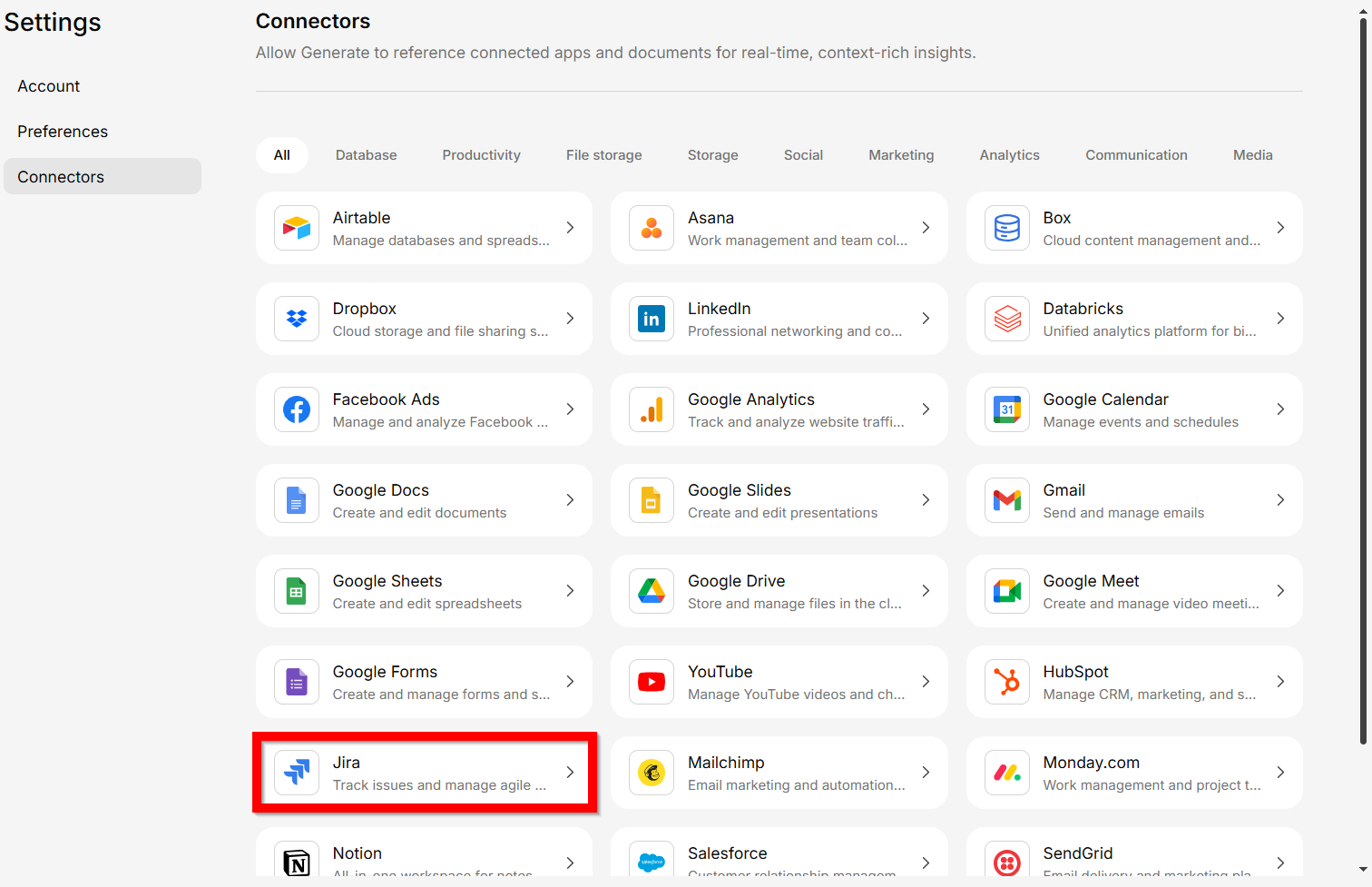
Authenticate with:
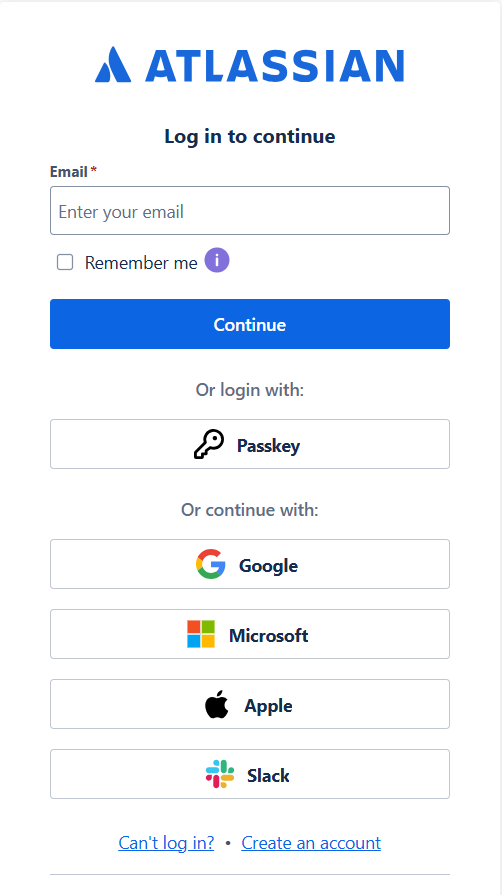
Sign in and authorize Generate to access your Jira content.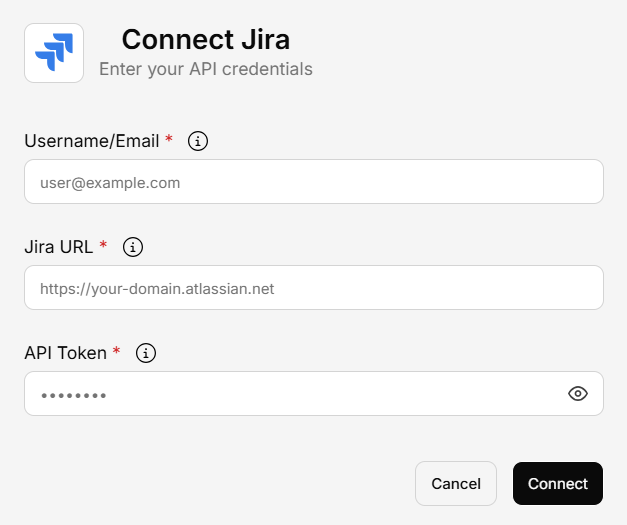
2.1 Jira API Key
2.2 Jira Login
Example Questions
- “What are the open blockers in the current sprint?”
- “Show me all high-priority bugs assigned to me”
- “Summarize the status of the Platform project”