Connection Details
| Field | Description |
|---|
| Project ID | Your Google Cloud project ID |
| Dataset | BigQuery dataset name |
| Service Account Key | JSON credentials file for authentication |
Setting Up
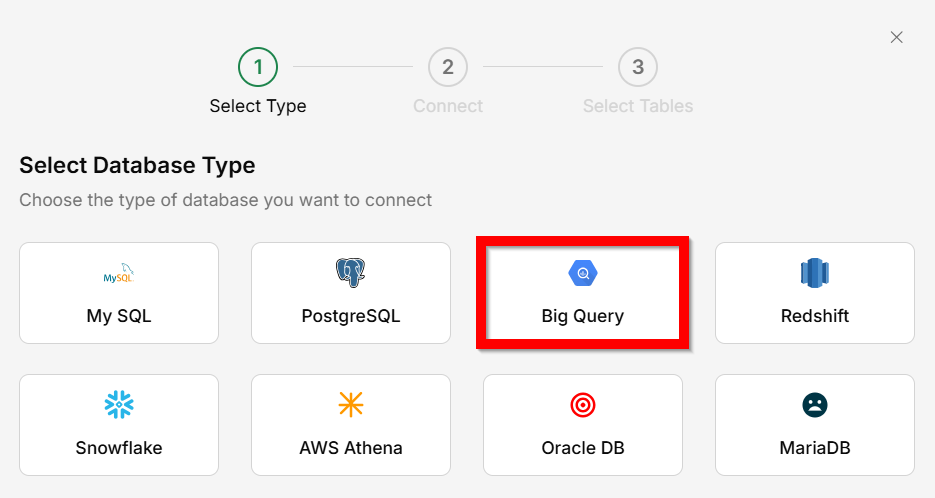
Go to Connectors → Database
Select
BigQuery as the database type.
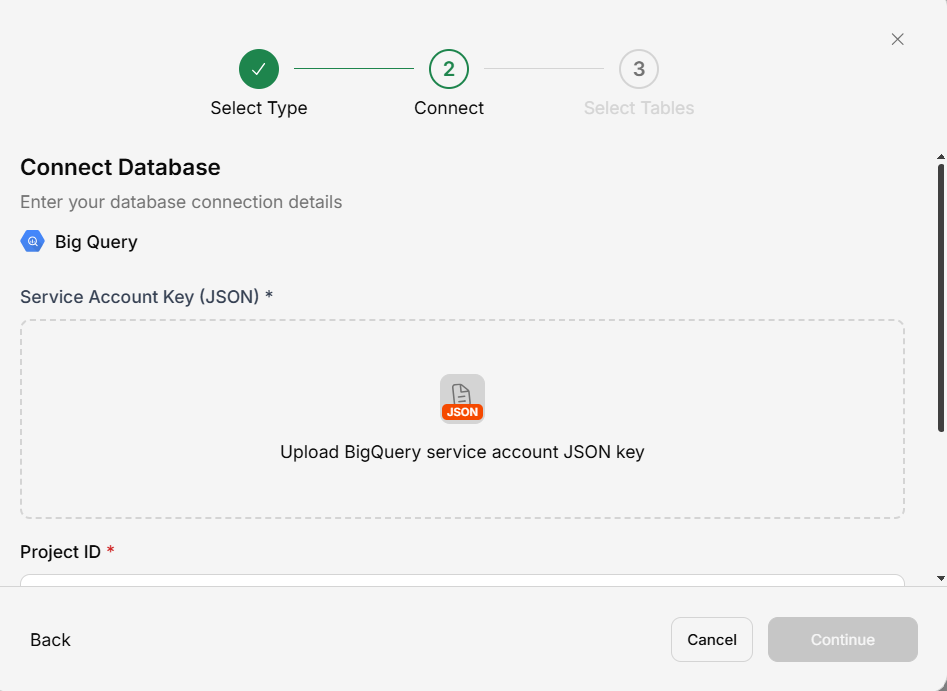
Provide credentials
Enter your dataset ID, project ID and upload your service account key JSON file.
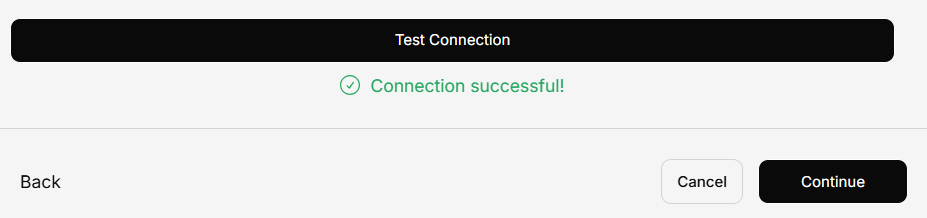
Test connection
Click
Test Connection to verify.
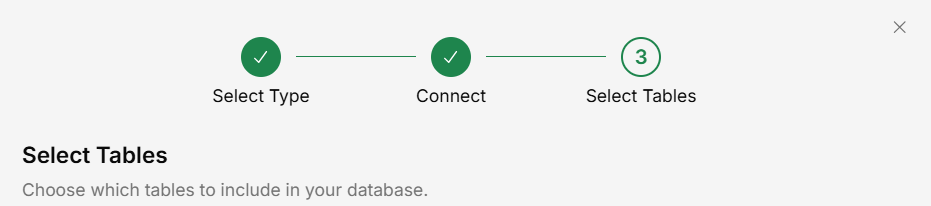
Select datasets and tables
Choose which datasets and tables to include.
Save
Your BigQuery data is now queryable in conversations.
Use a service account with BigQuery Data Viewer and BigQuery Job User roles for read-only access.