Connection Details
| Field | Description | Example |
|---|
| Host | Redshift cluster endpoint | cluster.abc123.us-east-1.redshift.amazonaws.com |
| Port | Redshift port (default 5439) | 5439 |
| Database | Database name | analytics |
| Username | Redshift user | readonly_user |
| Password | User password | •••••••• |
Setting Up
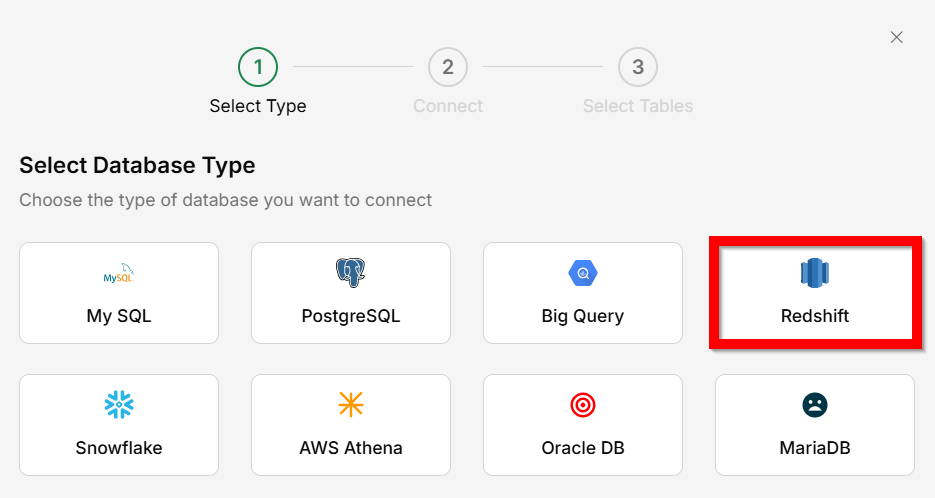
Go to Connectors → Database
Select
Redshift as the database type.
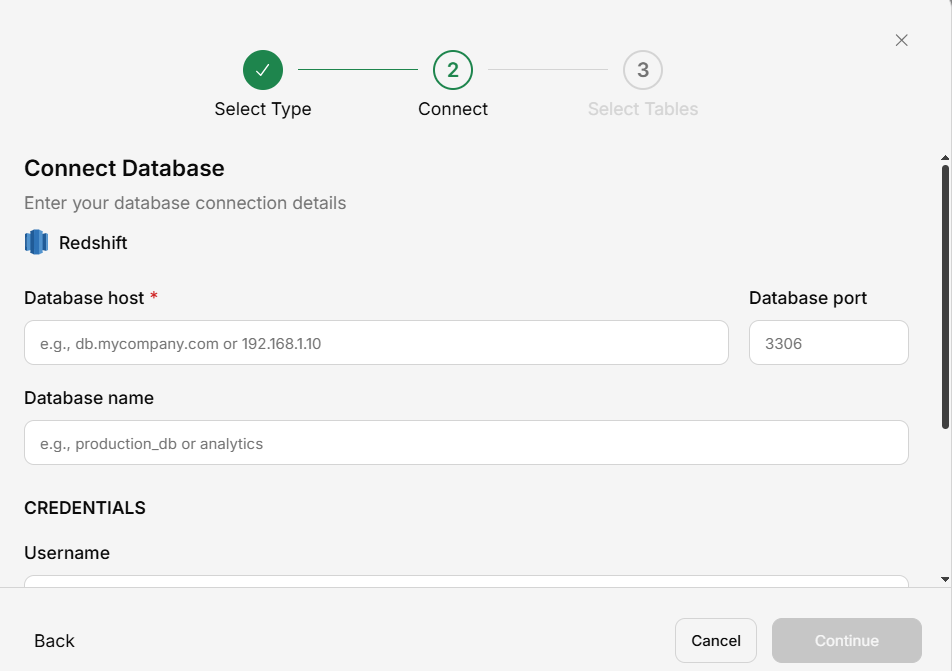
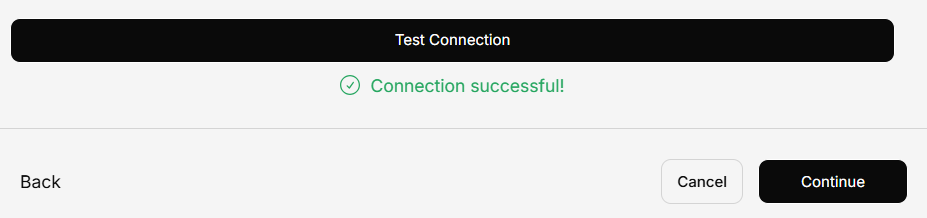
Enter connection details
Fill in the host, port, database name, username, and password.
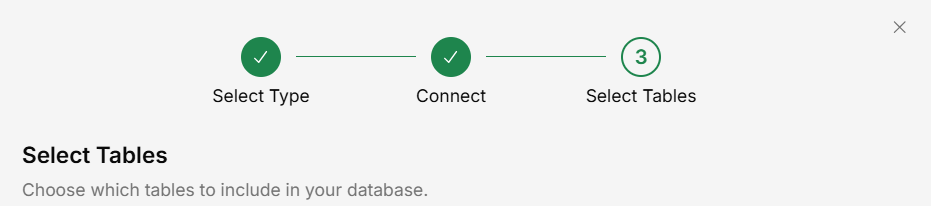
Select schemas and tables
Save
Your Redshift data is now queryable.
Ensure your Redshift cluster’s security group allows inbound connections from Generate’s IP address.