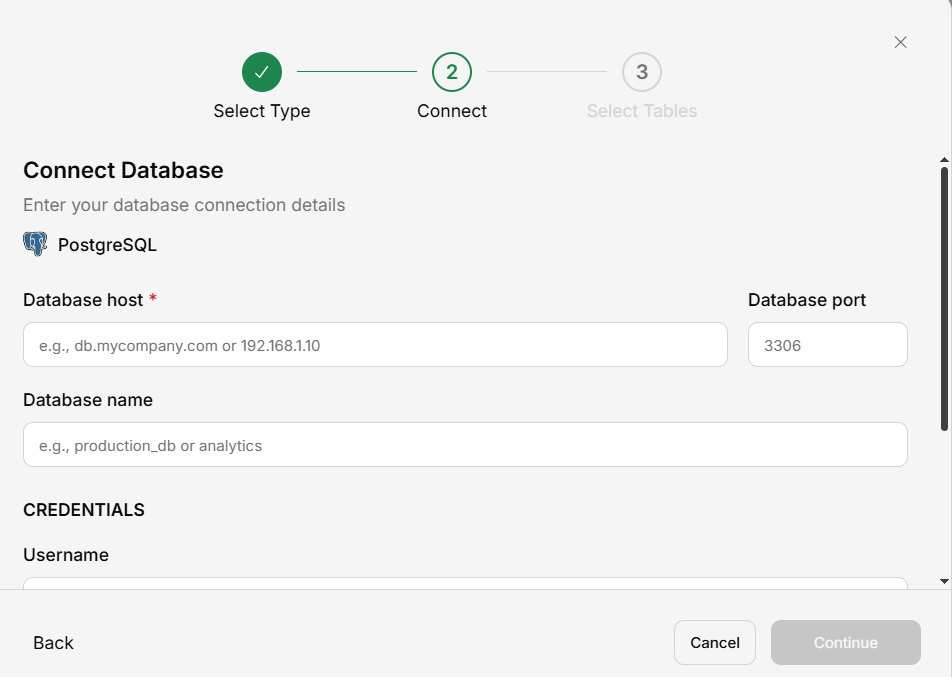
Connection Details
| Field | Description | Example |
|---|---|---|
| Host | PostgreSQL server address | db.example.com |
| Port | PostgreSQL port (default 5432) | 5432 |
| Database | Database name | analytics |
| Username | PostgreSQL user | readonly_user |
| Password | User password | •••••••• |
Setting Up
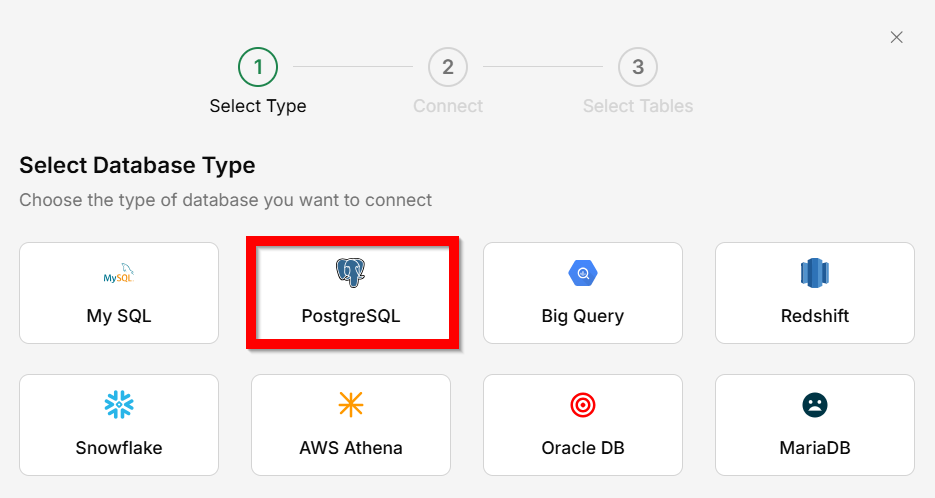
Enter connection details
Fill in host, port, database name, username, password, and SSL CA certificate.