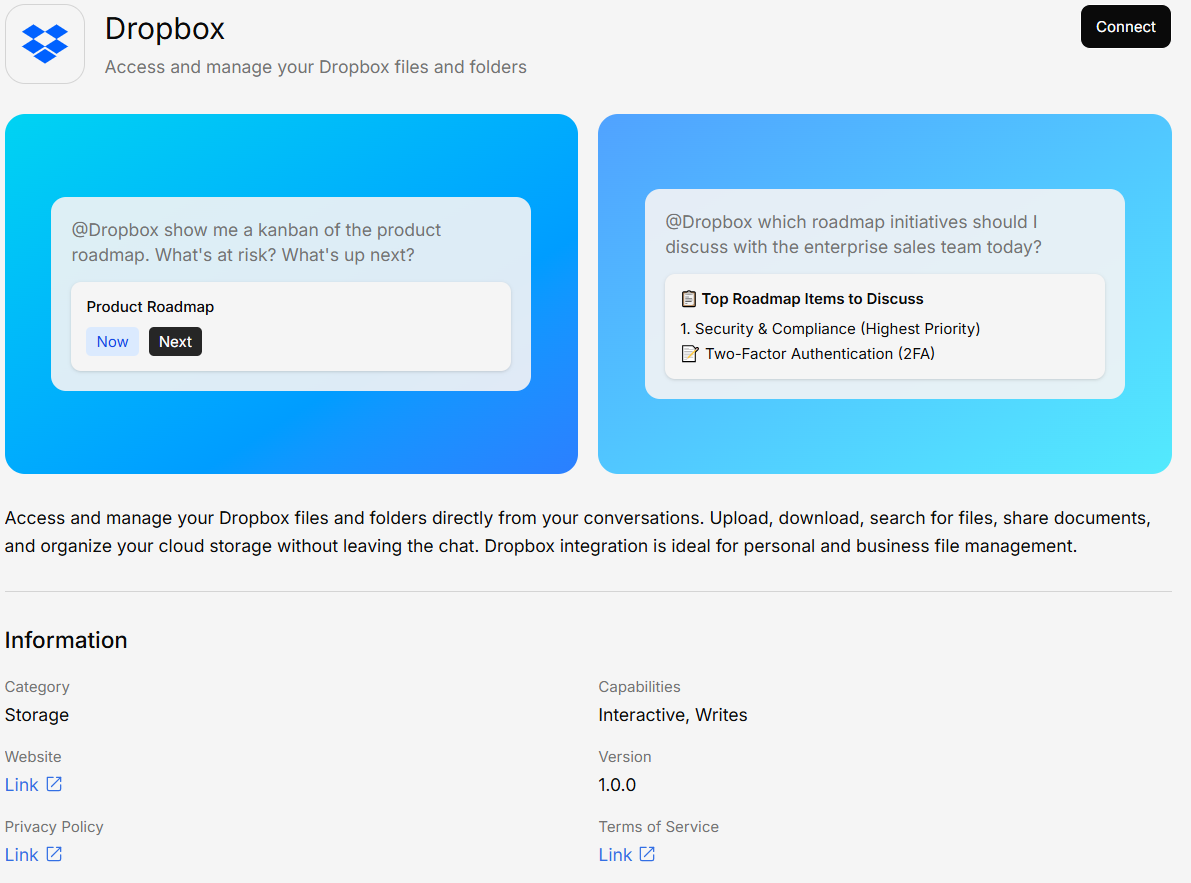
The Dropbox integration lets you connect your Dropbox account and pull files directly into your knowledge base.
Dropbox connector

What You Can Do

  • Browse your Dropbox — Navigate and select files or folders
  • Sync folders — Choose which folders to keep synced with your knowledge base
  • Access shared folders — Include files from shared Dropbox folders

Connecting Dropbox

1

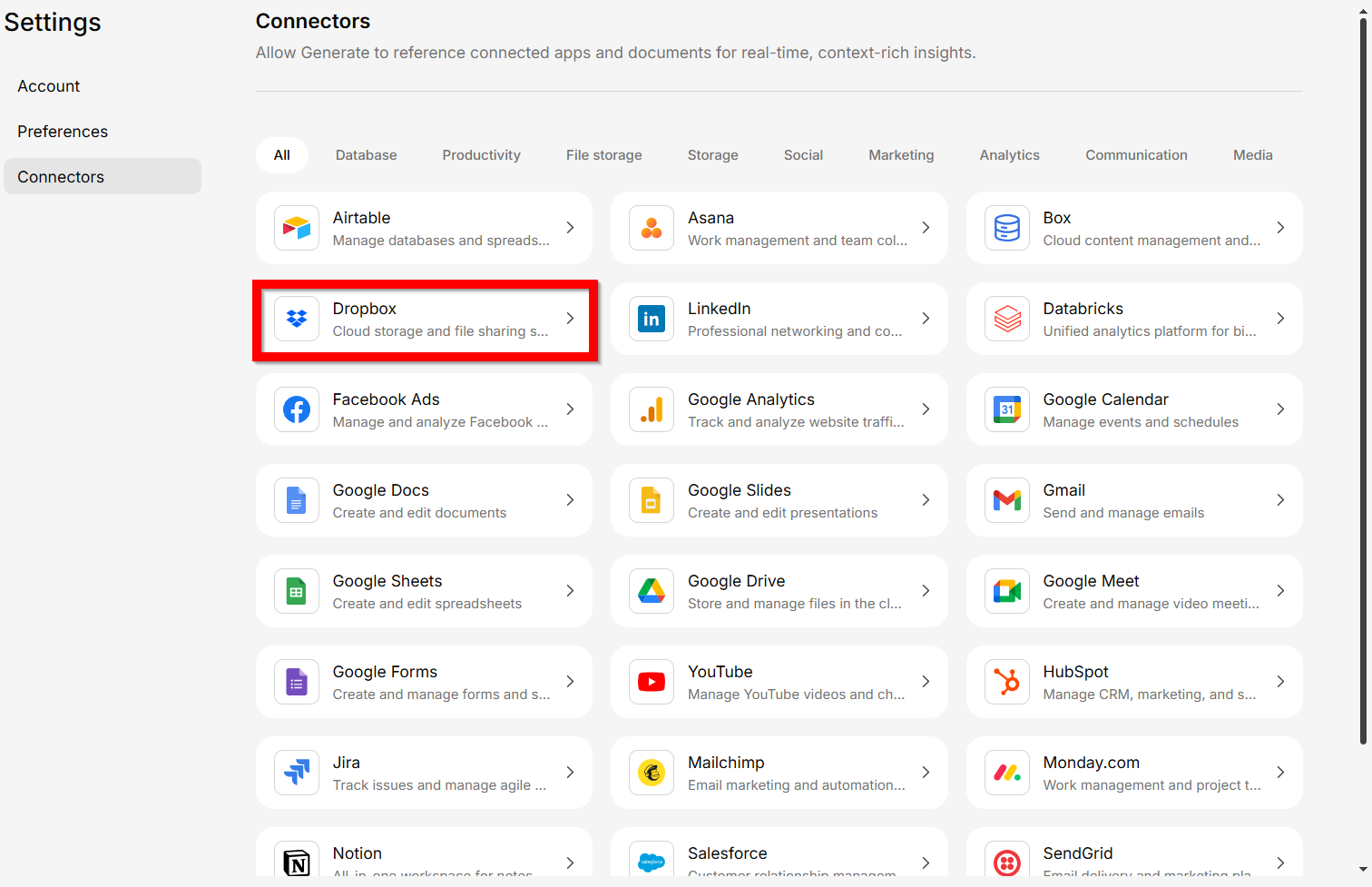
Open Connectors and select Dropbox

Selecting Dropbox connector
2

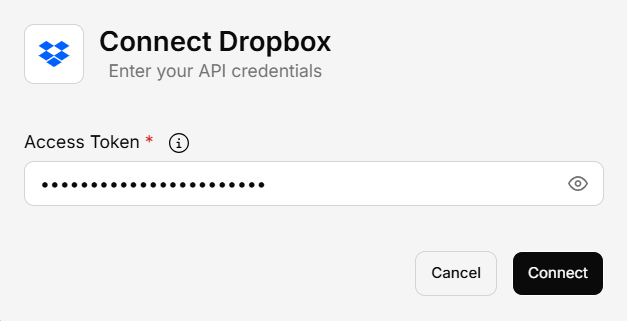
Enter your Dropbox API access token

Authorize Generate to access your Dropbox files.
Dropbox authentication
3

Save and sync

Your Dropbox files will begin syncing to the knowledge base.