Connection Details
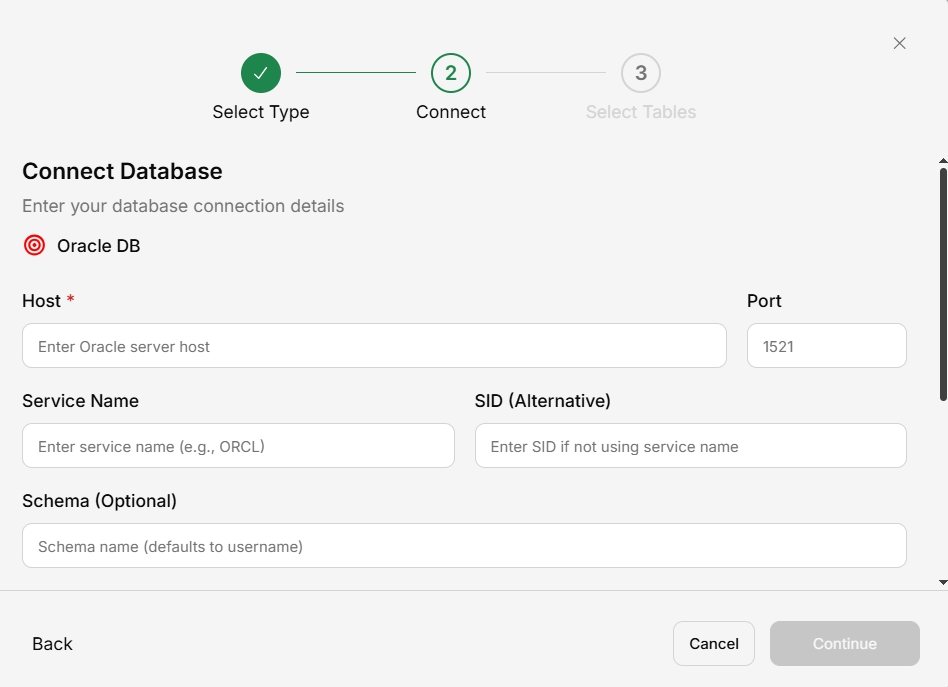
| Field | Description | Example |
|---|---|---|
| Host | Oracle server address | oracle.example.com |
| Port | Oracle port (default 1521) | 1521 |
| Service Name | Oracle service name or SID | ORCL |
| Username | Oracle user | readonly_user |
| Password | User password | •••••••• |
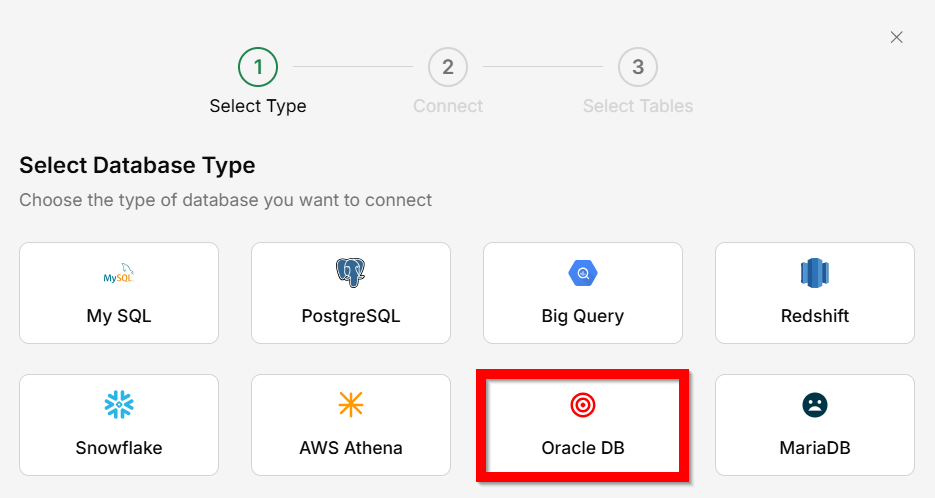
Connect an Oracle database to query your data using natural language in Generate.
| Field | Description | Example |
|---|---|---|
| Host | Oracle server address | oracle.example.com |
| Port | Oracle port (default 1521) | 1521 |
| Service Name | Oracle service name or SID | ORCL |
| Username | Oracle user | readonly_user |
| Password | User password | •••••••• |