

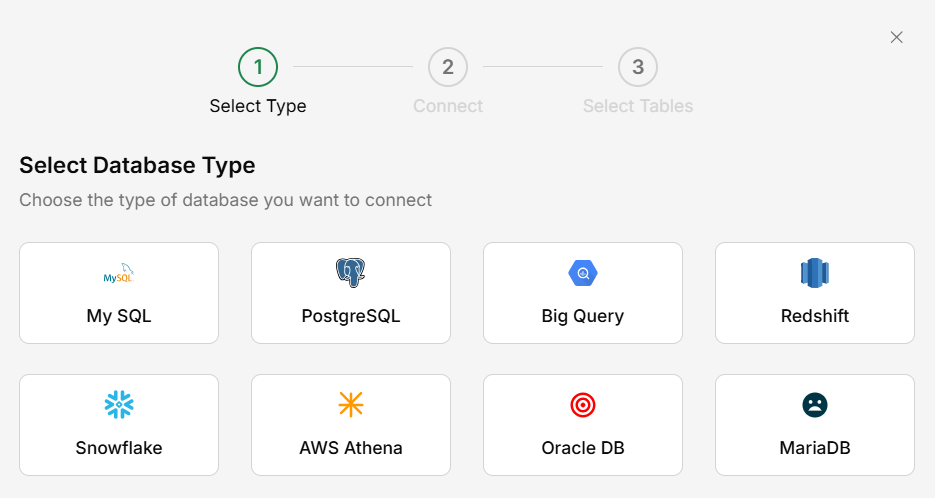
What You Can Do
- Ask questions in plain language — “How many orders did we process last month?”
- Get data summaries — “What are the top 10 products by revenue?”
- Cross-reference — Combine live database data with your uploaded documents
- Export results — View query results in a readable format
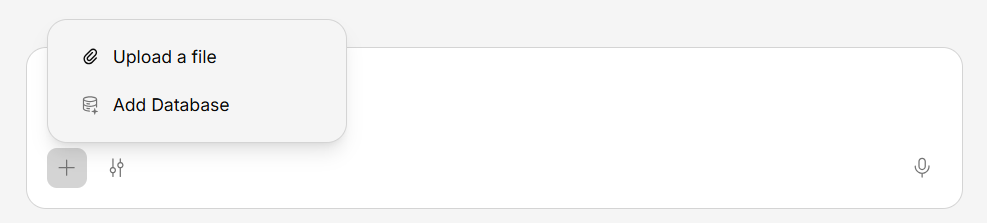
Connecting a Database
Enter connection details
Provide your database connection information. Your administrator or IT team can provide these details.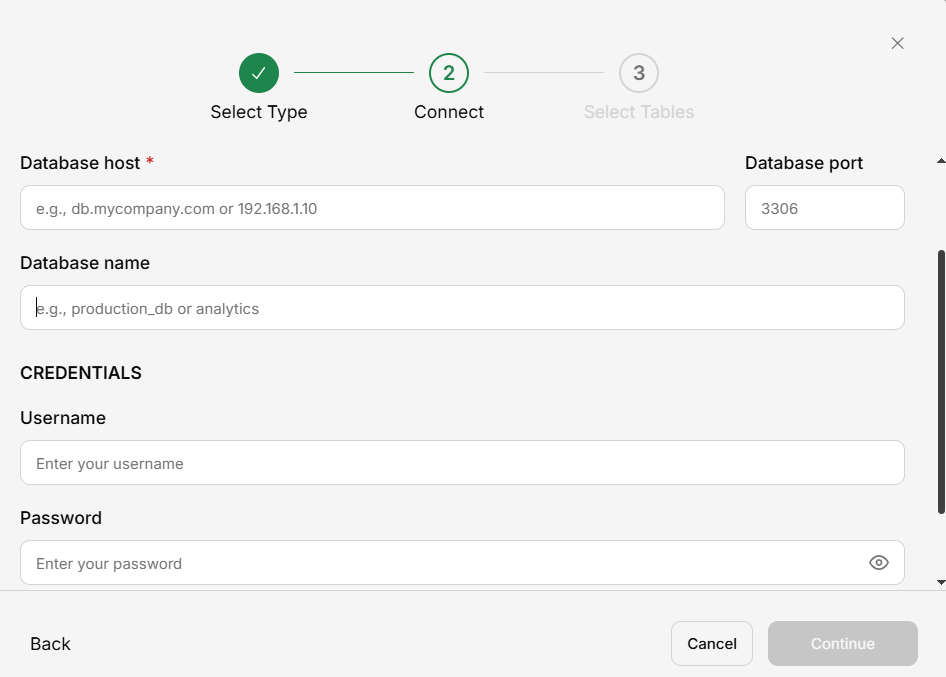
Using Database Data in Chat
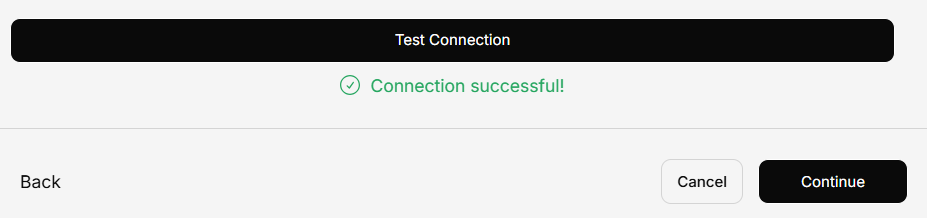
Once connected, you can ask questions about your data in any conversation. Generate will translate your natural language question into a query, run it, and present the results.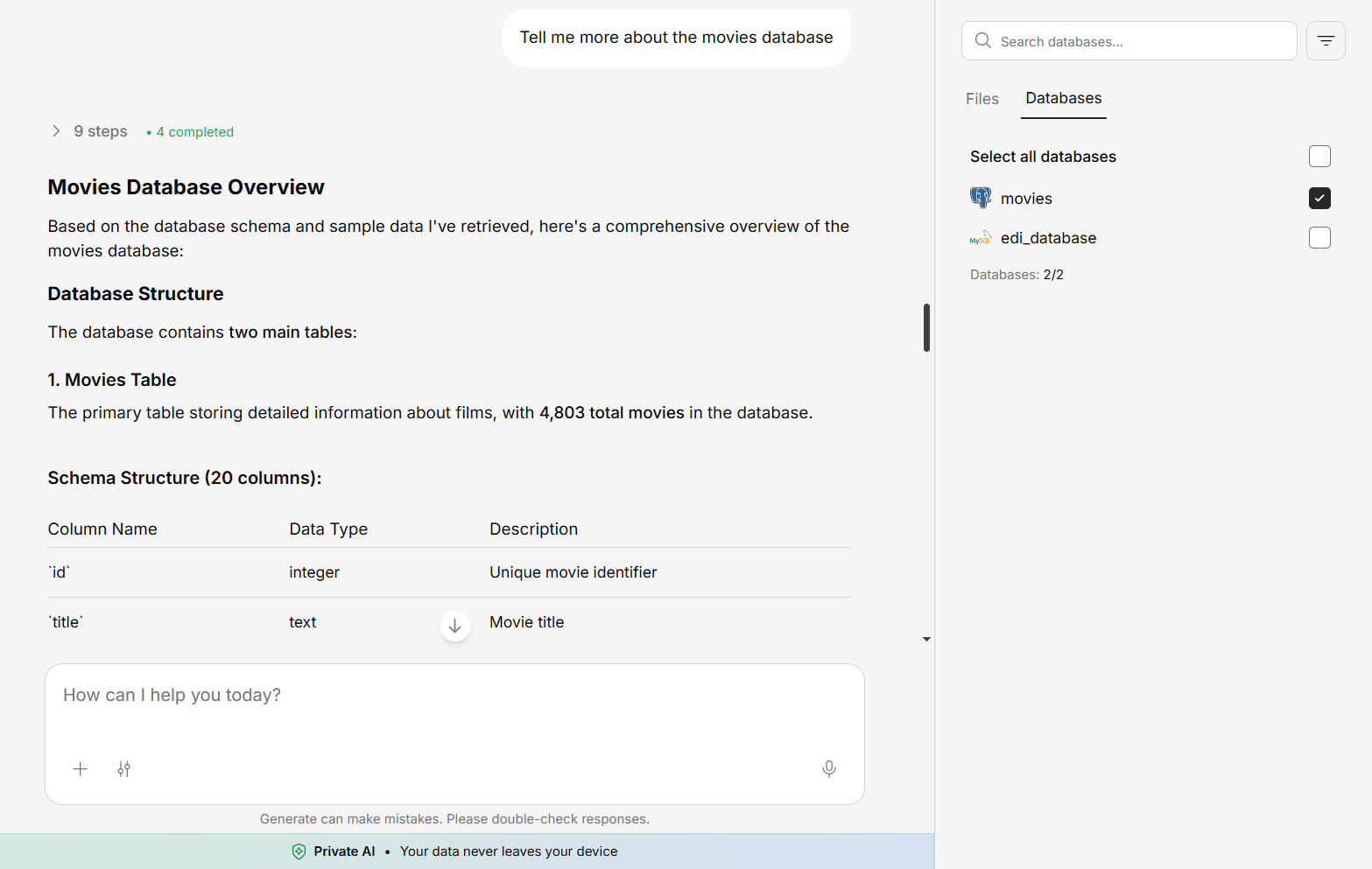
Database connections are typically set up by administrators. If you need access to a database, contact your admin to set up the connection.