Connection Details
| Field | Description | Example |
|---|
| Account | Snowflake account identifier | xy12345.us-east-1 |
| Warehouse | Compute warehouse | COMPUTE_WH |
| Database | Database name | ANALYTICS_DB |
| Schema | Schema name | PUBLIC |
| Username | Snowflake user | readonly_user |
| Password | User password | •••••••• |
Setting Up
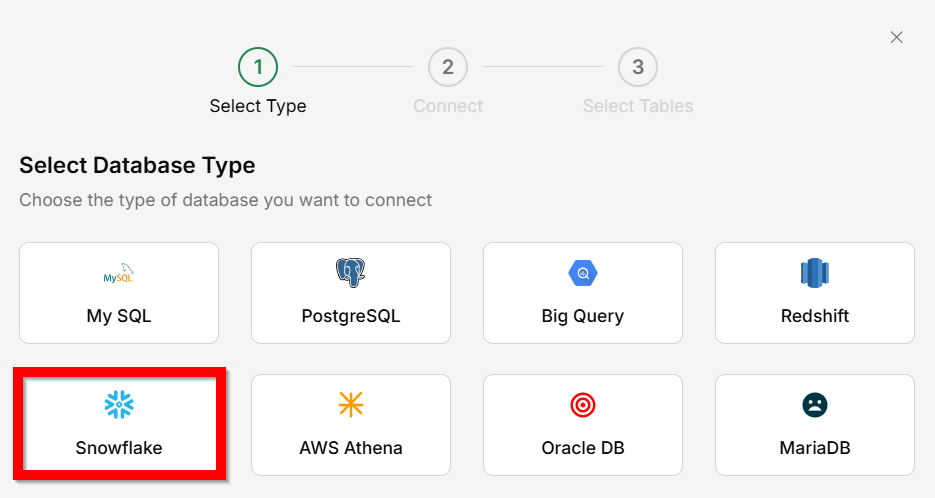
Go to Connectors → Database
Select
Snowflake as the database type.
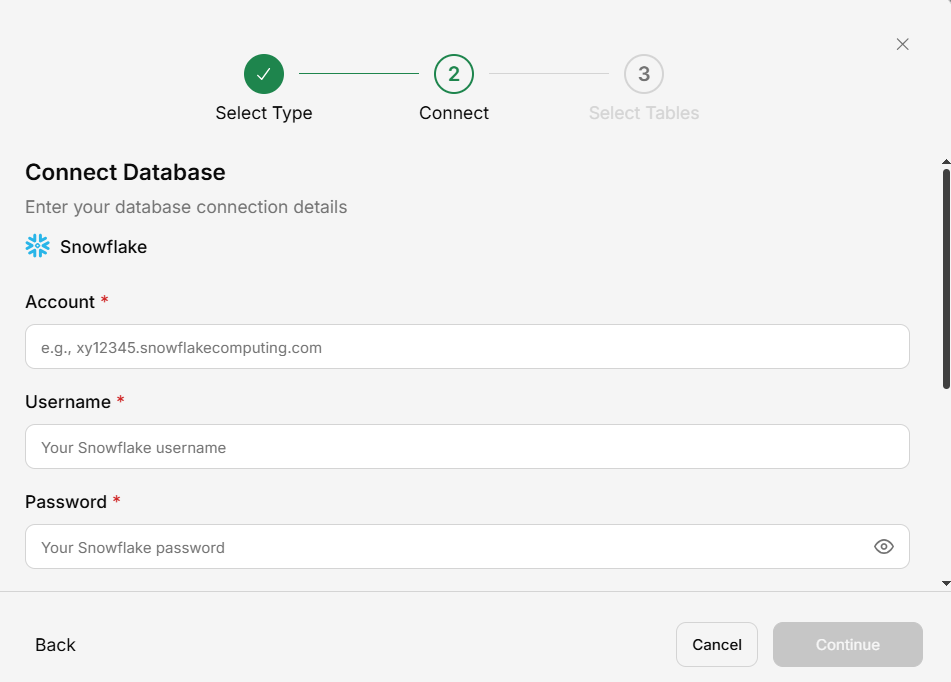
Enter connection details
Fill in account, warehouse, database, schema, username, and password.
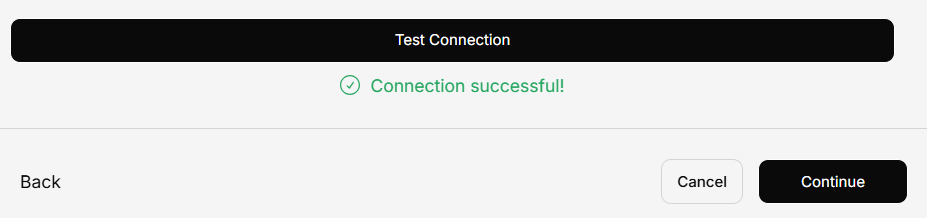
Test connection
Click
Test Connection to verify.
Select tables
Choose which tables to include.
Save
Your Snowflake data is now queryable.
Use a dedicated read-only role for Generate to ensure data security.