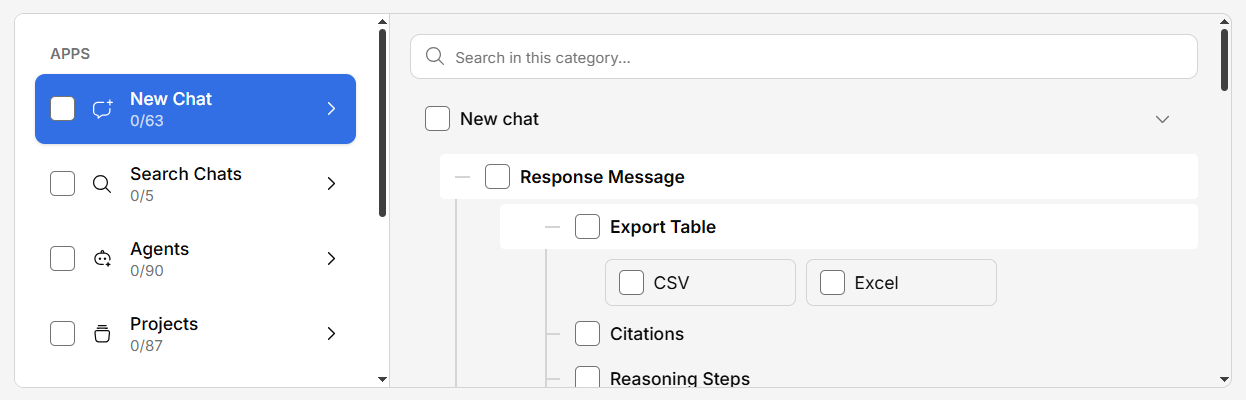
Generate Enterprise uses a feature flag system that gives administrators granular control over which features are available to your organization.
How Feature Configuration Works
Every major feature in Generate can be toggled on or off. This lets you:
- Roll out features gradually — Enable new features for specific teams before the whole organization
- Simplify the interface — Hide features your team doesn’t need to reduce clutter
- Control access — Restrict advanced features to certain user groups
Quick Settup
Configurable Features
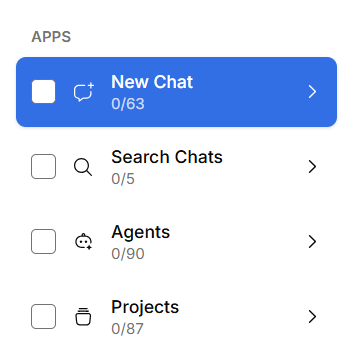
Core Features
| Feature | Description |
|---|
| Chat | The main AI conversation interface |
| Agents | AI agent creation and management |
| Projects | Project-based organization |
| Search | Cross-conversation search |
| Feature | Description |
|---|
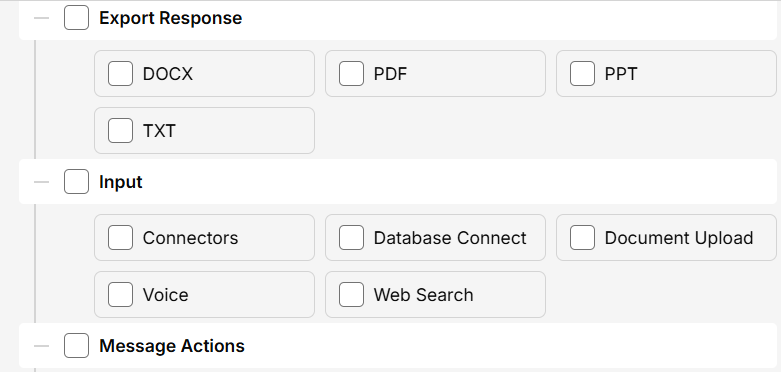
| File attachments | Allow users to attach files to conversations |
| Voice input | Enable microphone input for spoken questions |
| Web search | Allow the AI to search the web alongside the knowledge base |
Integrations
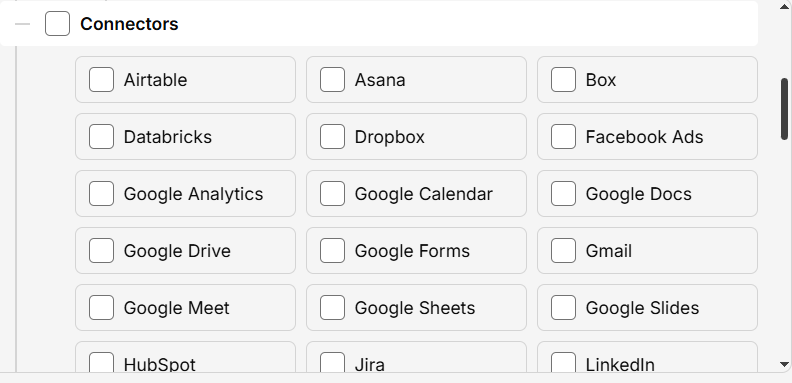
Each of the 30+ connectors can be enabled or disabled individually. Only show connectors that your organization actually uses.
Administration
| Feature | Description |
|---|
| Settings panel | User access to personal settings |
| Admin panel | Admin settings visibility |
| Help page | Built-in help and support links |
When first setting up Generate for your organization, start with core features (Chat, Knowledge Base) and gradually enable advanced features (Agents, Workflows) as your team gets comfortable with the platform.