

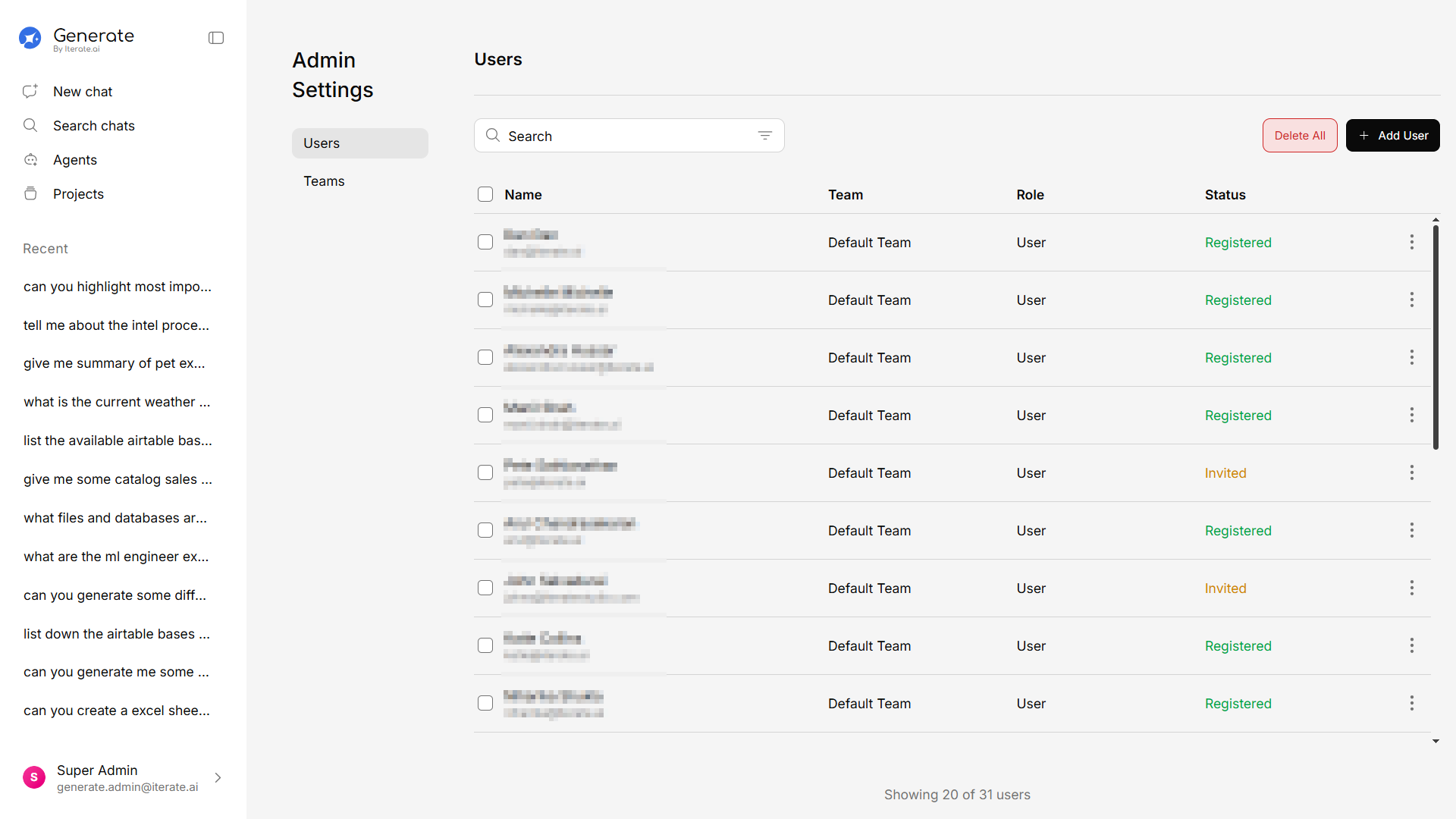
Accessing the Admin Panel
Click Admin Settings at the bottom of the sidebar. This option is only visible to users with administrator privileges.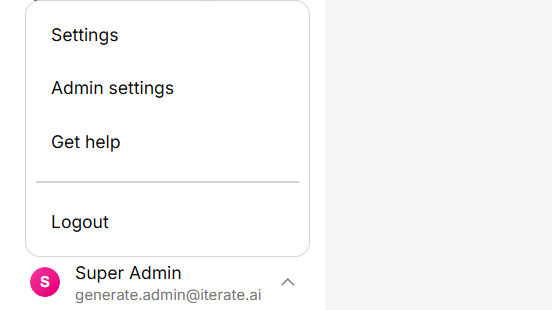
How Admin Settings is organized
Admin Settings is grouped into three areas:| Area | What it covers |
|---|---|
| Access | Users, teams, and Single Sign-on |
| Data Protection | Backups, policies, and snapshots |
| System | Feature configuration and the audit log |
What You Can Manage
Users
Add, remove, and manage user accounts and permissions.
Teams
Create teams, assign members, and set team-level configurations.
Features
Enable or disable platform features for your organization.
Single Sign-On
Connect Okta or Microsoft Entra ID, and set up SCIM and group mapping.
Audit Log
Review authentication and admin activity, and export to your SIEM.
Storage
Connect storage locations and manage indexing and analytics.
Backup & Restore
Configure backup policies, snapshots, and restores.
Billing & Credits
Manage your plan, seats, credits, and usage.