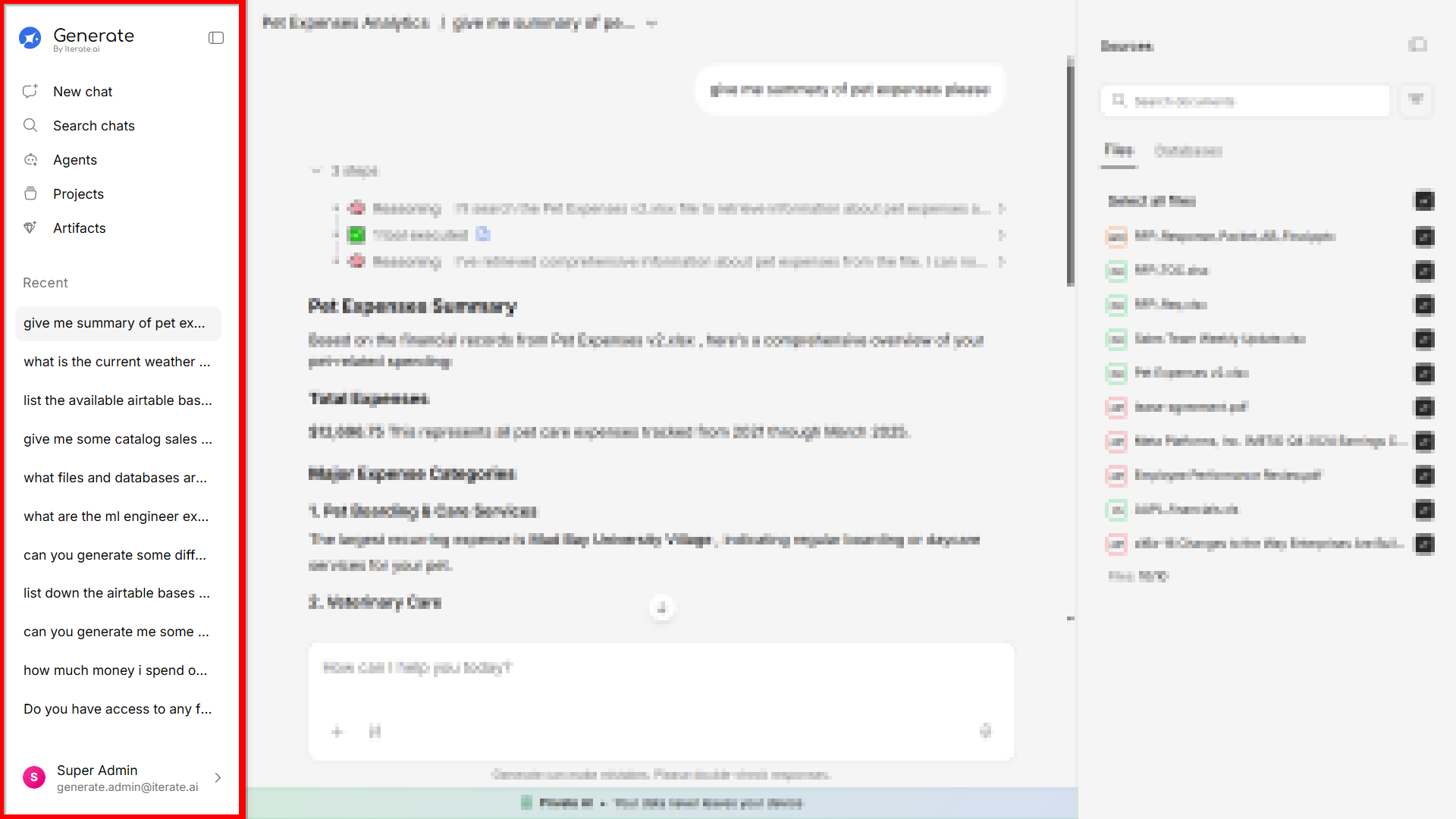
Switching Themes
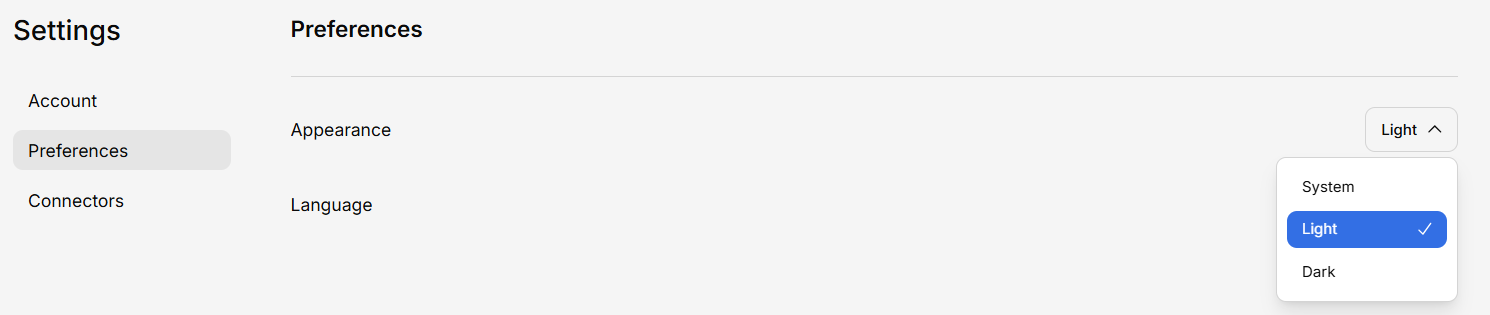
Generate supports both Light and Dark modes. To switch:- Go to Settings
- Find the Appearance or Theme section
- Select your preferred theme
Light Mode
A clean, bright interface ideal for well-lit environments.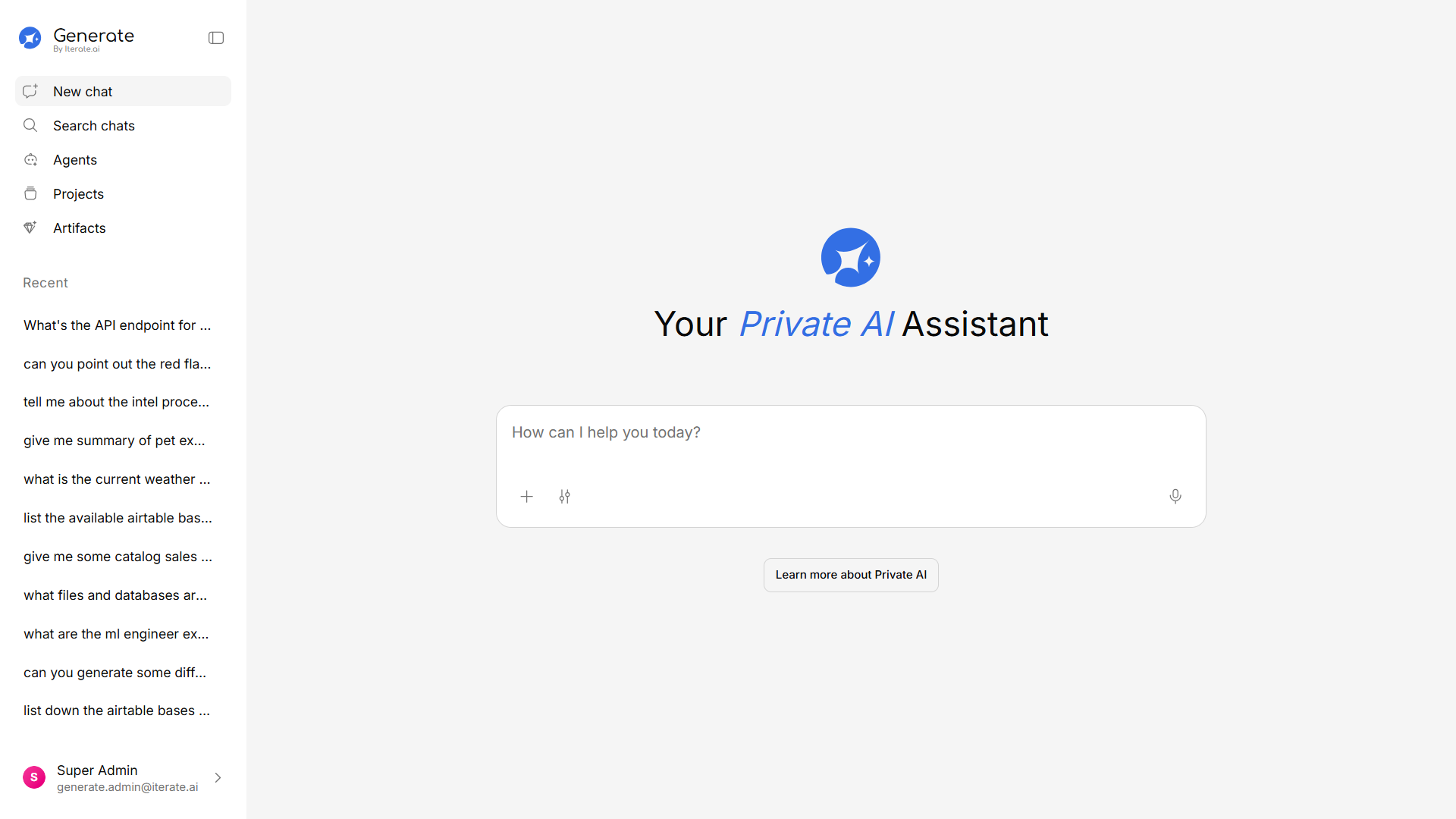
Dark Mode
A darker interface that’s easier on the eyes in low-light environments and can reduce screen fatigue during long sessions.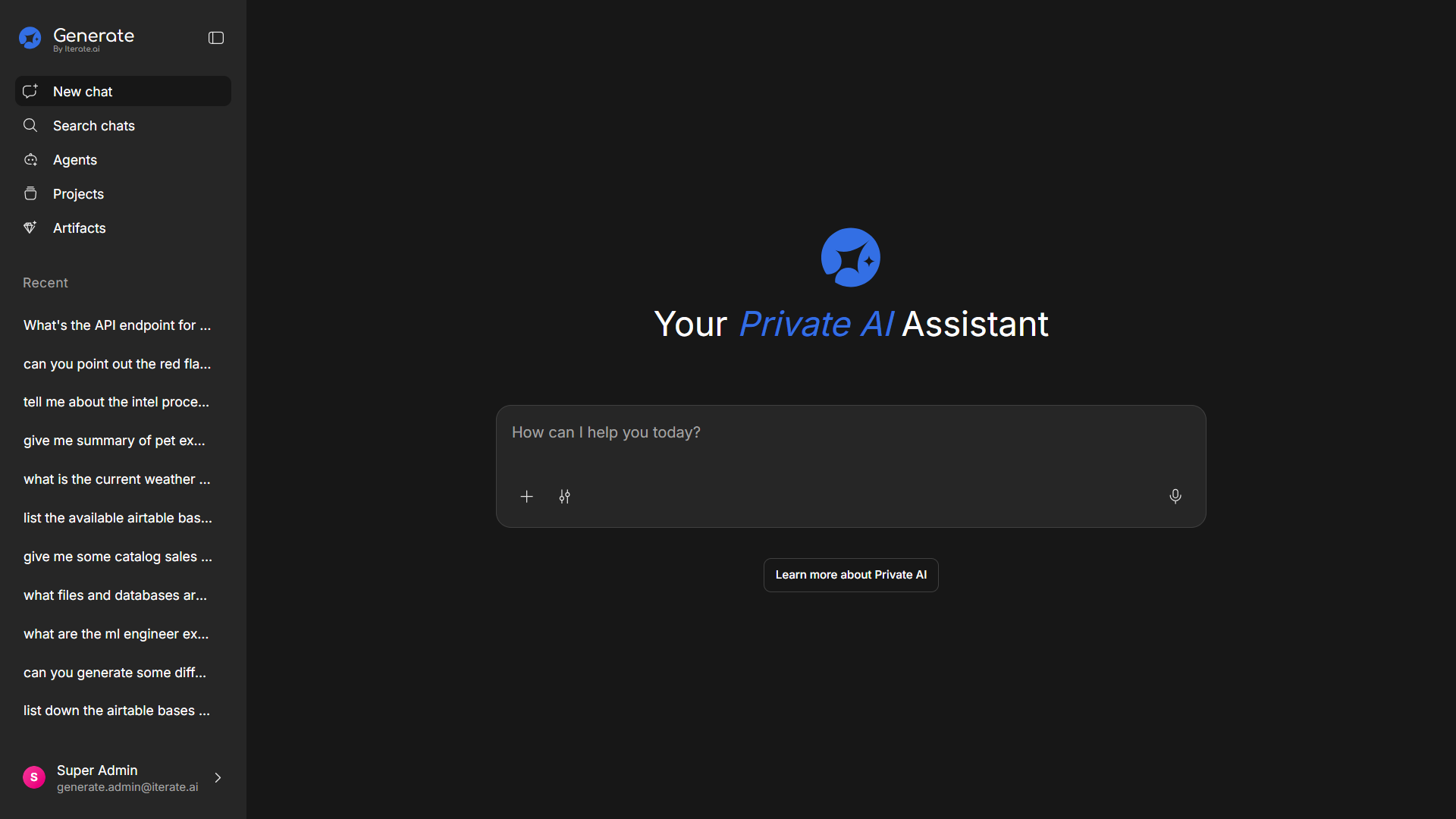
Sidebar Preferences
You can customize the sidebar behavior:- Expanded — Sidebar is always visible with full labels
- Collapsed — Sidebar shows only icons, giving more space to the main content area
- Auto-collapse — Sidebar collapses automatically on smaller screens