

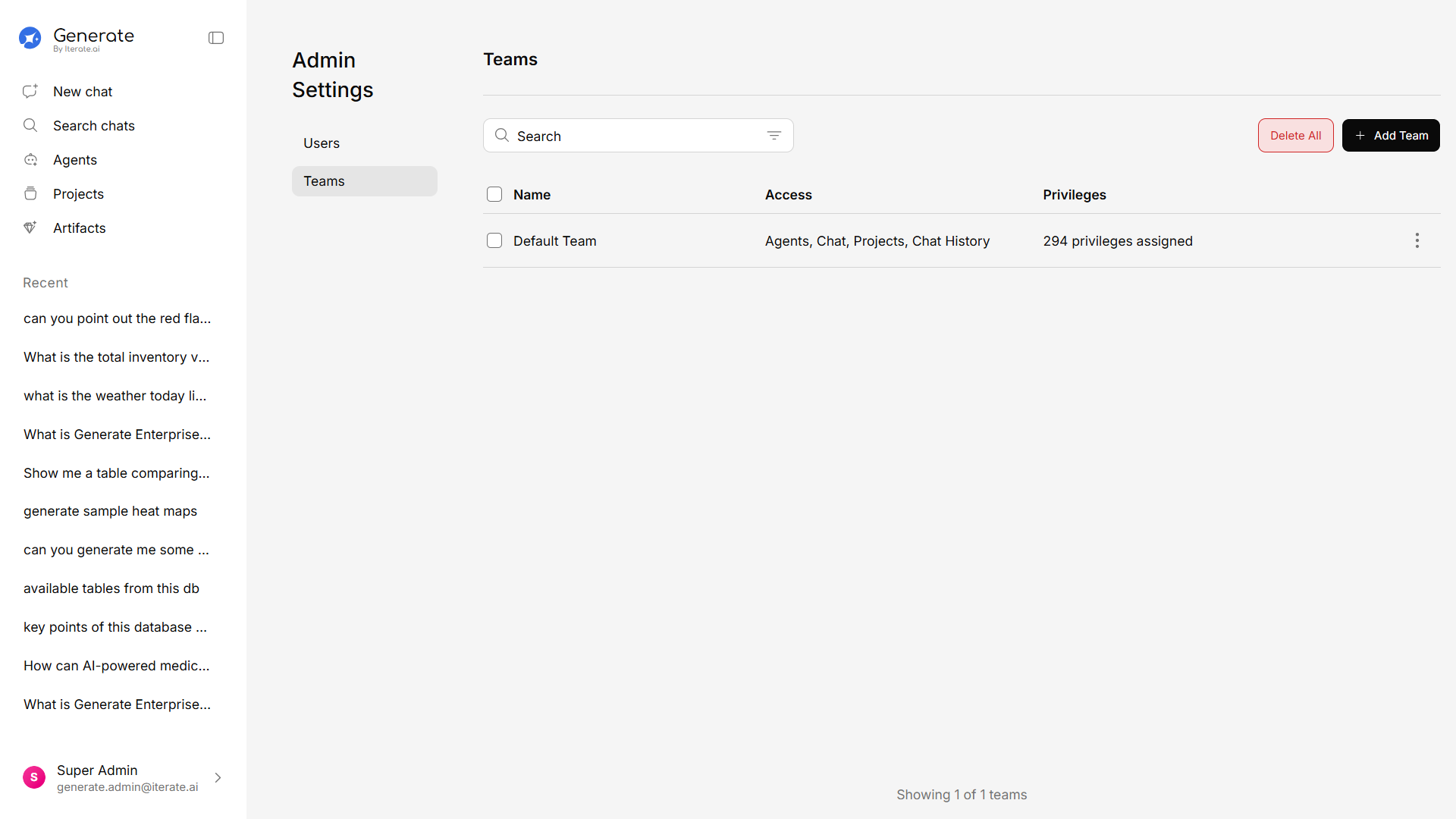
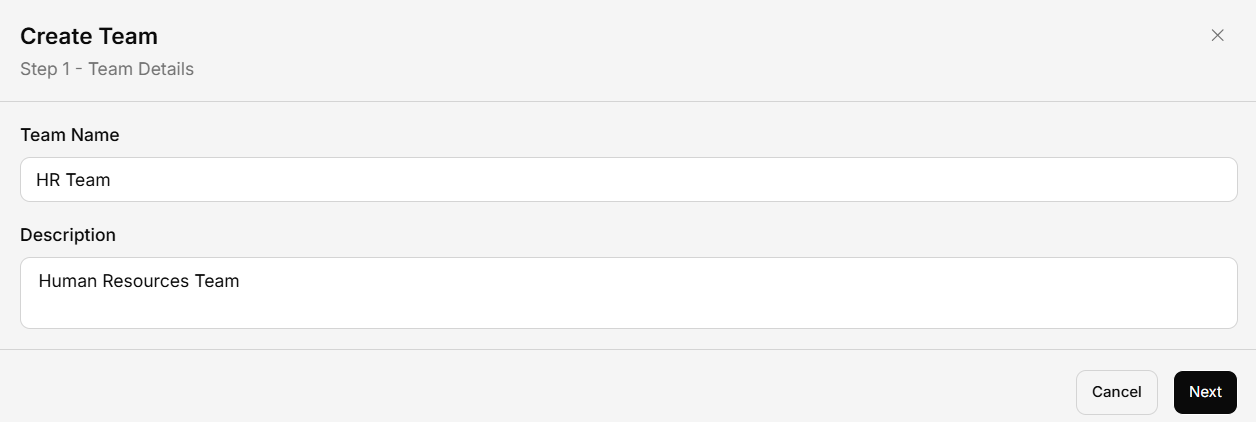
Creating a Team
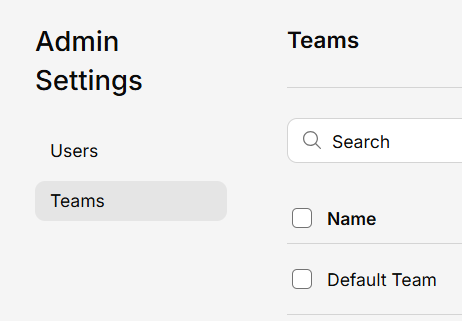
Managing Teams
For each team, you can:- Add or remove members — Adjust the team roster at any time
- Edit team details — Update the name or description
- Configure team settings — Set team-specific defaults (e.g., default model, accessible projects)
- Delete the team — Remove the team (members keep their individual access)
Why Use Teams?
Organized access
Give each team access to the projects and knowledge bases that are relevant to them.
Shared resources
Team members automatically see shared agents, projects, and documents.
Simplified management
Manage permissions at the team level instead of user by user.
Usage visibility
Track platform usage by team to understand adoption and needs.