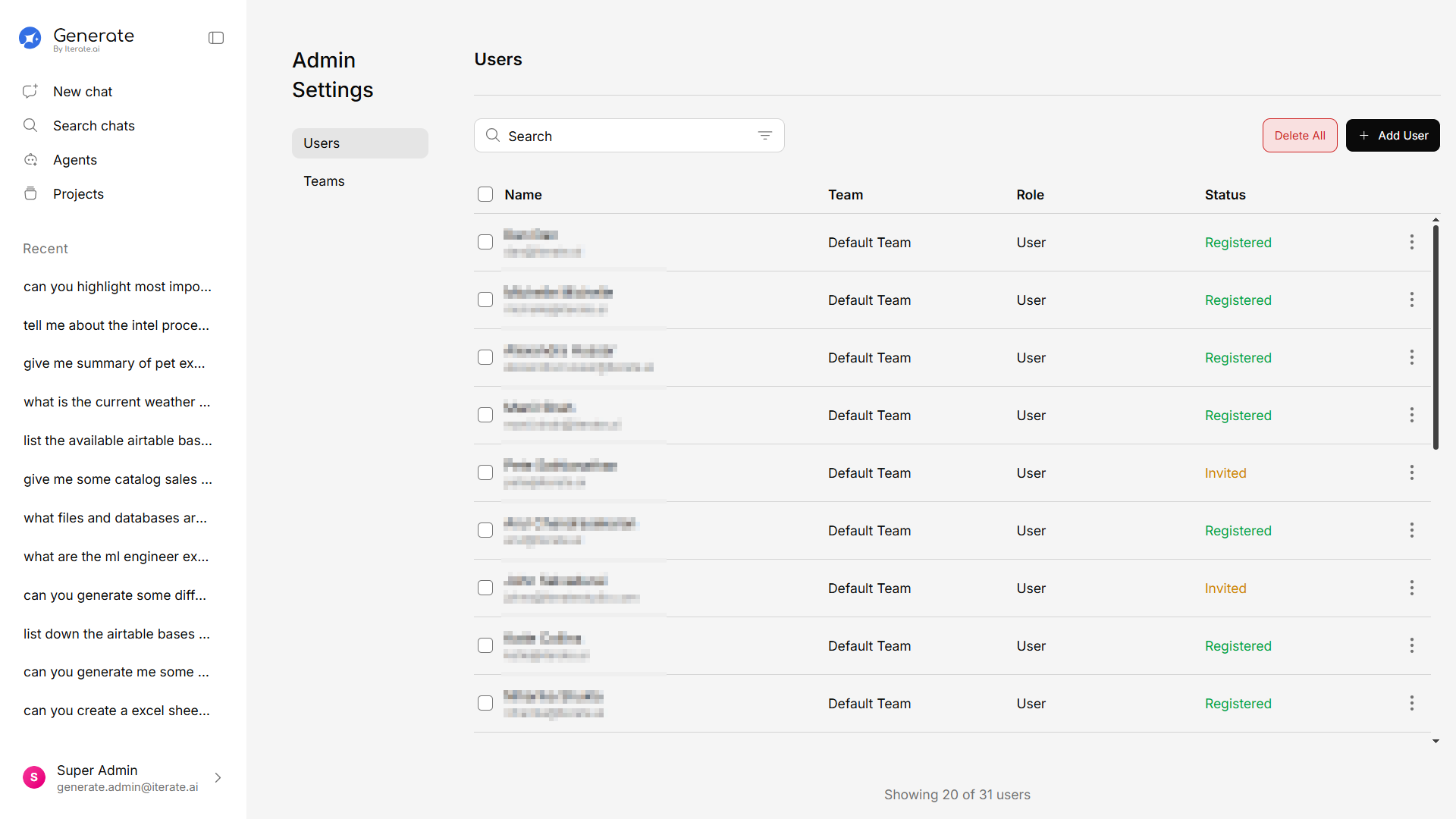
AI Chat
Have natural conversations with an AI that’s grounded in your organization’s knowledge. Ask follow-up questions, attach files for instant analysis, use voice input, and even pull in live web results.
Knowledge Base
Upload your company’s documents and let Generate make them instantly searchable. It supports PDFs, Word documents, Excel spreadsheets, PowerPoint presentations, CSVs, and plain text files.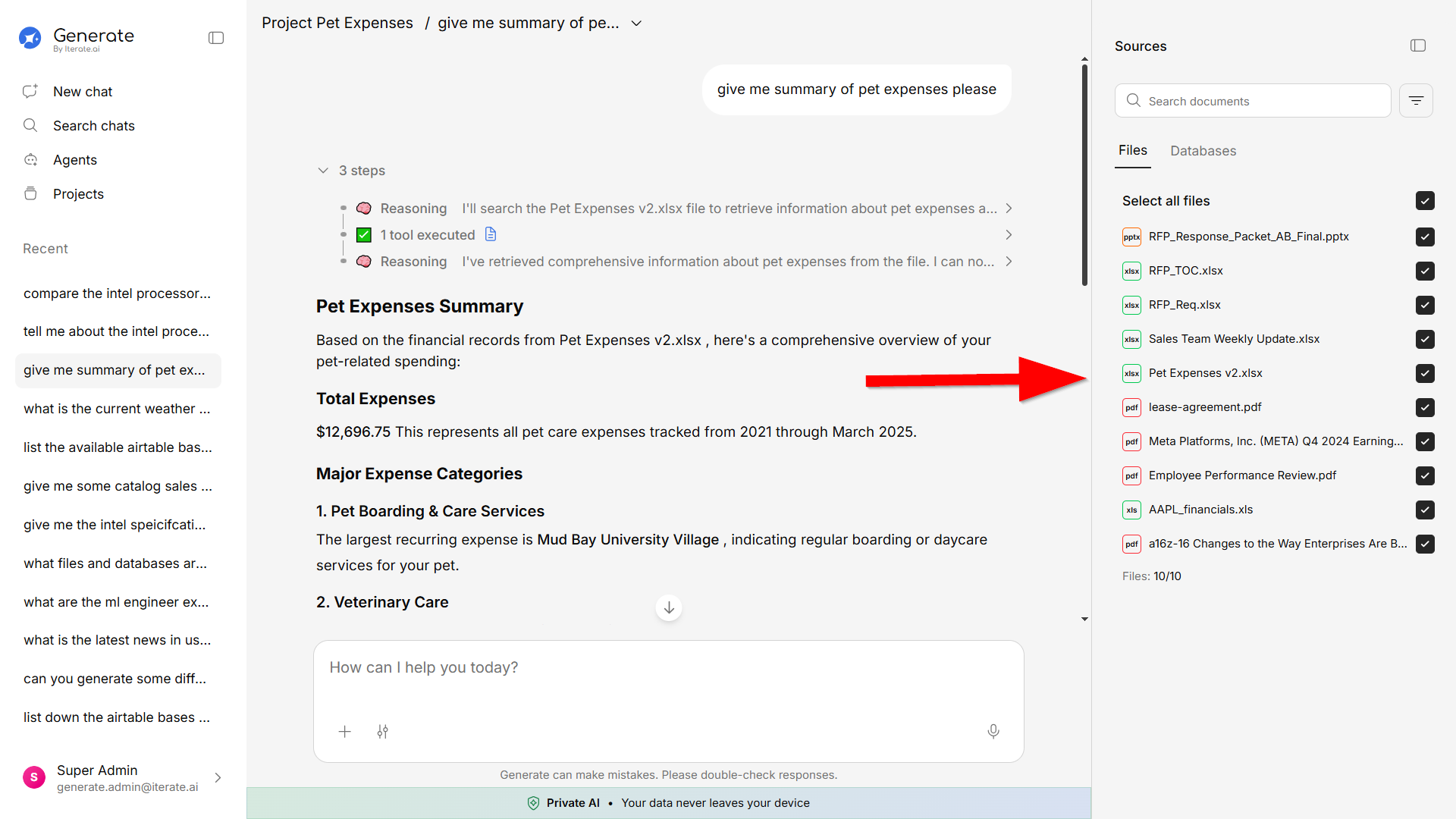
AI Agents
Create specialized AI assistants tailored to specific tasks. An agent can be set up with custom instructions, access to specific tools, and knowledge scoped to what it needs. Use the visual Agent Builder or Quick Mode for fast setup.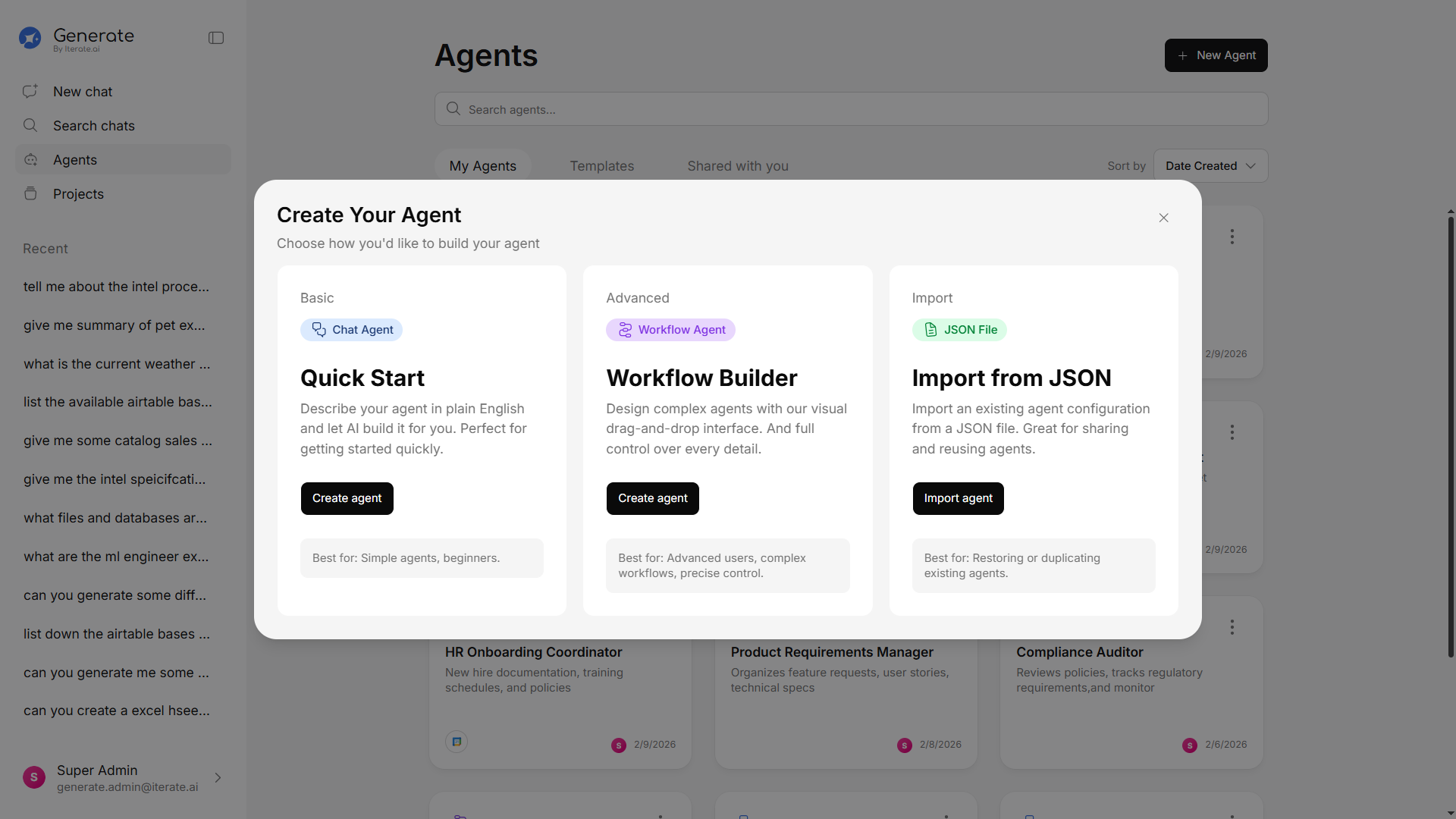
Projects
Organize your work into separate projects. Each project can have its own knowledge base, conversations, and configuration — perfect for separating work by department, client, or topic.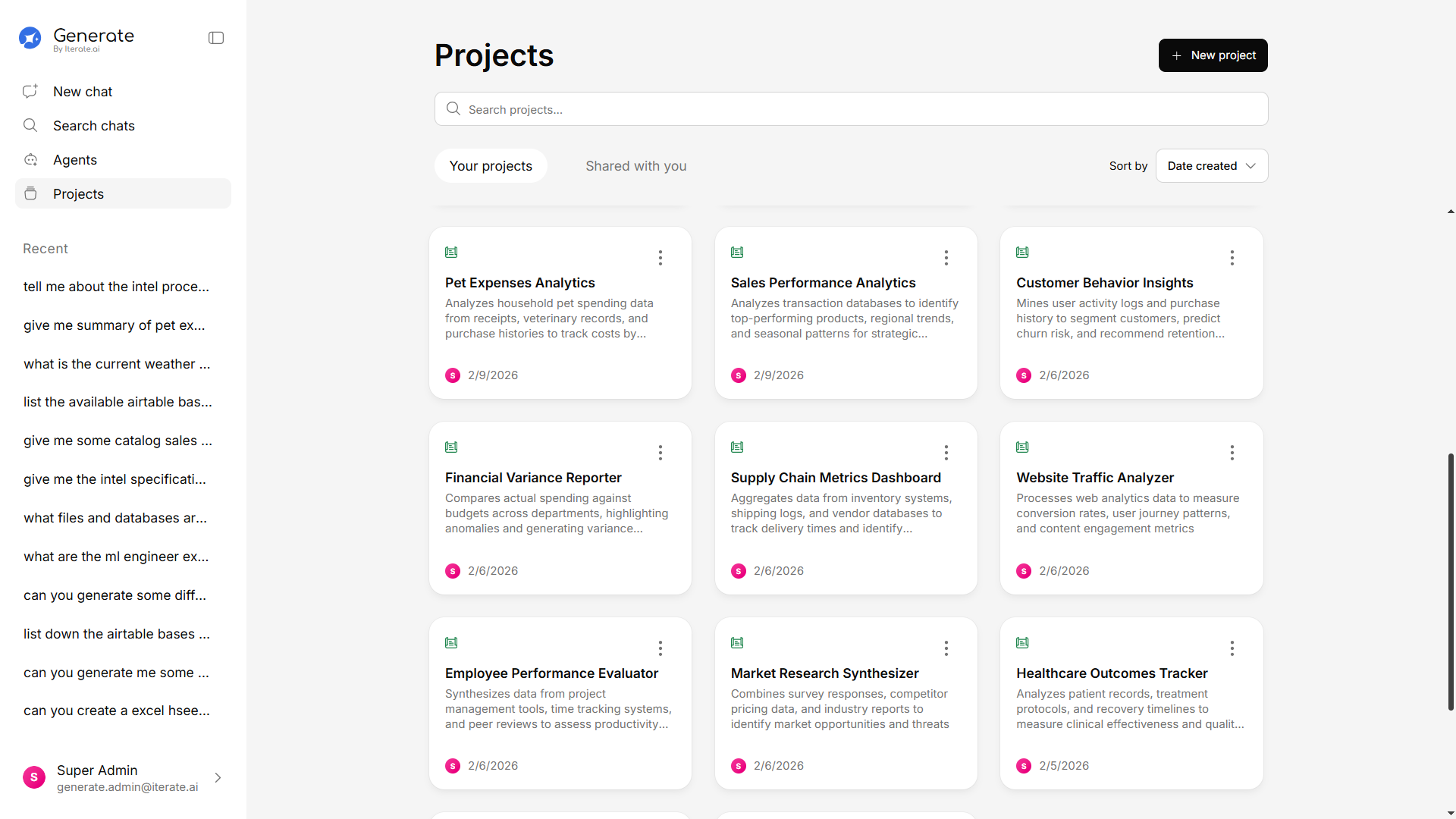
Workflows
Automate multi-step processes with the visual Workflow Builder. Start from a template or build your own — connect steps, add conditions, and let Generate handle the rest.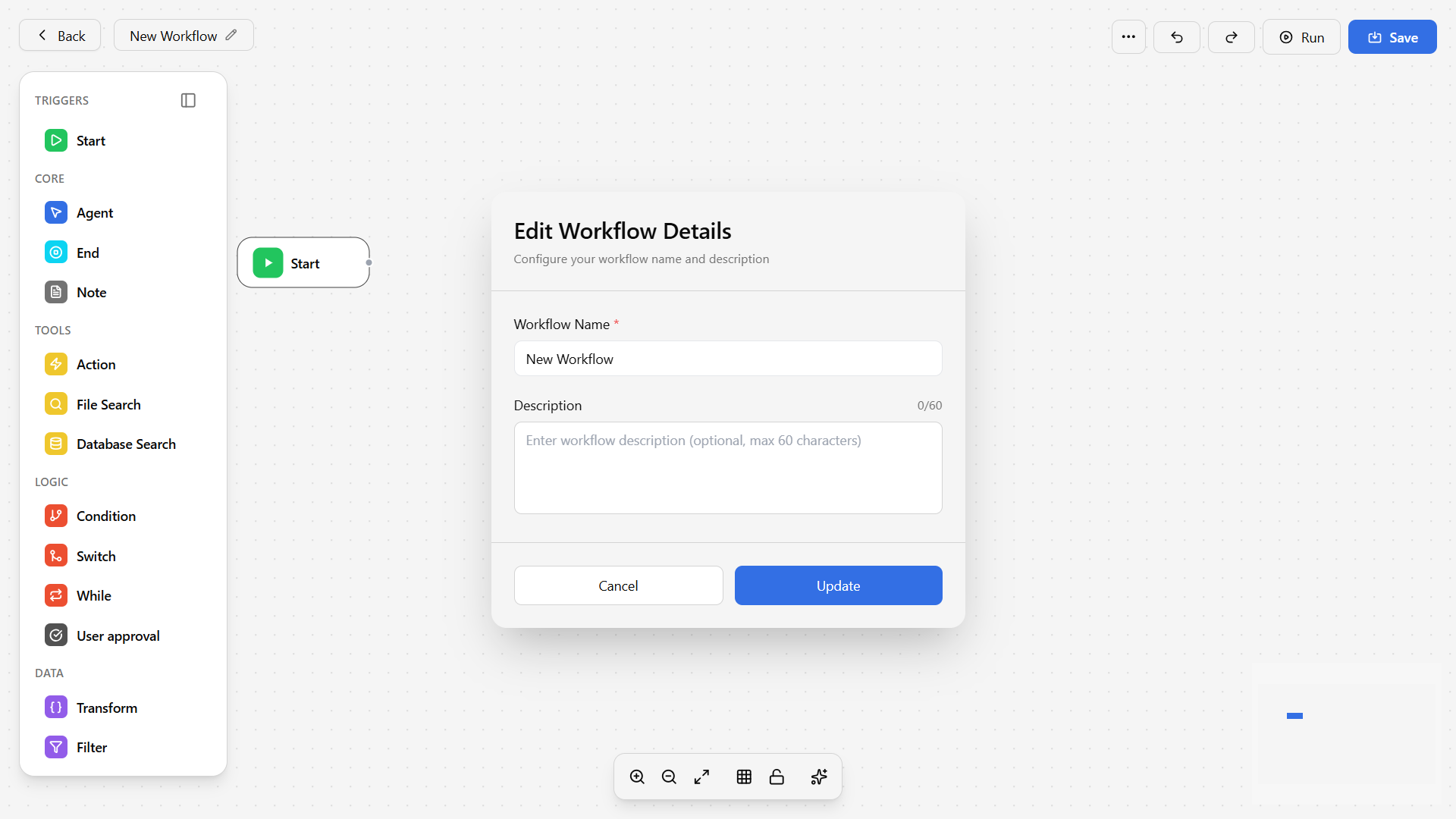
SuperAgent
Open SuperAgent from anywhere with a click orCmd/Ctrl+K. It’s a right-hand assistant drawer that understands the page you’re on — helping you build agents, run tasks, and get answers with page-aware context.
Learn more about SuperAgent →
Skills
Give the AI reusable, packaged expertise. Browse a curated Skills library, create your own, or upload a skill as a file — then scope skills to New Chat, Agents, or Projects. Learn more about Skills →Artifacts & Generative UI
Agents can produce more than text — interactive dashboards, charts, and forms rendered inline, plus polished Word documents and PowerPoint decks you can preview and download. Learn more about Artifacts →30+ Integrations
Connect Generate to the tools your team already uses. Pull data from Google Drive, Salesforce, Slack, Jira, Notion, HubSpot, Gmail, Dropbox, and many more — all without leaving the platform.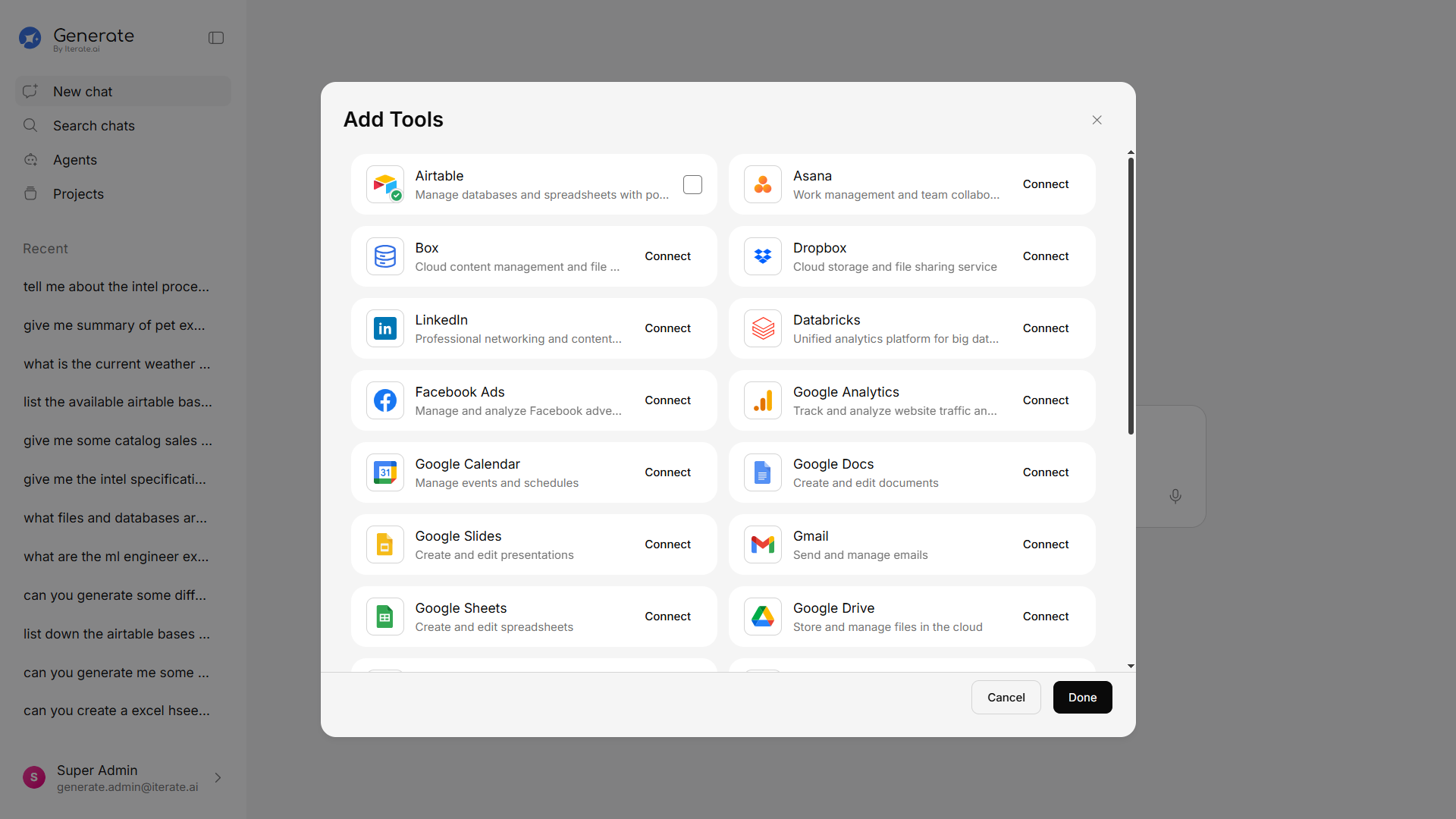
Security & SSO
Connect your identity provider — Okta or Microsoft Entra ID — for password-free Single Sign-On, automatically provision accounts with SCIM, and keep an append-only audit log with SIEM export. Learn more about SSO →Billing & Credits
Manage your plan, seats, and usage from Settings. Admins can buy extra usage credits and assign them to individual team members, with dashboards showing exactly who’s using what. Learn more about Billing & Credits →Administration & Controls
Admins get full control over the platform — manage users and teams, toggle features on or off, set permissions across the organization, connect storage locations, and configure backups.