Sign-In Methods
Email & Password
The standard sign-in method. Enter your email and password on the login screen.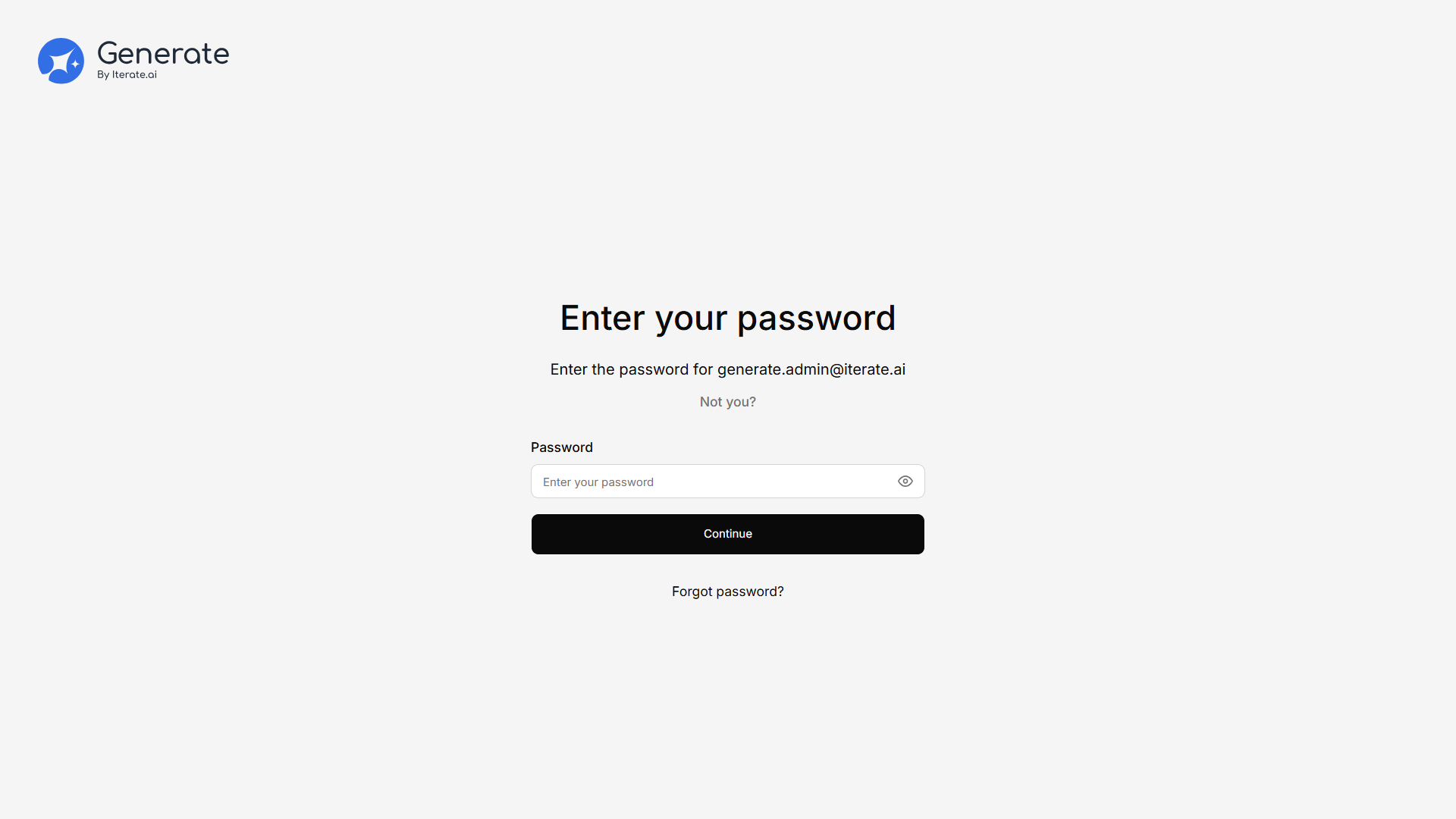
Single Sign-On (SSO)
If your organization has configured SSO, you can sign in with your identity provider — Okta or Microsoft Entra ID — without a separate Generate password. Choose your organization’s SSO option on the login screen and authenticate with your provider.SSO is set up by administrators. See Single Sign-On for configuration details.
Choosing a workspace
If your account belongs to more than one workspace, you’ll see a Choose your workspace step after signing in. Generate remembers your last-used workspace and can take you straight there. You can also switch workspaces later from the profile menu — see Switching workspaces.Two-Factor Authentication (2FA)
If enabled by your admin, you’ll be asked for a verification code after entering your password.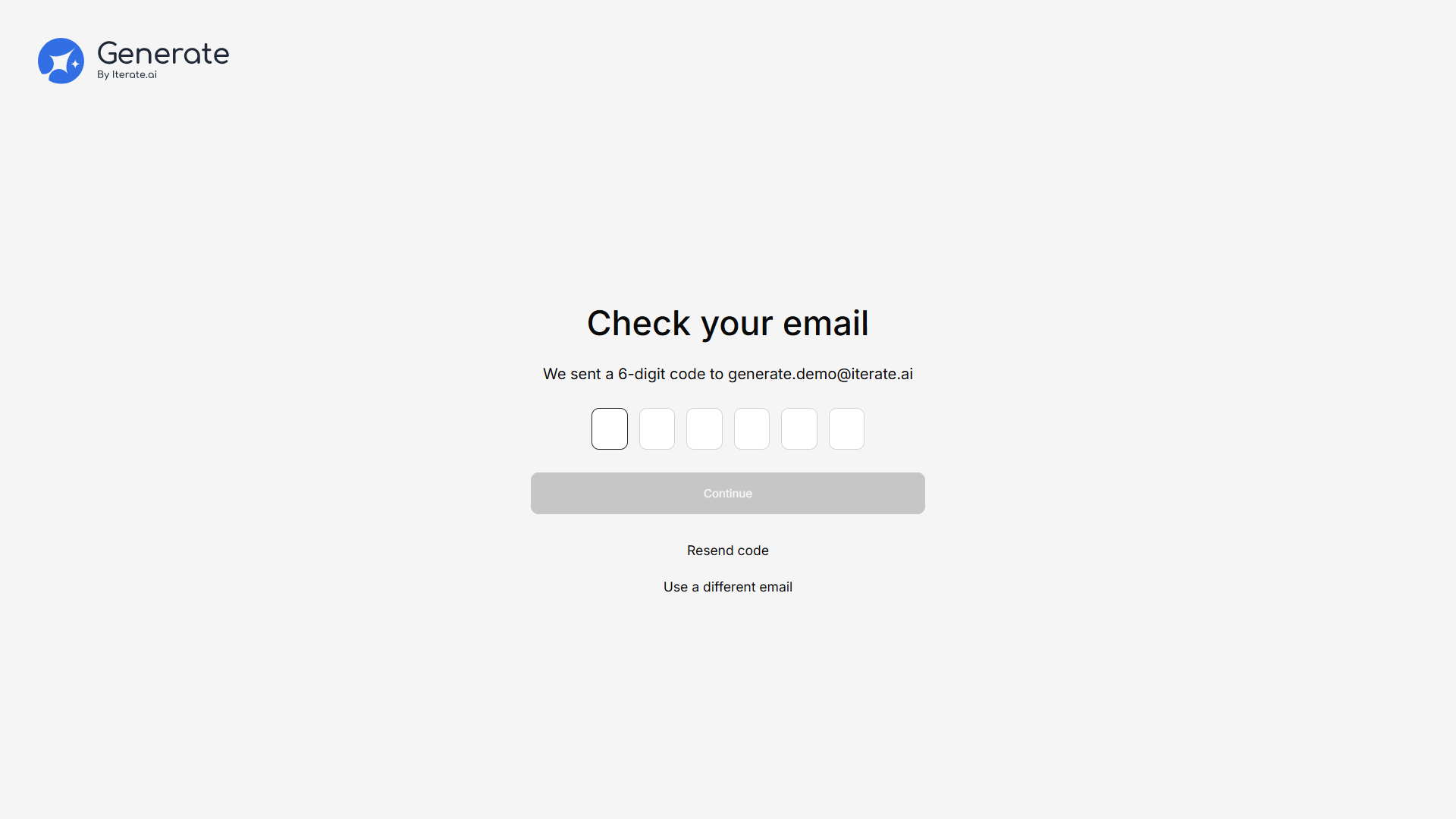
Password Management
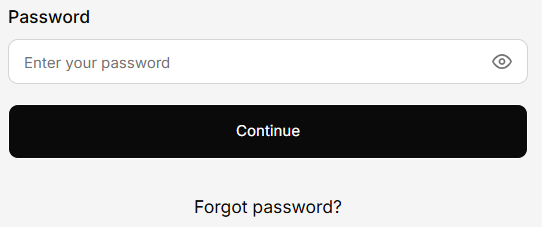
Forgot Password
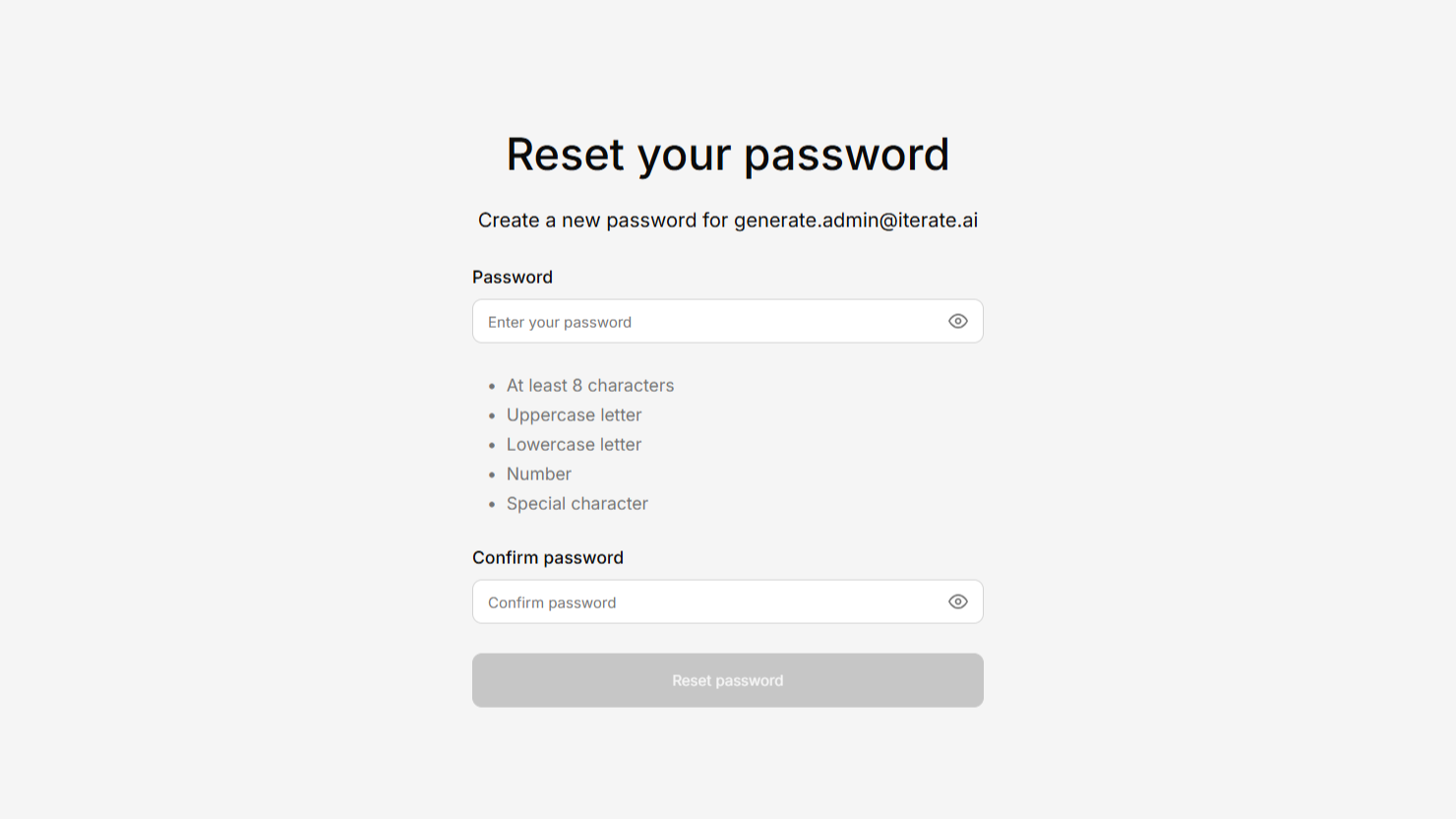
Creating a Password (First-Time Users)
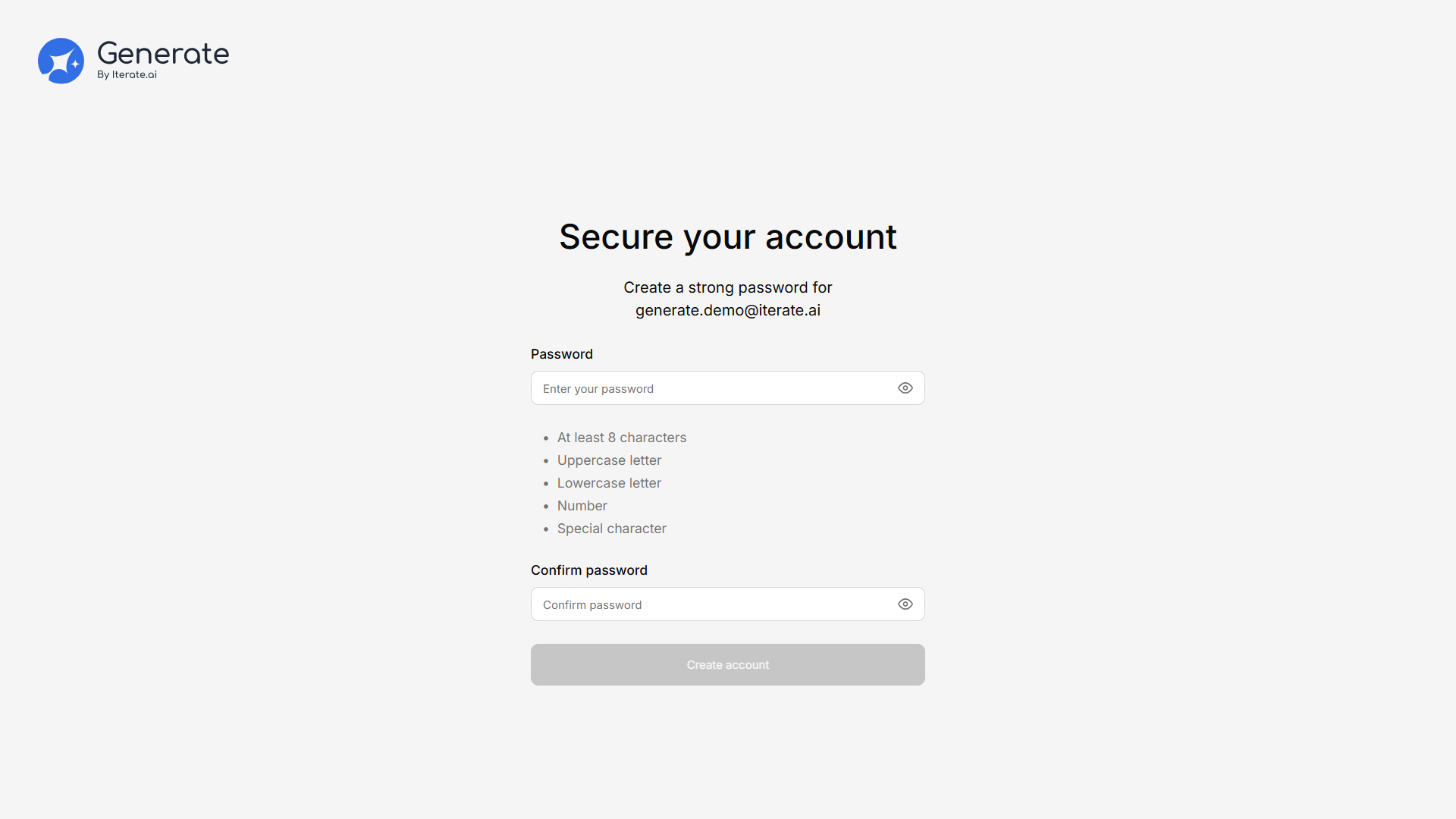
If you were invited by an admin, you may need to create a password the first time you sign in.