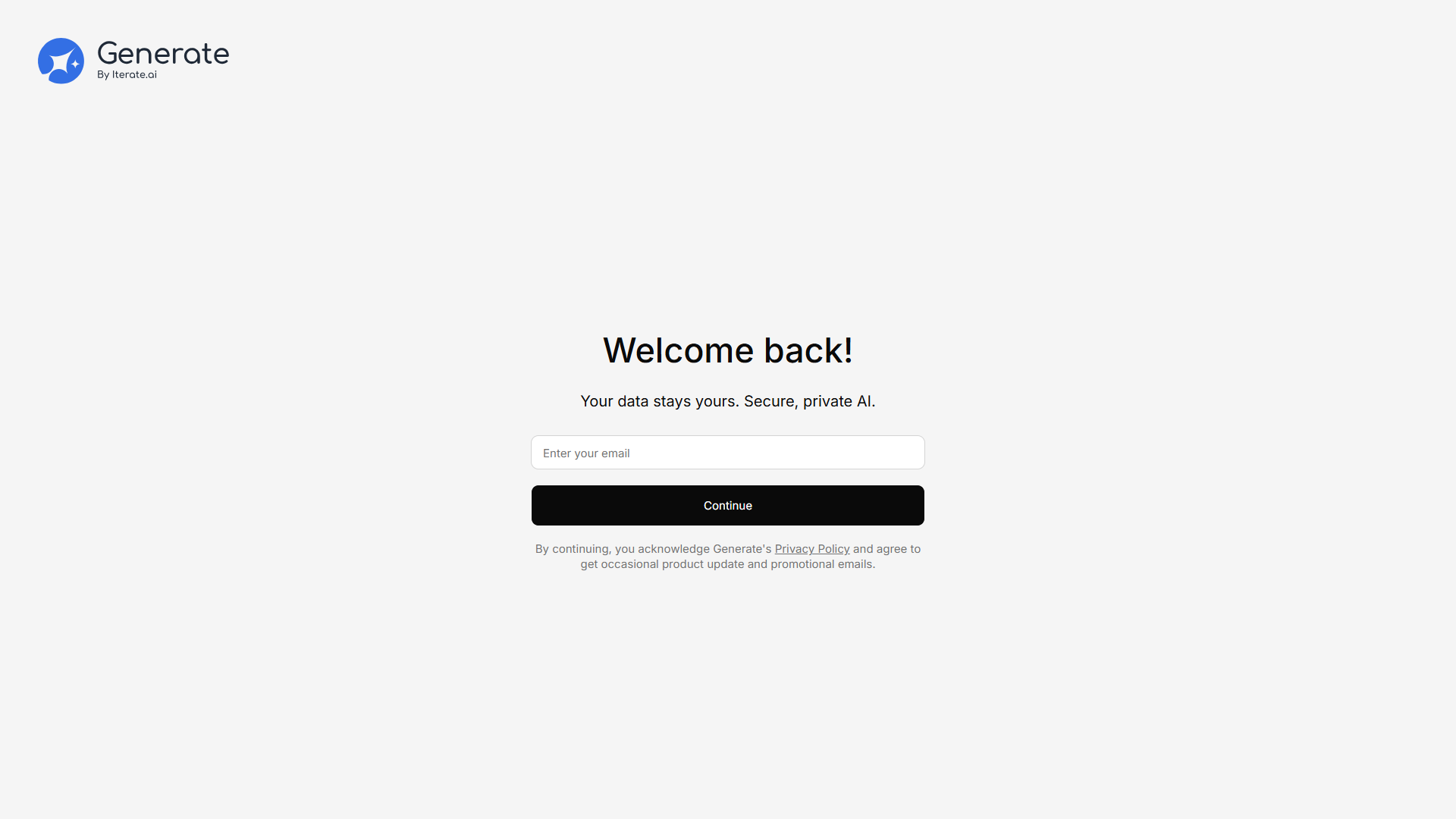
Signing Up (Invited Users)
Open the invitation link
Check your email for an invitation from your organization’s admin. Click the link to get started.
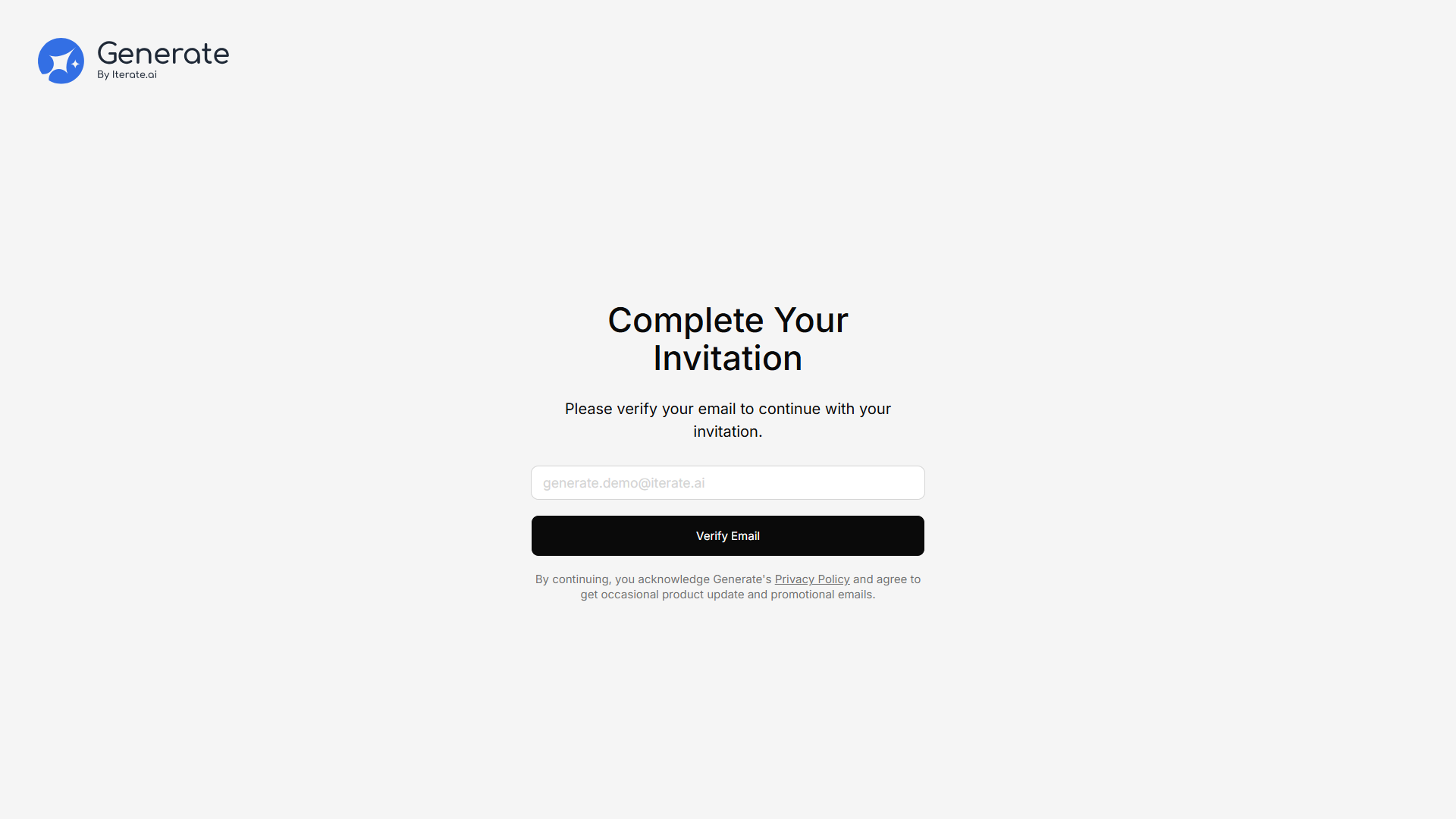
Creating a New Workspace (Self-Serve Sign-Up)
If your organization allows self-registration, go to /auth/signup and follow these steps to create a brand-new workspace from scratch:Verify your email
Enter the one-time code (OTP) sent to your email. You can request a new code if it doesn’t arrive.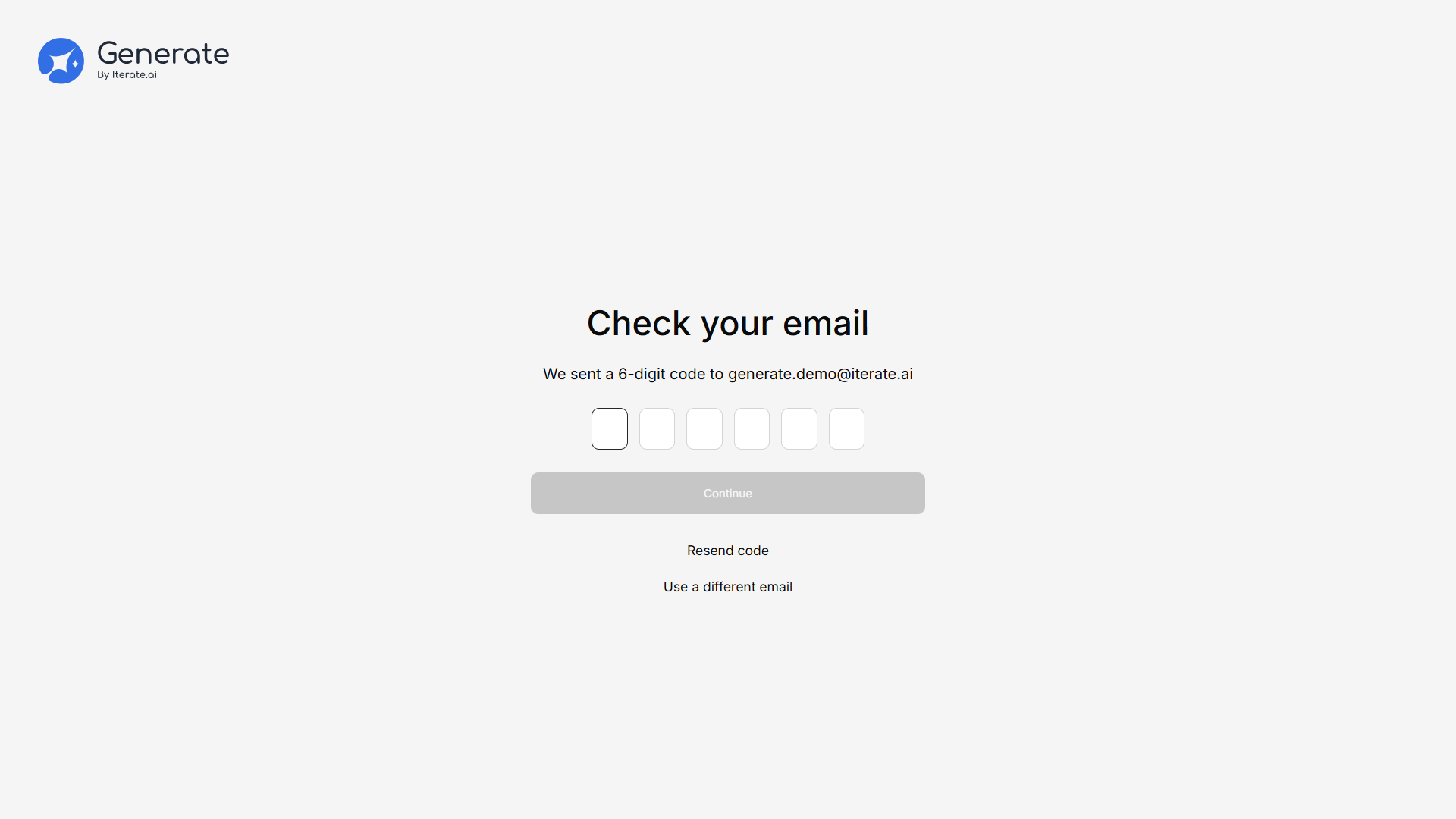
Create your password
Choose a password that meets the on-screen rules (at least 8 characters, with uppercase, lowercase, a number, and a special character).
Choose a plan
After your account is created, you’re taken to the plan selection screen. Pick Free, Starter, or Team, or click Continue Free (or Skip) to enter the app on the free plan and upgrade later.
You can change your plan at any time from Settings → Billing & Usage. See Plans & Seats.
Accepting the End User License Agreement
If your deployment requires it, the first time you log in you’ll see a blocking “End User License Agreement” dialog. Scroll to the bottom of the agreement to enable Accept — the button stays disabled until you do. If you’d rather not accept, your only other option is Log out.Logging In
You can log in at any time using:- Email and password — Enter your credentials on the login screen